The /time Command: How to Stop the Day Cycle or Skip the Night
 2 446
2 446 0
0 0
0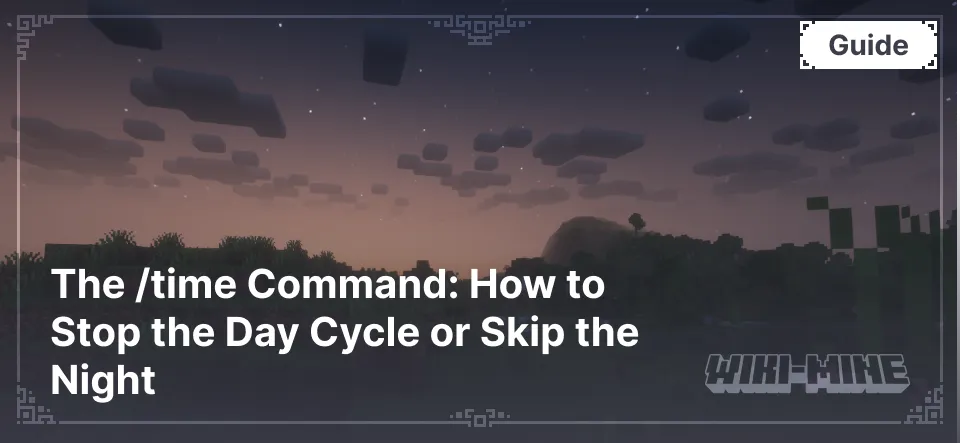
The /time command manages the in-game daily cycle. It allows for instant time changes, pausing the clock, or checking the exact number of elapsed game ticks.
Article Navigation
For the command to function, cheats must be enabled in single-player worlds, or operator (OP) status is required on a server.
How to Skip the Night or Set a Specific Time
To change the time of day, use the syntax: /time set <value>. You can enter either numerical parameters or text presets.
| Command | Result | Numerical Value |
|---|---|---|
| /time set day | Morning (Start of the day) | 1000 |
| /time set noon | Noon (Zenith) | 6000 |
| /time set night | Nightfall (Start of the night) | 13000 |
| /time set midnight | Midnight | 18000 |
If you need to set a specific time, use numbers ranging from 0 to 24000. For example, a value of 12000 sets the time to sunset.
How to Stop the Day and Night Cycle
The /time command itself does not freeze the sun. To lock the time at a specific point, you must modify a game rule (gamerule).
Instructions for stopping time:
- Open the chat (press T or /).
- Enter: /gamerule doDaylightCycle false.
- Time will freeze at its current position.
To resume the natural passage of time, enter the same command but replace false with true.
If it is currently dark and you want to lock it to permanent daylight, first enter /time set day, followed by the command to stop the cycle.
How to Speed Up Time in Minecraft
Standard commands cannot make the sun move faster, but you can accelerate processes that normally occur over time (such as crop growth or grass spreading).
To do this, use the command: /gamerule randomTickSpeed <number>
The default value is 3. If set to 1000, plants will grow in seconds. Important: excessively high values may cause the game or server to crash.
How to Check How Many Days Have Passed
For technical analysis or checking the age of a server, use the query: /time query day
After entering this, the chat will display the sequential number of the game day. The gametime query is also available, showing the total number of ticks since the map was created. One second of real time consists of 20 game ticks.
Why the /time Command Might Not Work
If an error occurs, check the following points:
- Syntax: A space after /time is mandatory.
- Access Rights: "Allow Cheats" must be enabled in the world settings.

Published by: TNT