

Ambient Environment — a mod for biome colour variation in Minecraft
Vanilla Minecraft Java Edition colours grass, leaves and water through a single biome palette — within one temperature-and-humidity zone…
Vanilla Minecraft Java Edition colours grass, leaves and water through a single biome palette — within one temperature-and-humidity zone the colour is the same from chunk to chunk. The Ambient Environment mod overlays a thin layer of noise on top of these colours, giving…
Ambient Environment — a mod for biome colour variation in Minecraft
Minecraft version the mod was tested on and the article was written for: 26.1.2
Supported version range: 1.12.x – 26.1.2
Mod version: 26.1.2.1
Dependencies: Fabric API (for Fabric builds)
Vanilla Minecraft Java Edition colours grass, leaves and water through a single biome palette — within one temperature-and-humidity zone the colour is the same from chunk to chunk. The Ambient Environment mod overlays a thin layer of noise on top of these colours, giving adjacent patches of vegetation and water barely noticeable differences in shade. In the Bedrock edition of the game this feature comes out of the box — in Java Edition the mod reproduces exactly that logic, without shaders and without altering textures.
What changes in the world
Instead of a single colour value per biome, a noise function tied to the block's coordinates is used. On one hill the grass becomes a little darker, in a neighbouring forest 50 blocks away the leaves take on a cooler shade, and a patch of water near the shore differs from the open expanse. This works more noticeably at a render distance of 8–12 chunks, when a large stretch of uniform surface comes into frame.
The scope of the variation is small. From a static camera at 1:1, the eye catches the difference only in a direct "before/after" comparison. The task the mod addresses is to remove the "stamped-out" impression of large biome surfaces without changing the overall style of the game.
Which objects it affects
The mod intervenes in three categories that the vanilla game colours through the biome palette:
Grass blocks and grass-like vegetation. The surface of the grass block, tall grass, ferns, low shrubs.
Leaves. Leaf types to which the biome assigns a colour tint — mostly forested biomes with a pronounced green or tropical colouring.
Water. The colour of water in oceans, rivers, swamps and warm biomes.
Blocks with a fixed colour baked into their textures are not touched by the noise — variation appears only where the vanilla code itself computes the colour through the biome palette.
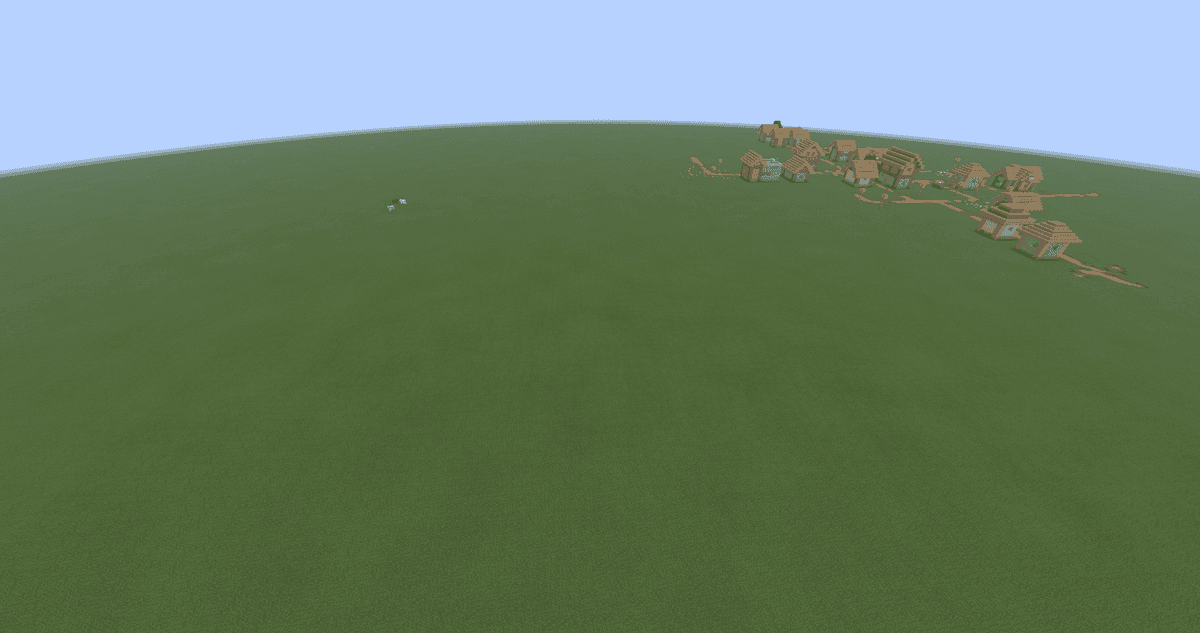
A square of ground with the mod enabled
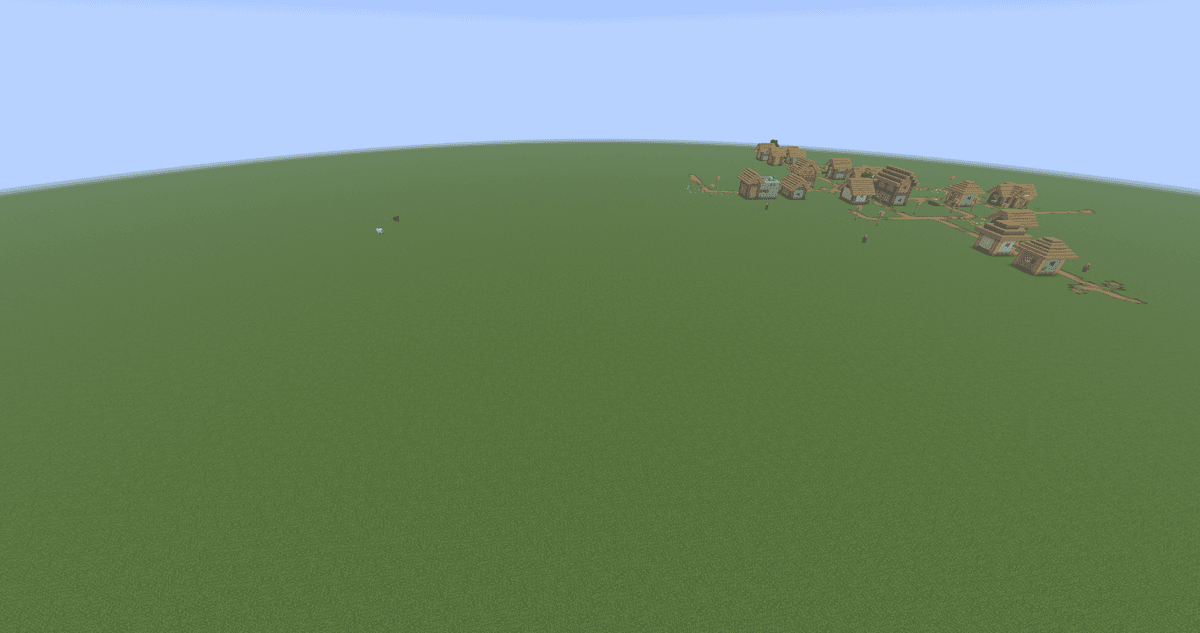
A square of ground with the mod disabled
Operation on servers and impact on FPS
Everything runs on the client side. There is no need to install the mod on the server — players without it will see ordinary vanilla, while players with it will see the colour variation on their own screen. It can be used on vanilla servers without coordinating with the administration.
The colour is calculated once during the rendering of a chunk and stored along with it. The modification has no noticeable impact on the frame rate — the extra load on the CPU is felt only at the moment new chunks are loaded and fits within the renderer's ordinary work.
Shader packs that redefine the colour model of leaves and water in their own calculations may override the mod's effect. In that case the variation remains visible only on those elements that the shader leaves to the responsibility of the vanilla code.
Conclusion
Ambient Environment eliminates the "plastic" monotony of coloured surfaces in Minecraft. Its counterpart from the Bedrock edition of the game works the same way — the mod reproduces its logic, adding nothing on top. It suits survival worlds, screenshot sessions and client builds where you need a subtle bit of life breathed into the landscape without affecting FPS and without server dependencies.
Installation
A typical installation takes about 5 minutes. The flow is the same; only the loader and the matching build differ.
- 1Install a mod loader (Forge, Fabric or NeoForge) that matches your Minecraft version.
- 2Download the mod file (.jar) built for that same version.
- 3Place the .jar into your .minecraft/mods folder.
- 4Launch Minecraft with the modded profile and check the mod loads in-game.
 Installing Mods in Minecraft: A Guide for Forge, FabricLearn how to install mods in Minecraft with this step-by-step guide for Forge and Fabric. Improve your game with new features, tools, and mechanics!Open the install guide










