

Chunky — chunk pre-generation and world optimization mod for Minecraft
Learn how to use Chunky to pre-generate chunks in Minecraft, reduce lag, and optimize server performance. Complete guide with commands.
Learn how to use Chunky to pre-generate chunks in Minecraft, reduce lag, and optimize server performance. Complete guide with commands.
Chunky — chunk pre-generation and world optimization mod for Minecraft
Mod version used for this guide: 26.1.2
Supported Minecraft versions: 1.13.2 –26.1.2
Chunky is designed for pre-generating chunks in Minecraft. It creates game regions around a specified point in advance, so the server doesn't waste resources generating them from scratch during gameplay. Suitable for all servers.
Why is pre-generation necessary?
When players enter a new region for the first time, the server generates chunks in real-time. On weak hardware or with a large number of players, this results in lag and TPS drops. The mod solves this in advance: you run the generation on an empty server or during a maintenance window, and by the time players arrive, all necessary regions are already prepared.
Besides performance, pre-generation fixes the map size. If a world border is set, Chunky can fill exactly this space — without any extra chunks beyond the border.
Commands
All commands are executed via the server console or in-game as an operator. Permission node: chunky.use (or operator status).
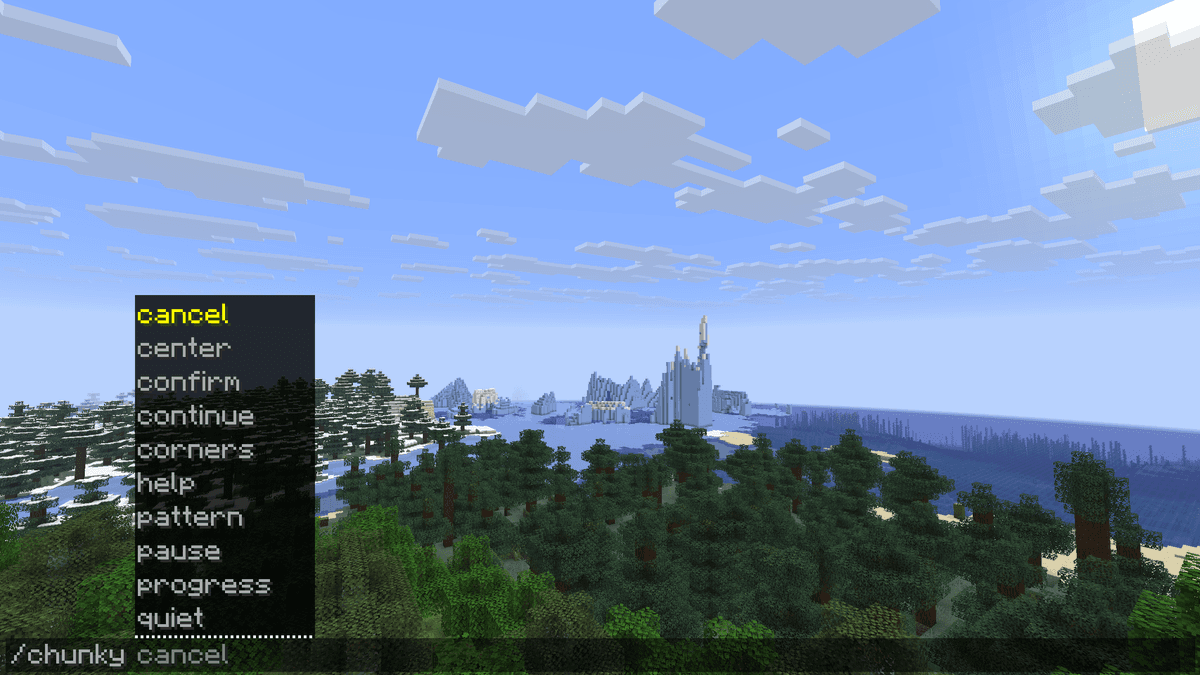
Demonstration of the chunky command
Task management
Command | Action |
| Starts a new generation task for the current selection |
| Pauses the task and saves progress |
| Resumes a saved or paused task |
| Cancels the task, progress is lost |
| Shows the current progress of all active tasks |
Selection setup
Before starting, you need to define where and what shape to generate.
Command | Action |
| Selects the world for generation (overworld / the_nether / the_end or custom) |
| Sets the center point. Without arguments — the player's current position |
| Sets the radius in blocks |
| Sets the generation area shape (square, circle, rectangle, diamond, star, triangle, ellipse, hexagon ) |
| Sets the center to the spawn point |
| Grabs the center and size from the current world border |
| Sets the area via corner coordinates |
| Sets the chunk traversal pattern |
| Shows the current selection parameters |
Additional commands
Command | Action |
| Irreversibly deletes all chunks outside the current selection. |
| Toggles update outputs in the console |
| Sets the interval between console messages (in seconds) |
| Reloads the configuration without restarting the server |
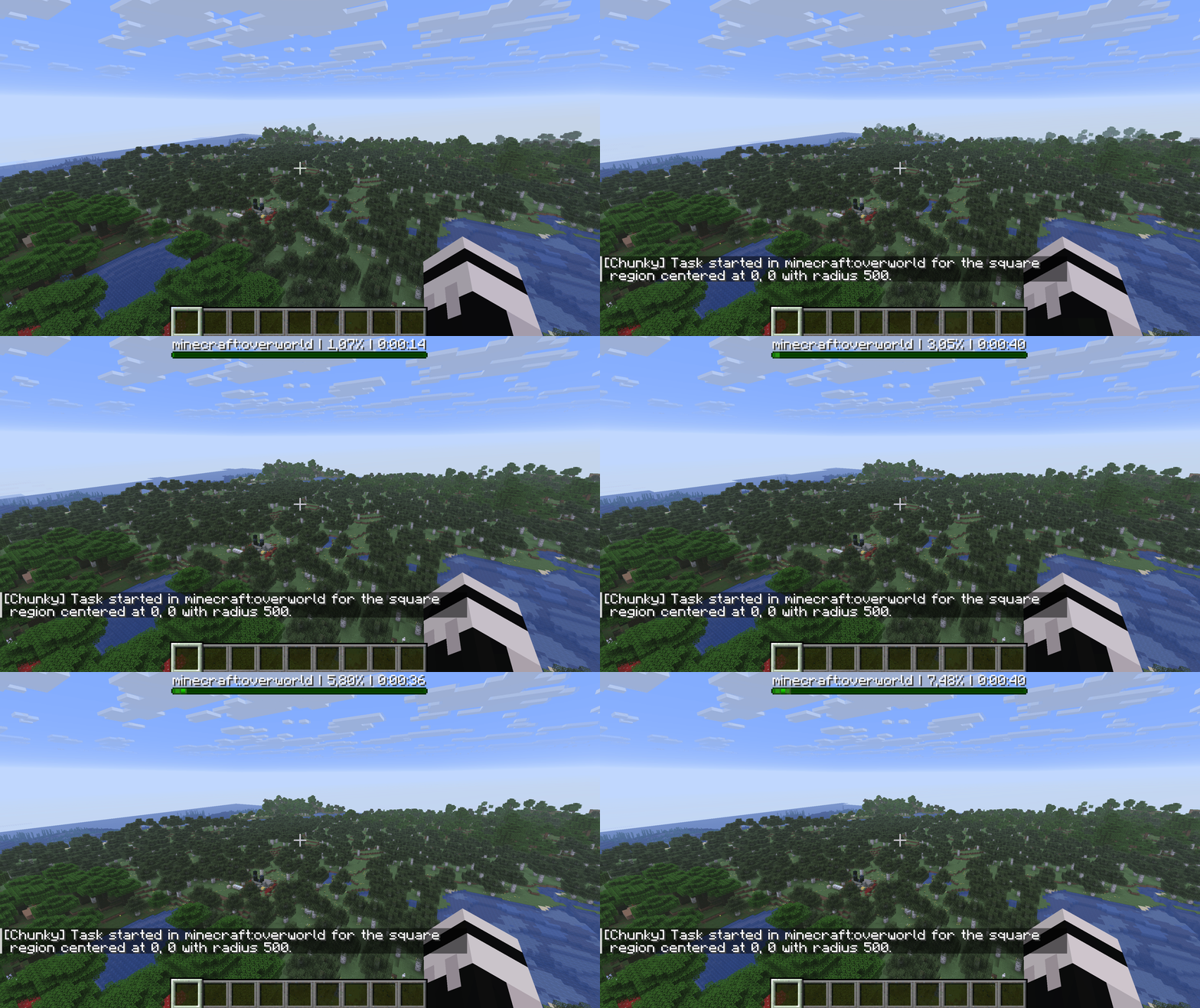
Executing the chunky start command in chat — progress lines with percentage and speed update every second a
Configuration
Chunky saves its configuration in the config.json (for Fabric/Forge/NeoForge) or config.yml (for Bukkit/Paper) file. Below are all parameters with explanations.
Parameter | Description and options |
| Internal config version. Do not edit — the mod uses this to automatically update the format |
| Message language. Supported: en (English), uk (Ukrainian), ru (Russian), de, fr, zh_CN, pl, pt_BR, and others. If the translation for the selected language is incomplete, the English version is used as a fallback |
| Whether to resume saved tasks after a server restart. |
| Force load chunks that Minecraft considers fully generated, instead of skipping them. true is needed if world metadata is corrupted or the world is created by external tools (e.g., Earth maps). |
| Disable progress messages in the console. |
| The interval between progress messages in the console, in seconds. Minimum value: 1. Increasing it reduces the number of lines in the logs but does not affect the generation speed |
Conclusion
Chunky creates — chunk pre-generation — and does it without unnecessary configuration. The command structure is straightforward: select an area, start it, pause it if necessary. For servers with active players and a fixed world border, this is a standard preparation tool.
The mod does not control CPU load during generation and has no built-in speed limit. On weaker machines, parallel generation of multiple worlds can significantly slow down the server if there are active players. It is optimal to run it during a maintenance window without players or at night.
Suitable for any public survival server before launching a new season, for technical servers with Folia, as well as for single-player if you need to pre-load a large region for streaming or recording videos.
Installation
A typical installation takes about 5 minutes. The flow is the same; only the loader and the matching build differ.
- 1Install a mod loader (Forge, Fabric or NeoForge) that matches your Minecraft version.
- 2Download the mod file (.jar) built for that same version.
- 3Place the .jar into your .minecraft/mods folder.
- 4Launch Minecraft with the modded profile and check the mod loads in-game.
 Installing Mods in Minecraft: A Guide for Forge, FabricLearn how to install mods in Minecraft with this step-by-step guide for Forge and Fabric. Improve your game with new features, tools, and mechanics!Open the install guide










