
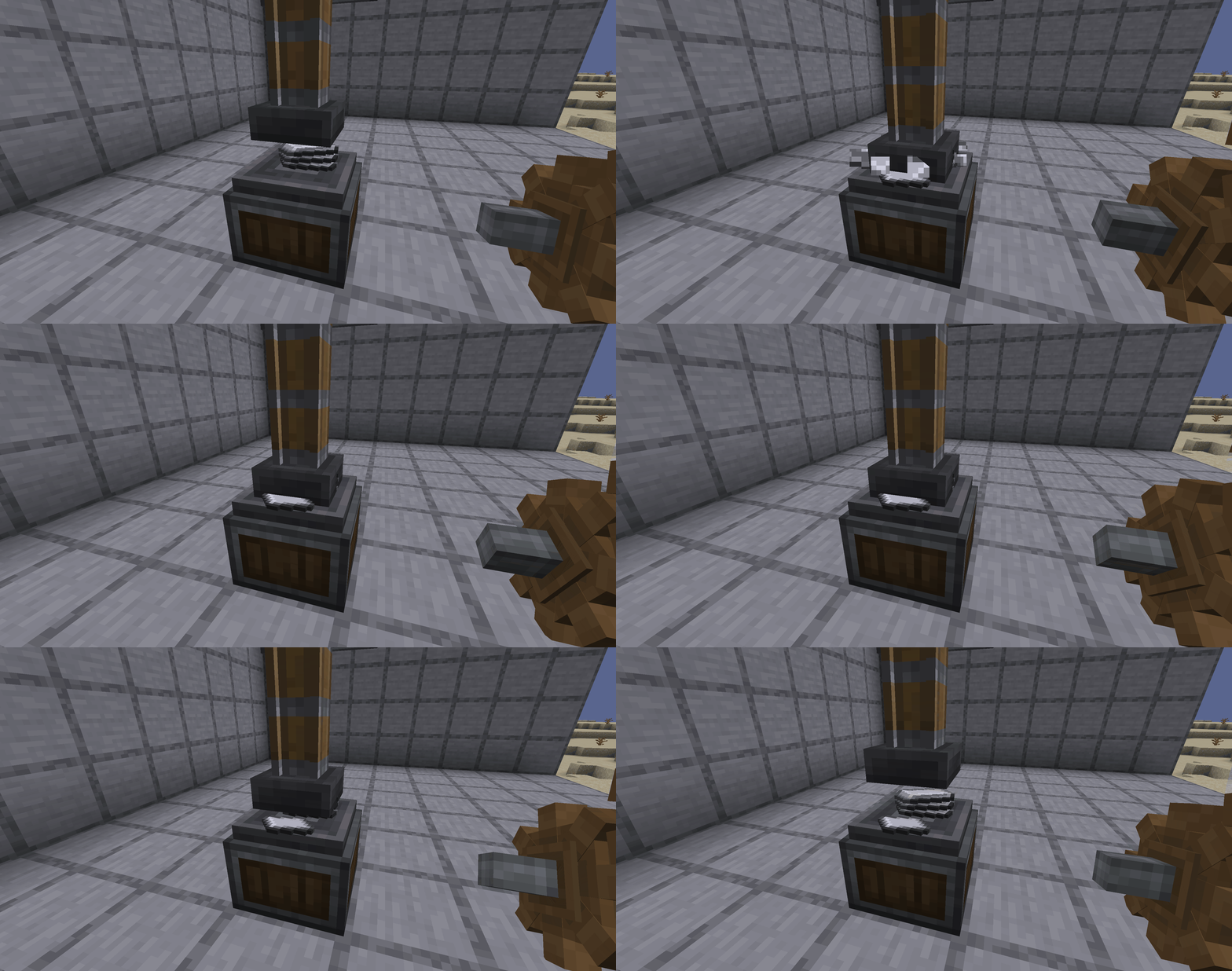
Create Fabric — Port of the legendary tech mod with mechanisms and automation for Fabric in Minecraft
Discover Create Fabric for Minecraft. A global tech mod for mechanical automation, kinetic systems, and moving contraptions without…
Discover Create Fabric for Minecraft. A global tech mod for mechanical automation, kinetic systems, and moving contraptions without traditional GUI menus.
Create Fabric — Port of the legendary tech mod with mechanisms and automation for Fabric in Minecraft
Minecraft version used for testing and writing this article: 1.20.1
Supported versions range: 1.18.2, 1.19.2, 1.20.1
Required libraries: Fabric API
Create Fabric is a port of the Create mod to the Fabric and Quilt platforms, adding a mechanical automation system to Minecraft based on shaft rotation, kinetic stress, and moving contraptions. The original Create was developed for Forge, so the Fabricators-of-Create team maintains a separate edition for the Fabric ecosystem, keeping features closely aligned with the main branch. Instead of standard menus, almost everything works right in the world: blocks connect via shafts and cogs, performing work right before the player's eyes.
How the Kinetic System Works
At the core of everything is rotational power. Every machine either consumes or generates it, and they are connected by shafts and cogs into a single kinetic network. This network has two metrics: speed in revolutions per minute (RPM) and kinetic stress — the total "weight" of all machines on the network.
The logic is simple. Rotational sources provide a certain kinetic capacity, and every connected machine eats up a portion of that capacity. As long as the total stress does not exceed the capacity, everything spins. Once it exceeds it, the network stalls (the "Overstressed" state) until the player reduces the load or adds more power. Speed isn't free either: the faster a machine spins, the more stress it consumes, so you can't just accelerate everything to the limit (256 RPM by default).
Because of this, Create gameplay is a constant balancing act between how much power the player generates and what they spend it on. Speed also affects the processes themselves: some recipes process faster at higher speeds, while others require a precise RPM range.
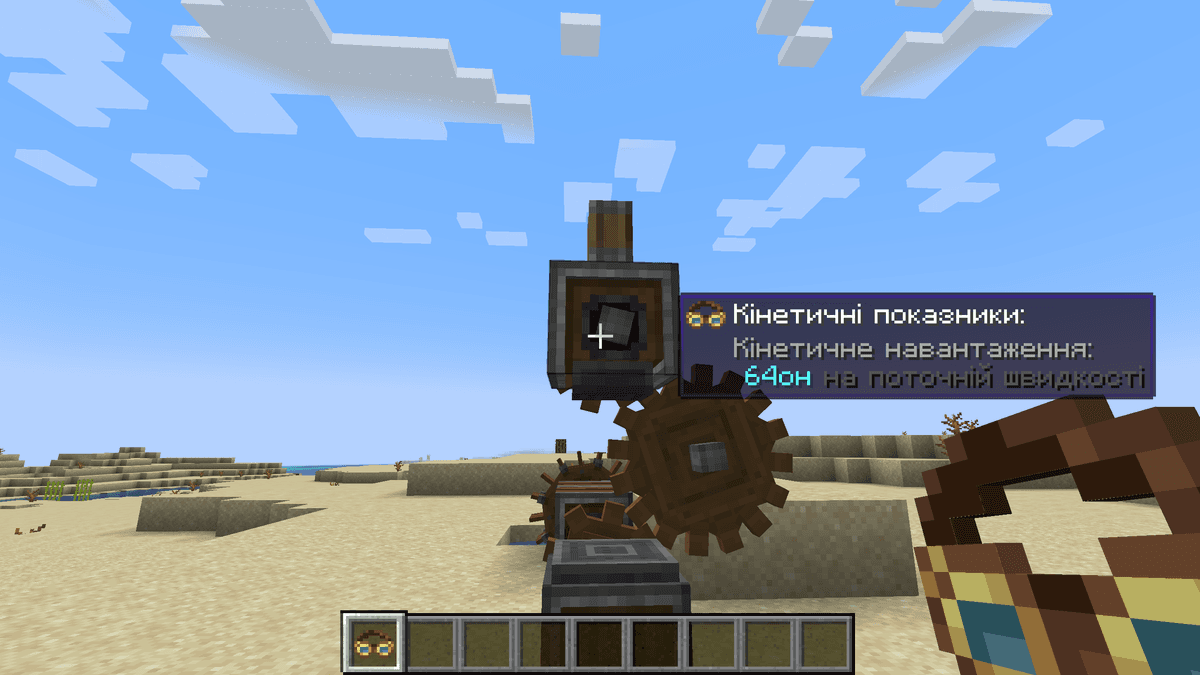
Engineer's Goggles display the stress next to a Mechanical Press
Rotational Sources
The first source in the game is the Hand Crank. It provides very little power and exhausts the player, so it's only good for one-off tasks. Next are the Water Wheel and Windmill Bearing — stable and cheap early-game options. The wheel is powered by water flow, while the windmill is powered by Sails that the player assembles themselves: the more Sails, the faster the bearing spins.
The most powerful survival source is the Steam Engine. It is placed on a Fluid Tank filled with water, which is heated from below by a Blaze Burner. The larger the tank and the stronger the heat, the more power the engine delivers to the network, so a single well-built setup can cover the needs of an entire factory.
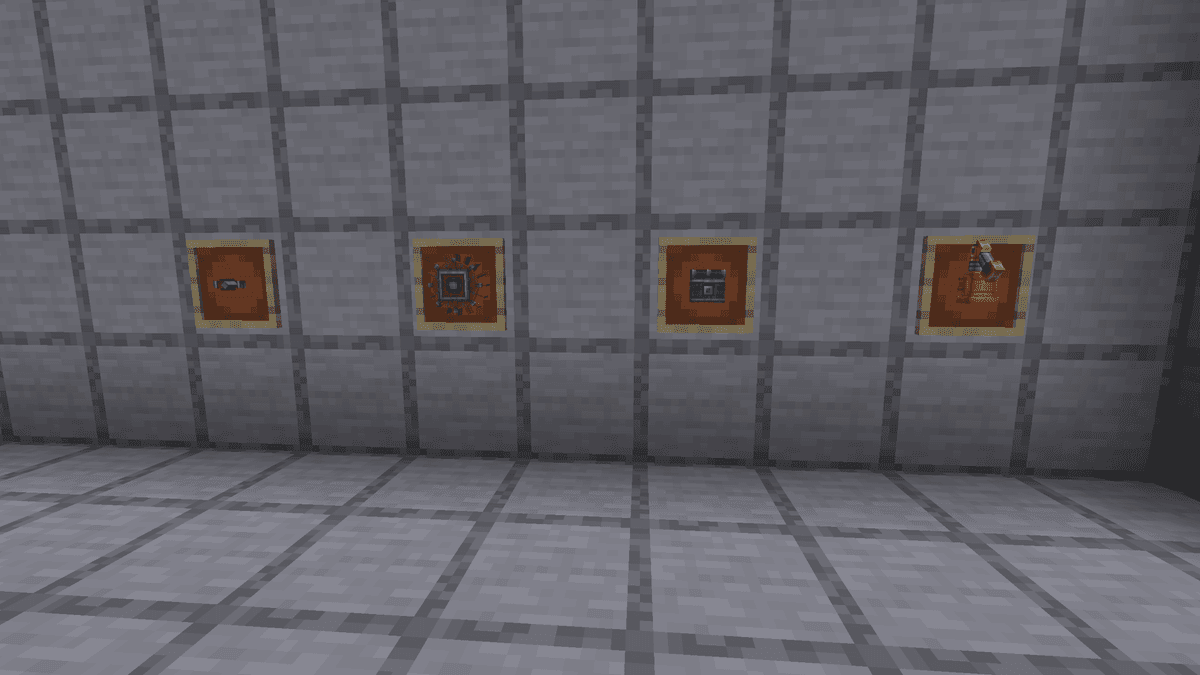
Rotational sources
Material Processing
Instead of usual crafting table recipes, Create offers machines that process items directly in the world: a resource goes onto a conveyor belt, passes through a mechanism, and comes out finished. Almost all production chains revolve around a few key machines.
For grinding, there are Crushing Wheels and the simpler Millstone: ore yields more ingots than regular smelting, and stone is turned into sand and gravel. The Mechanical Press stamps metal into plates and works above a Basin as a compact assembler. The Mechanical Mixer mixes ingredients and brews liquids over that same Basin, while the Mechanical Saw cuts logs into planks and slices stone.
Standing apart is the Deployer — a machine that mimics player actions: right-clicking, attacking, or placing blocks. This is what automatic farms are built upon: it shears sheep, milks cows, harvests sugarcane, and plants seeds.
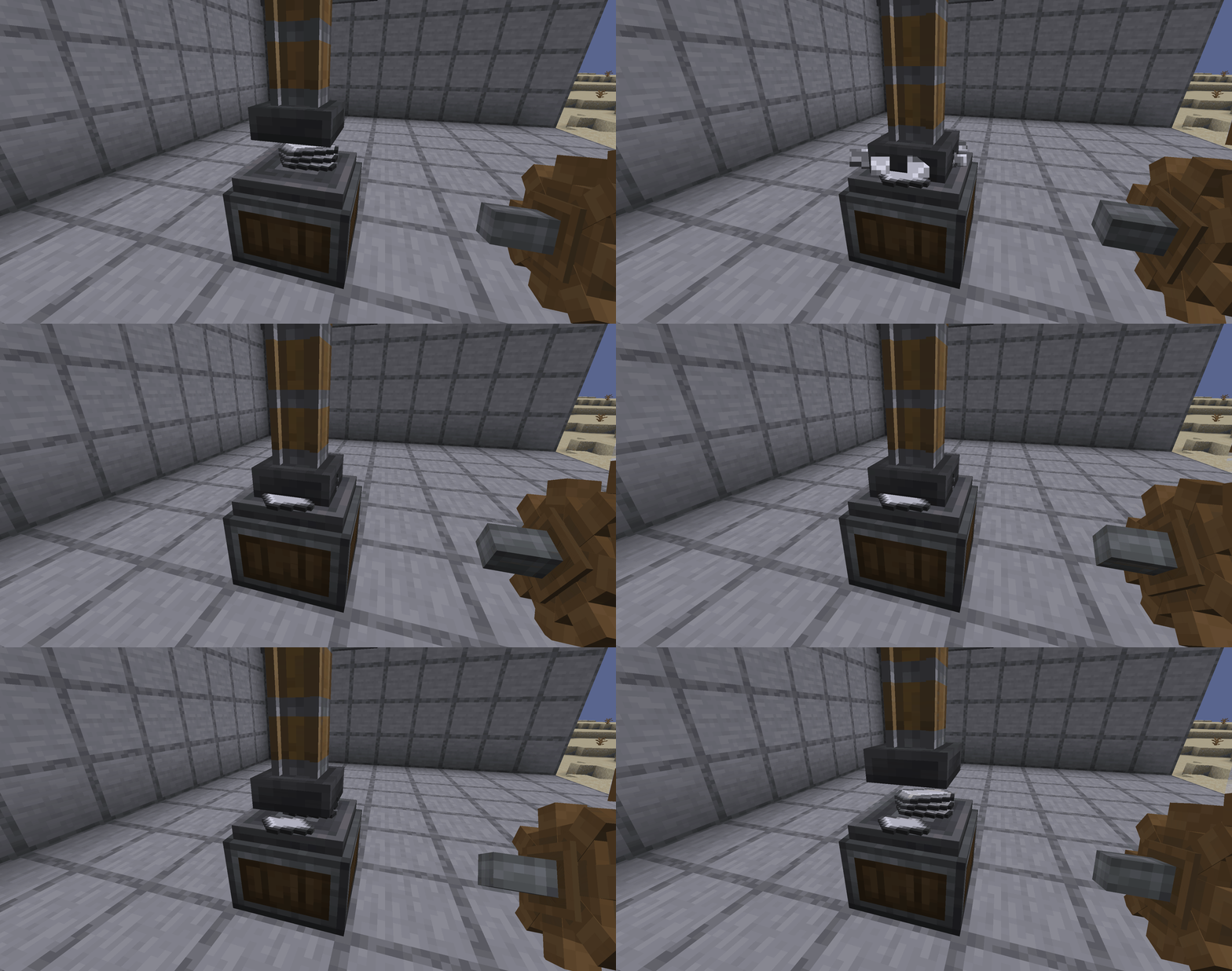
The Mechanical Press drops onto iron and presses out a plate
Moving Contraptions
The most notable feature of Create is its contraptions — structures that move along with all the blocks attached to them. The player builds a structure, connects it to a mover, and activates it, after which it travels through space as a single entity.
There are different movers. A Mechanical Piston pushes a platform along an axis, a Rope Pulley raises and lowers it vertically, and a Mechanical Bearing rotates the entire structure around a center point — this is how windmills and rotating farms are made. If a contraption is placed on a minecart via a Cart Assembler, it will travel along rails: this allows for moving drills, harvesters, and even mobile homes.
Every moving contraption is an entity in the game's memory. Very large structures or too many active contraptions at once can noticeably impact both client and server performance.
Logistics and Storage
When machines are running, resources need to be supplied to them and taken away. The basic transport is the Mechanical Belt: it carries both items and any player standing on it. Belts are connected to inventories using Funnels and vertical Chutes, and mass storage is handled by the Item Vault — blocks that merge into one large warehouse.
Version 6.0 introduced a package system: items are boxed into cardboard boxes and sent to their destination via Packagers, and over long distances, they are pulled by a suspended Chain Conveyor. This brings Create's logistics closer to a full-fledged in-world postal network.
Fluids and Air
Fluids in Create live in their own system of pipes and tanks. The Fluid Tank is assembled into a tower of any height, the Mechanical Pump drives the contents through pipes, and the Hose Pulley can completely drain a lake or endlessly pump water from a large enough source.
Another highly useful machine is the Encased Fan. On its own, it pushes items and mobs with air, but if you run the airflow through water, lava, or fire, it begins to wash, smelt, or smoke anything passing in front of it. One such block can replace an entire row of furnaces.
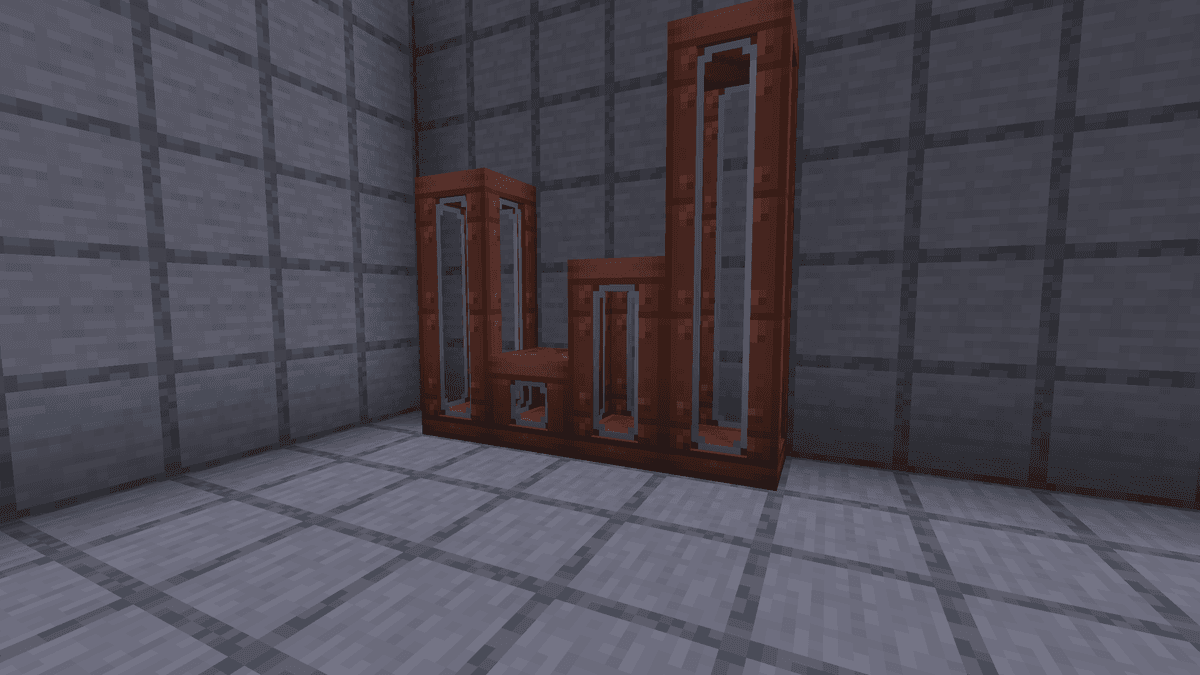
Fluid Tanks of various heights
Useful Tools
There are two items the player carries at all times. Engineer's Goggles in the helmet slot show the speed and stress above machines — setting up a network without them is almost impossible. The Wrench rotates blocks, toggles their modes, and safely pops mechanisms back into the inventory.
For exploration, the Copper Backtank is useful, providing a supply of underwater air and powering pneumatic tools. And for building, there is the Schematic: the player saves a finished structure to a file, brings it anywhere, and prints it with the Schematicannon using materials from its adjacent chest.
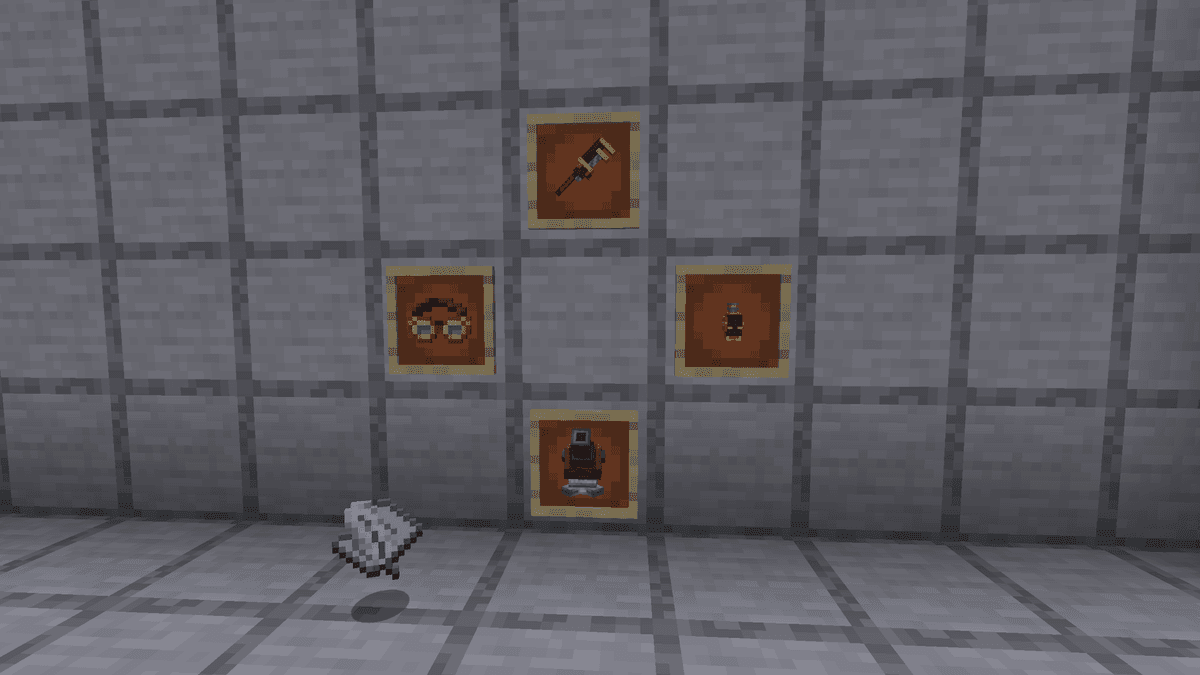
A set of basic Create tools
Config — Key Server Parameters
The create-server.toml file contains dozens of options. Most players change nothing, but a few parameters significantly affect gameplay.
Parameter | What it does |
| RPM cap for the entire network |
| Completely disables the stress mechanic |
| Maximum length of a single belt |
| Maximum size of a moving contraption |
| Buckets per single tank block |
| Operating radius of the hose pulley |
| Top speed of a train (blocks/sec) |
| Ticks of air in a full copper backtank |
A separate section, kinetics.stressValues.v2.impact, manages the stress impact of each mechanical block. Tweaking these values without understanding balance can easily make a network impossible to run — some modpacks intentionally scramble them to force the player to build differently.
Conclusion
Create Fabric fills a niche where vanilla Minecraft offers nothing: massive automation via moving mechanisms that the player sees in action, rather than hidden behind menus. The mod's strong point is its visual clarity: the factory works physically, with rotating shafts and visible stress logic. The downside is the entry barrier: new terminology and stress balancing can be daunting at first, and very large moving contraptions can cause performance drops. Create Fabric shines best in long survival sessions focused on engineering and in modpacks where it serves as the foundation for all technical progression.
Installation
A typical installation takes about 5 minutes. The flow is the same; only the loader and the matching build differ.
- 1Install a mod loader (Forge, Fabric or NeoForge) that matches your Minecraft version.
- 2Download the mod file (.jar) built for that same version.
- 3Place the .jar into your .minecraft/mods folder.
- 4Launch Minecraft with the modded profile and check the mod loads in-game.
 Installing Mods in Minecraft: A Guide for Forge, FabricLearn how to install mods in Minecraft with this step-by-step guide for Forge and Fabric. Improve your game with new features, tools, and mechanics!Open the install guide










