LambDynamicLights — a mod for dynamic lighting in Minecraft
LambDynamicLights adds dynamic lighting from items and mobs to Minecraft: a torch in your hand, dropped on the ground, or a lantern hung in…
LambDynamicLights adds dynamic lighting from items and mobs to Minecraft: a torch in your hand, dropped on the ground, or a lantern hung in an item frame — all of these actually light up the space without placing any blocks. In the vanilla game, lighting is only recalculated…
LambDynamicLights — a mod for dynamic lighting in Minecraft
Version the article was written for: 26.1.2
Loader: Fabric
Mod version: 4.10.2
Supported Minecraft versions: 1.16.2 – 26.1.2
LambDynamicLights adds dynamic lighting from items and mobs to Minecraft: a torch in your hand, dropped on the ground, or a lantern hung in an item frame — all of these actually light up the space without placing any blocks. In the vanilla game, lighting is only recalculated when blocks change, so any moving light source has no effect whatsoever on the surroundings. The mod reworks this and makes underground exploration and building noticeably more convenient.
Operating modes
The mod has three quality levels. In fancy mode the lighting updates smoothly and precisely — every movement of the player or a mob is immediately reflected on the surrounding blocks. fast mode lowers the update frequency for the sake of performance, but the dynamic lighting still remains. The third option, off, completely disables the feature without removing the mod.
The modes are changed through the config file lambdynlights.toml
You can also change the way chunks are rebuilt: by default only the chunks the camera currently sees are recalculated. This lowers the load on the CPU without a noticeable loss in quality. The alternative mode rebuilds a chunk immediately at the moment the source moves, without taking visibility into account.
A demonstration of fancy mode — the lighting zone moves smoothly along with the player
Light sources
The mod supports two basic scenarios: lighting from mobs and dropped items, as well as from what the player holds in their hands or wears. A torch tossed into the air lights up the space until the moment it falls to the ground. A torch in an item frame is also a source.
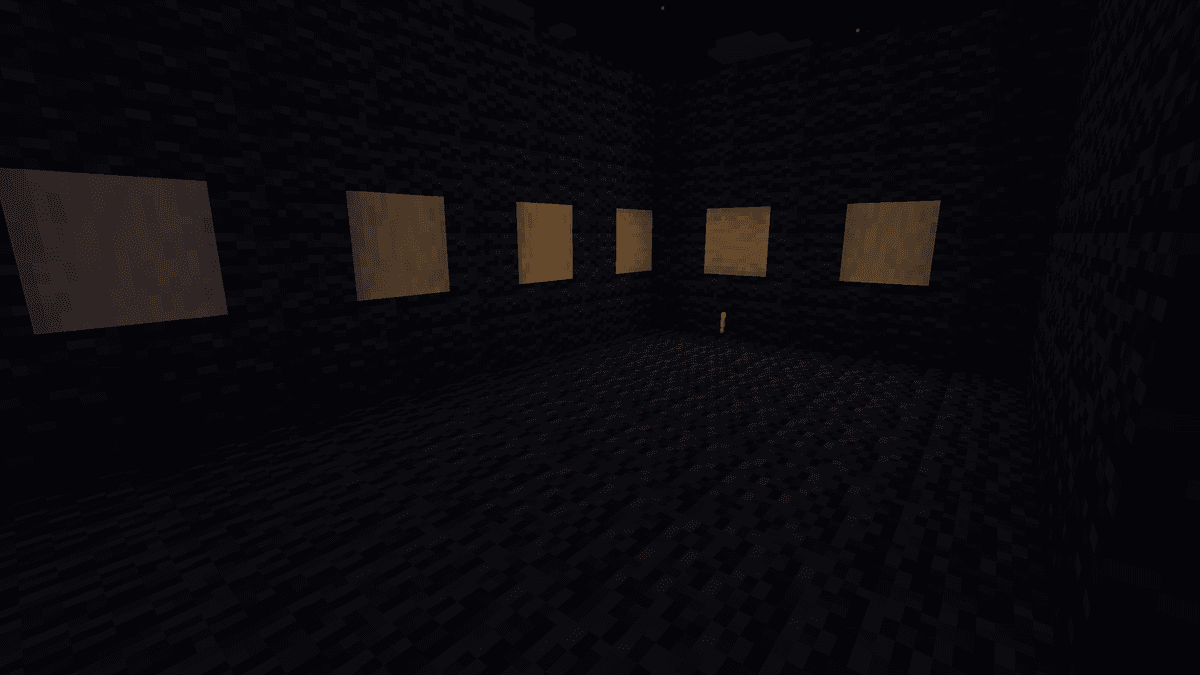
A torch dropped on the ground lights up the area around itself
Specific sources
For a few types there is a separate choice of detail level — disabled, simplified, or full:
CREEPER — lights up while preparing to explode. Enabled in simplified mode by default.
TNT — can light up after being ignited. Disabled by default.
The following are also turned on or off separately:
Beacon beam — lights up blocks along the entire vertical or horizontal beam.
Guardian laser — during an attack the beam lights up the sector between the mob and its target.
Warden sonic boom — the attack particles light up the trajectory from the mob to the player.
Glowing effect — any entity with this effect becomes a source of faint light.
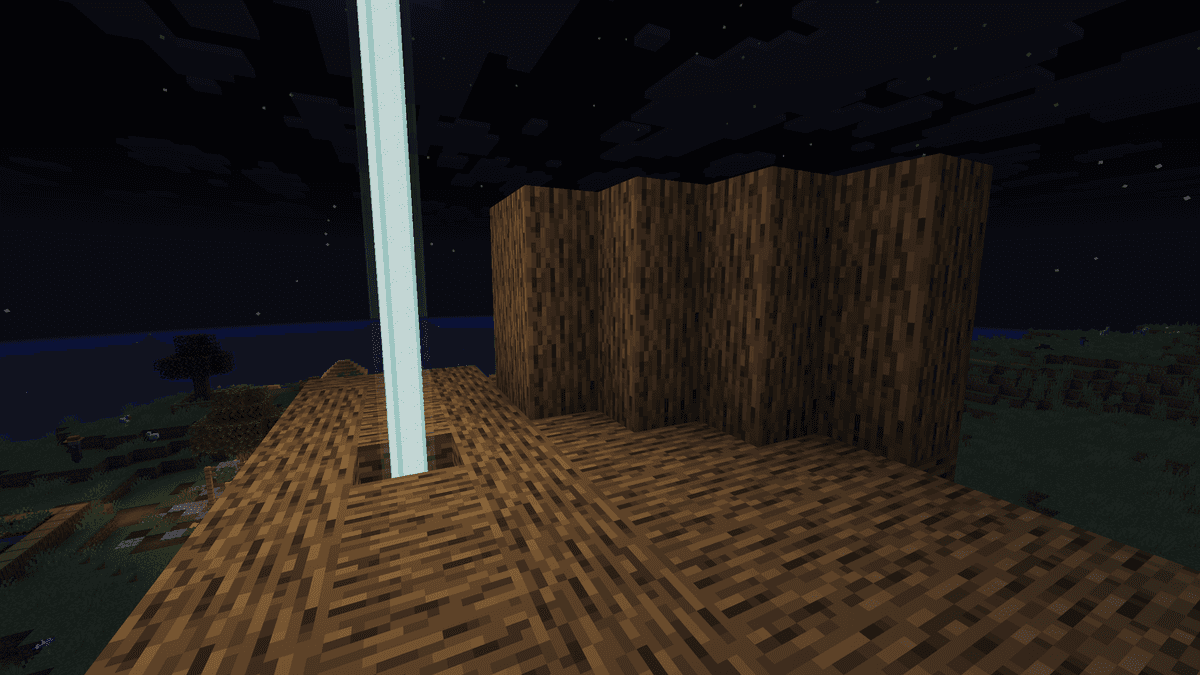
Lighting from a beacon beam horizontally and vertically
Adaptive ticking
To reduce the load from a large number of simultaneous sources, the mod updates distant sources less often. Up to 5 chunks from the player — normal frequency. From 5 to 8 chunks — less often. Beyond 8 chunks — even less often. Sources behind the camera are updated even less often until they come into the field of view.
In practice this means that even in a large cave with dozens of mobs at once, the mod maintains a stable frame rate without disabling dynamic lighting entirely.
Config
The configuration file lambdynlights.toml is located in the config/ folder of the game directory. After installing the mod, the file is created automatically on the first launch. The parameters are edited in any text editor — the changes take effect after restarting the game.
Parameter | What it does |
| General operating mode: fancy — smooth lighting, fast — simplified with a lower load, off — completely disabled |
| culling — rebuilds only the chunks in the camera's field of view; immediate — rebuilds all surrounding chunks at once, without a visibility check |
| Distance in chunks after which the source's update frequency is lowered for the first time |
| Distance in chunks after which the frequency is lowered for the second time — to the minimum |
| When true, sources behind the camera are updated less often until they come into the field of view |
| When true, mobs and dropped items act as sources of dynamic light |
| When true, items in the hands and the player's armor light up the surrounding space |
| When true, moisture-sensitive items (for example, torches) do not light up underwater |
| Lighting from the CREEPER while preparing to explode: off — disabled, simple — basic, fancy — smooth |
| Lighting from ignited TNT: off — disabled, simple — basic, fancy — smooth |
| When true, beacon and End gateway beams light up blocks along their trajectory |
| When true, the Guardian laser lights up the zone between the mob and its target during an attack |
| When true, the particles of the Warden sonic boom light up the attack trajectory |
| When true, any entity with an active glowing effect becomes a source of faint light |
Conclusion
LambDynamicLights adds dynamic lighting from items and entities to Minecraft on the client side without server dependencies. The adaptive ticking system allows the mod to be used even on weaker hardware — the quality level and threshold distances are tuned in the config for a specific machine. It is suitable for any type of play: exploration, survival, building — anywhere convenient temporary lighting is needed without constantly placing blocks.
Installation
A typical installation takes about 5 minutes. The flow is the same; only the loader and the matching build differ.
- 1Install a mod loader (Forge, Fabric or NeoForge) that matches your Minecraft version.
- 2Download the mod file (.jar) built for that same version.
- 3Place the .jar into your .minecraft/mods folder.
- 4Launch Minecraft with the modded profile and check the mod loads in-game.
 Installing Mods in Minecraft: A Guide for Forge, FabricLearn how to install mods in Minecraft with this step-by-step guide for Forge and Fabric. Improve your game with new features, tools, and mechanics!Open the install guide