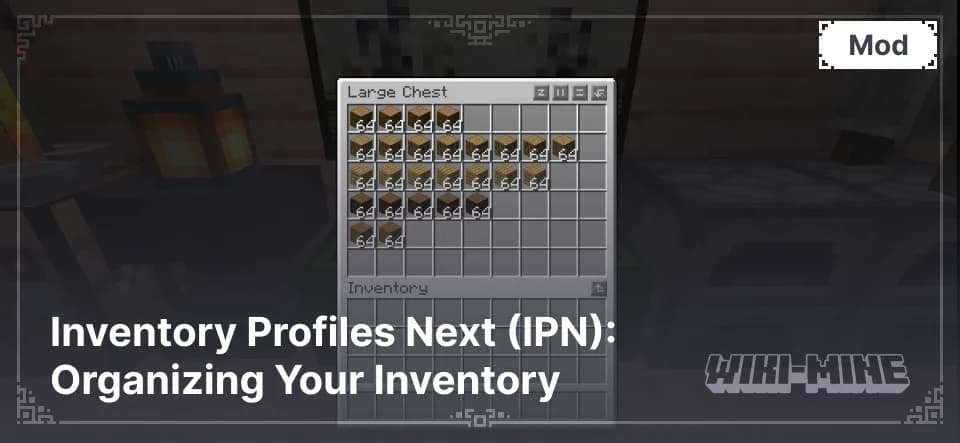
Looking for something truly unique in Minecraft? Unique mods are special additions that go beyond standard categories. These mods introduce unconventional features, exciting gameplay mechanics, and unexpected elements, making the game more diverse and engaging. They are perfect for players who want to explore new and innovative experiences.
Benefits of Unique Mods
Unique Minecraft mods are designed to bring fresh ideas and variety to the game. Key benefits include:
- Unconventional mechanics. These mods often introduce unique features, such as gravity changes or teleportation, not found in traditional mods.
- Unusual items and devices. Unique mods provide tools and items outside standard categories, like musical instruments, mini-games, and creative building tools.
- Interactive elements. Some mods add interactive objects, such as arcade machines, mystery chests, or portals to parallel worlds.
- New game modes. These mods can alter standard game rules by adding survival challenges with unique conditions or quest-based gameplay.
- Creative opportunities. Many unique mods are creativity-focused, offering advanced building tools or innovative ways to interact with the game world.
How to Install Unique Mods in Minecraft
Installing unique mods follows the standard process and involves these simple steps:
- Download the mod from a trusted source.
- Ensure Forge or Fabric is installed, depending on the mod's requirements.
- Move the mod file to the
mods folder in the game's root directory.
- Launch Minecraft via the appropriate loader and explore the new gameplay changes.
Having trouble? See the detailed guide for installing mods.
Conclusion
Unique mods for Minecraft open new horizons for creativity and experimentation. They introduce unconventional features, unusual items, and innovative mechanics, making the game even more engaging. If you're ready to step outside standard categories and try something entirely new, install unique mods today and dive into the exciting world of Minecraft adventures!