

No Resource Pack Warnings — a mod for removing incompatible resource pack warnings in Minecraft
A lightweight Fabric/Quilt mod that hides Minecraft's red warnings for incompatible resource and data packs.
A lightweight Fabric/Quilt mod that hides Minecraft's red warnings for incompatible resource and data packs.
No Resource Pack Warnings — a mod for removing incompatible resource pack warnings in Minecraft
Mod version reviewed: 1.5.0
Supported Minecraft version range: 1.14 to 26.1.2
No Resource Pack Warnings is a small client-side mod that disables the game's warnings about outdated and incompatible resource packs and data packs. The red outlines in the menu and the confirmation pop-ups simply stop appearing.
Where the warnings come from
Every major Minecraft update changes the internal format of resource packs and data packs. If a pack was built for an older (or, conversely, a newer) game version, the system outlines it in red in the menu and asks for confirmation when you try to activate it.
For new players this is a useful safeguard. But if you knowingly use old or experimental packs, these confirmations quickly get annoying — especially when the list has many incompatible entries and the menu turns into a wall of red outlines.
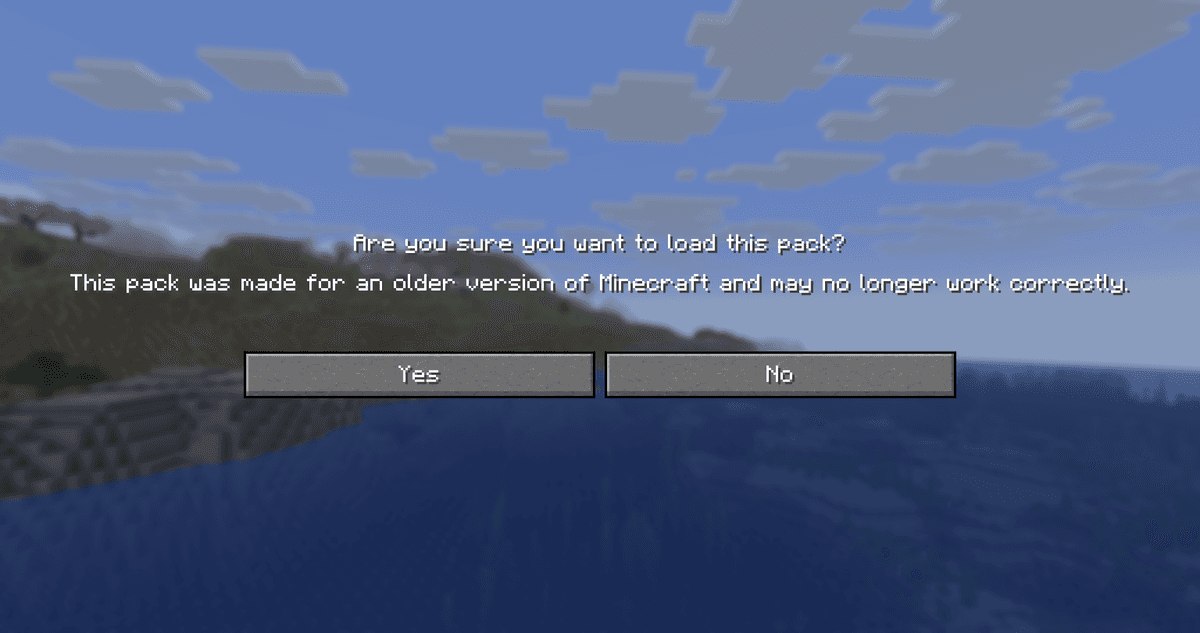
The incompatibility warning pop-up shown before a pack is applied
What the mod actually does
Installing it has two effects:
The red outlines disappear around outdated and incompatible resource packs and data packs. The menu lists look tidier.
The confirmation dialog no longer appears when applying such a pack. The game just applies it without asking further questions.
The packs themselves aren't changed. If a pack is genuinely incompatible (for example, it references resources that no longer exist in your game version), some textures or sounds still won't show up — that's a limitation of the format, not the mod. No Resource Pack Warnings only works at the interface level: it hides the warnings but doesn't automatically “fix” the packs.
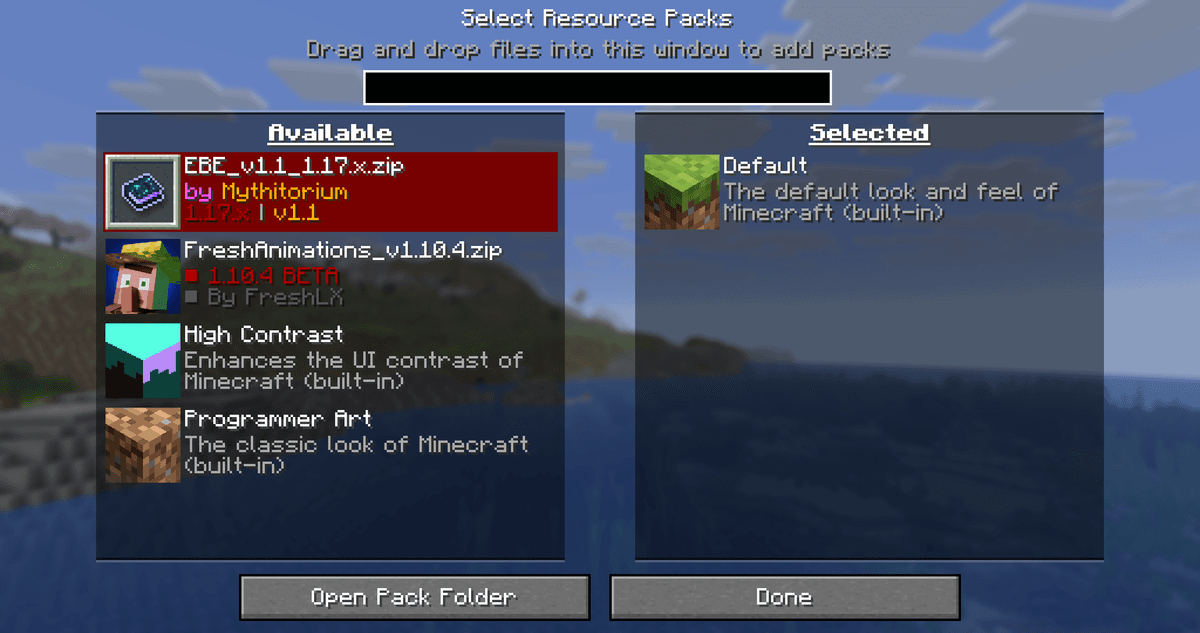
The resource pack selection menu with the mod disabled
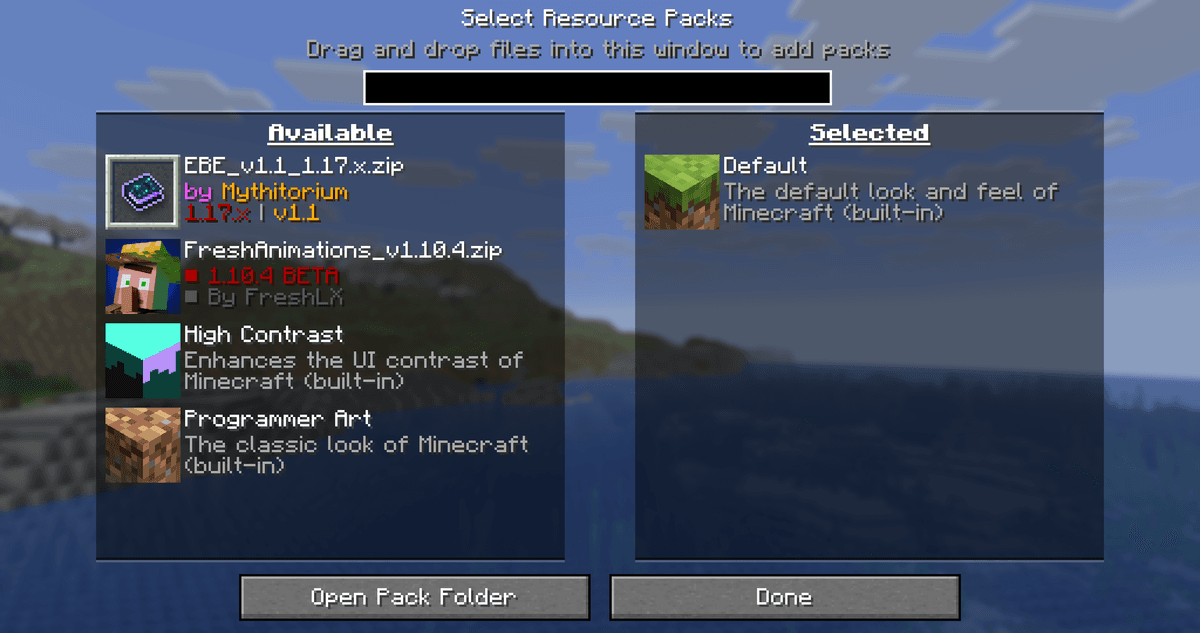
The resource pack selection menu with the mod enabled
Configuration
The mod has no config file and no in-game menu. Just drop the jar into the mods folder, and the warnings will be gone from the next launch. To restore the default behavior, simply remove the mod or move it out of the folder.
This approach has a downside: you can't, say, keep only the warnings for newer packs while skipping the older ones. It's an all-or-nothing rule.
Conclusion
No Resource Pack Warnings is a concise mod that removes one annoying little thing and doesn't try to be anything more. It comes in handy if you use resource packs from previous versions, test your own packs against different game releases, or play on servers where the official pack was built for a slightly different Minecraft version. Its limitations include support for only Fabric and Quilt (the author has no Forge or NeoForge builds) and a lack of flexible settings. For the narrow task of “just remove the red outlines and confirmations,” No Resource Pack Warnings does it in the simplest way possible: no extra weight, no menu, and no config.
Installation
A typical installation takes about 5 minutes. The flow is the same; only the loader and the matching build differ.
- 1Install a mod loader (Forge, Fabric or NeoForge) that matches your Minecraft version.
- 2Download the mod file (.jar) built for that same version.
- 3Place the .jar into your .minecraft/mods folder.
- 4Launch Minecraft with the modded profile and check the mod loads in-game.
 Installing Mods in Minecraft: A Guide for Forge, FabricLearn how to install mods in Minecraft with this step-by-step guide for Forge and Fabric. Improve your game with new features, tools, and mechanics!Open the install guide










