
Shoulder Surfing Reloaded — a mod for adding a customized third-person camera view in Minecraft
Shoulder Surfing Reloaded is a Minecraft mod that overhauls the vanilla third-person view by replacing it with a customizable…
Shoulder Surfing Reloaded is a Minecraft mod that overhauls the vanilla third-person view by replacing it with a customizable over-the-shoulder camera.
Shoulder Surfing Reloaded — a mod for adding a customized third-person camera view in Minecraft
Minecraft version the article was written on: 26.1.2
Supported version range: 1.7.10 – 26.1.2
Dependencies: Fabric API(for Fabric builds), Forge Config API Port (for Forge builds)
Shoulder Surfing Reloaded is a mod that replaces the standard third-person view in Minecraft with an over-the-shoulder camera. In vanilla mode (F5), the camera hangs directly behind your back, and the character blocks the center of the screen, making it hard to aim a bow or place a block in the right spot. The mod shifts the camera to the side and up, and adds decoupled camera rotation. The character stays in the frame, while the crosshair shows the true interaction point. Everything works entirely client-side — no server changes are needed.
Over-the-shoulder camera
The core of the mod is the offset camera. Instead of being strictly behind the back, it positions over the character's shoulder, similar to many action RPGs. By default, it uses the right shoulder with the camera shifted slightly left of center. You can toggle between left and right shoulders using the O key.
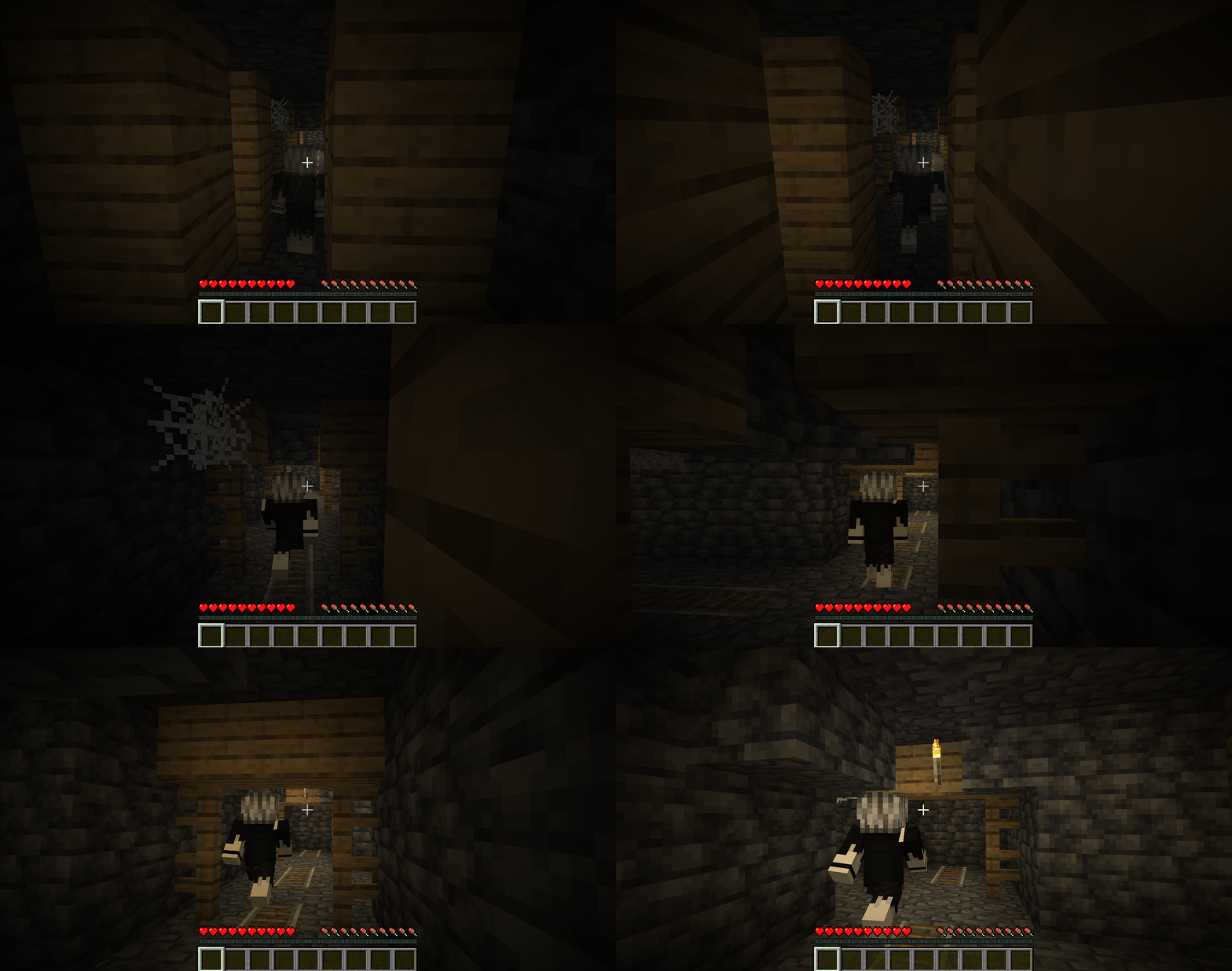
The camera stays behind and to the side of the character, moving smoothly with them while walking down a corridor.
Decoupled camera and free look
Normally, the camera rotates along with the character. The mod allows you to decouple it: then you can use the mouse to look around independently, and the character only turns when they start moving or interact with the world. This way you can walk straight and look at your surroundings without altering your movement direction.
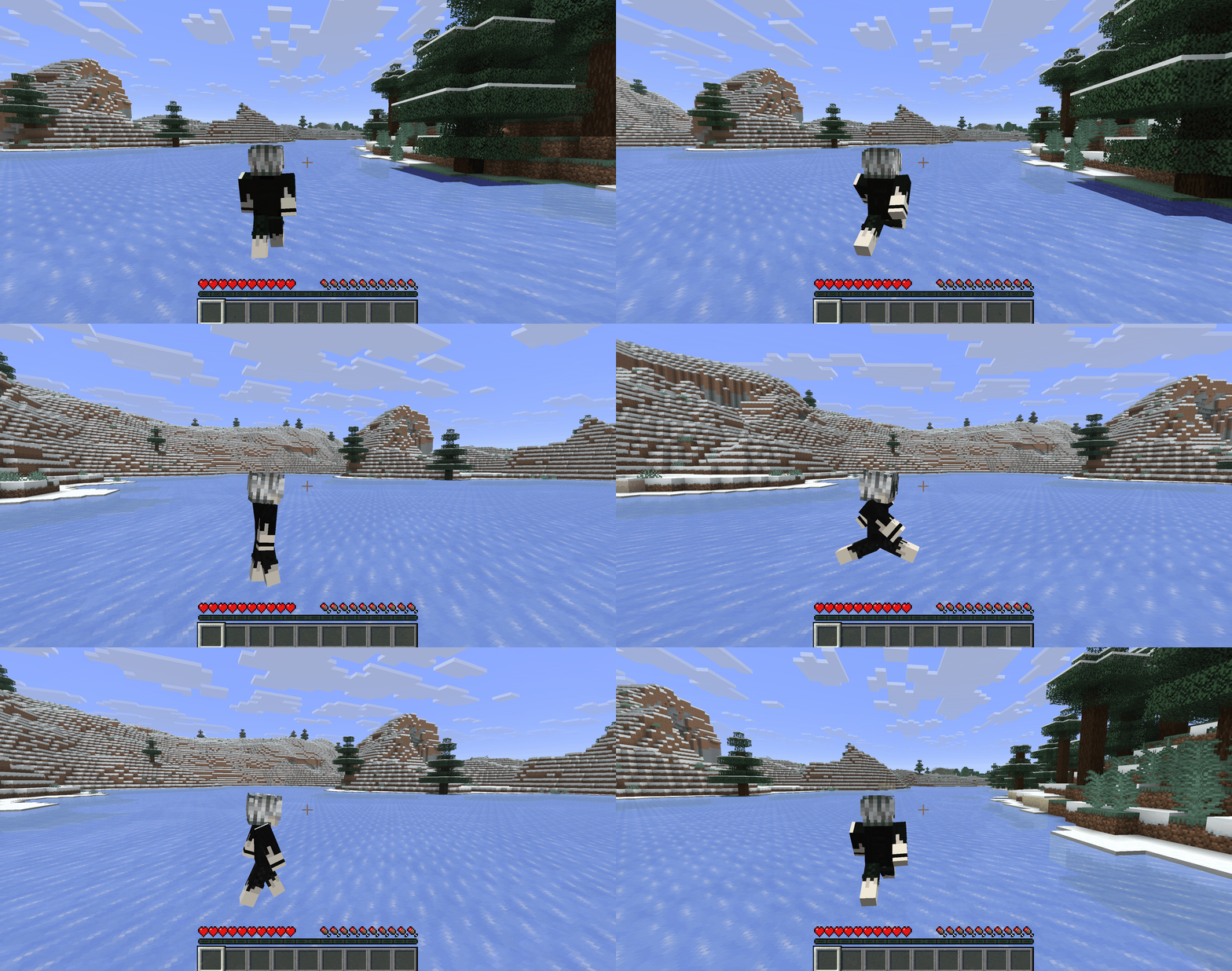
There is also a separate free look feature (Left Alt key): while held, the character keeps running in the previous direction, but you can freely rotate the camera. This lets you conveniently look around without stopping.
During free look, the character runs forward while the camera turns sideways.
Character model transparency
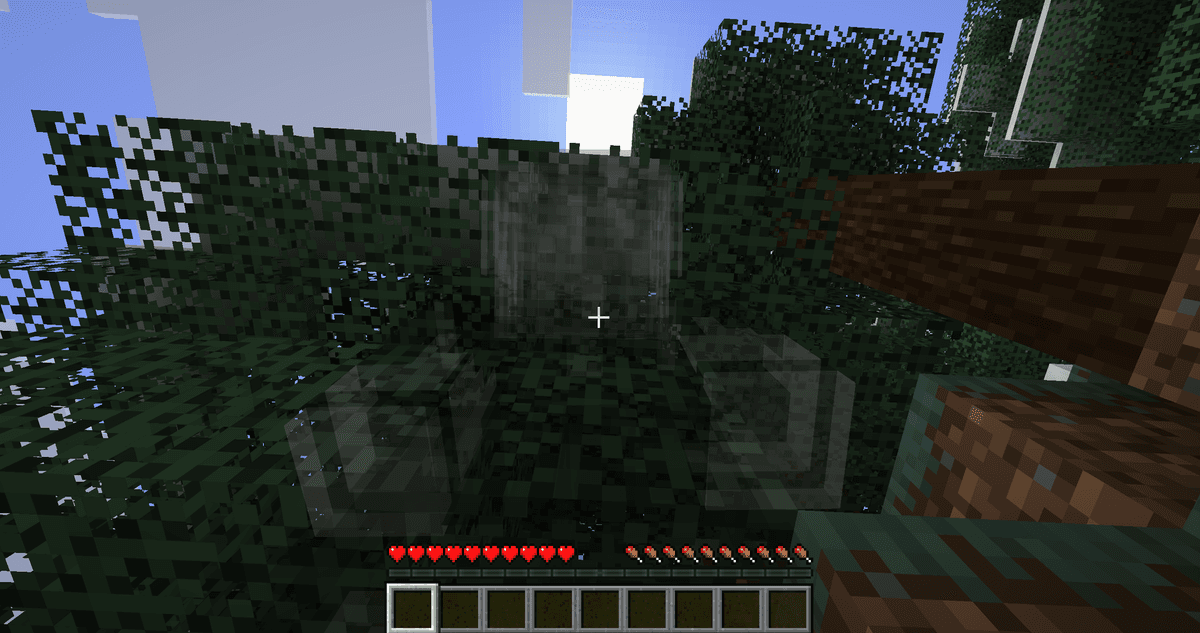
With a side camera, sometimes it bumps into a wall or the model itself, obstructing the view. To prevent this, the mod smoothly makes the character transparent when an obstacle appears between the camera and the player. Optionally, you can also make the model transparent while aiming or hide it when the camera looks up.
Fading player model when a wall gets between it and the camera.
Crosshair
Because the camera is offset, the center of the screen no longer matches the point the character is looking at. Therefore, the mod handles the crosshair separately. There are three main modes:
Static — the crosshair stays in the center of the screen.
Dynamic — the crosshair moves to where your gaze is actually pointing.
Adaptive — static by default, but becomes dynamic when holding an item where accuracy matters: a bow, trident, throwable items (snowballs, eggs, ender pearls, etc.). You can add your own items to this list.
For the static crosshair, there is an obstruction indicator: if a block stands between the player and the target, a mark appears on it — showing instantly that a shot or hit won't reach the target.
Controls
Basic keybinds. All of them can be rebound in the standard Minecraft controls menu:
Action | Key |
Free look (hold) | Left Alt |
Shift camera | Arrow keys |
Move camera up / down | Page Up / Page Down |
Switch shoulder | O |
Change perspective | F5 |
Configuration
The config file is located in config/. Below are the main parameters you should know:
Parameter | What it does |
| Camera shift sideways |
| Camera shift up/down |
| Camera distance backward |
| Camera movement smoothness |
| Auto-adjusts camera when a wall is behind |
| How close the camera can get to the head before the model hides |
| Independent rotation of view from character's turn |
| Starting perspective: |
| Crosshair type: |
| Mark on an obstructing block between the player and target |
| Model transparency when view is obstructed |
| Model transparency while aiming |
| Angle at which model disappears when looking up (0 — disabled) |
| Enables a separate FOV for over-the-shoulder mode |
| Value of this FOV (range 30–110) |
The default values are already tweaked for normal gameplay, so if needed, you only need to adjust the camera offset (offset_x/offset_y/offset_z) to your liking.
Conclusion
Shoulder Surfing Reloaded makes the third-person view viable for precise actions — aiming, building, combat with a clear target — something vanilla F5 lacks. Unlike the standard rear camera, this one offers an over-the-shoulder offset, a separate crosshair, and decoupled view rotation. The mod doesn't add any items or mechanics, it only alters the camera, and due to motion intervention, it might conflict with strict server anti-cheats. It is well-suited for roleplay and adventure playthroughs, shooting, and building; for PvP on protected servers, you should first check if the anti-cheat reacts to it.
Installation
A typical installation takes about 5 minutes. The flow is the same; only the loader and the matching build differ.
- 1Install a mod loader (Forge, Fabric or NeoForge) that matches your Minecraft version.
- 2Download the mod file (.jar) built for that same version.
- 3Place the .jar into your .minecraft/mods folder.
- 4Launch Minecraft with the modded profile and check the mod loads in-game.
 Installing Mods in Minecraft: A Guide for Forge, FabricLearn how to install mods in Minecraft with this step-by-step guide for Forge and Fabric. Improve your game with new features, tools, and mechanics!Open the install guide










