

Smooth Scrolling — a mod for adding smooth scroll animation to lists and interfaces in Minecraft
Smooth Scrolling adds smooth scrolling animation to Minecraft lists and interfaces. Learn how to configure scrolling speed and smoothness…
Smooth Scrolling adds smooth scrolling animation to Minecraft lists and interfaces. Learn how to configure scrolling speed and smoothness for chat, hotbar, a...
Smooth Scrolling — a mod for adding smooth scroll animation to lists and interfaces in Minecraft
Loader: Fabric
Minecraft version tested and used for the article: 1.21.11
Supported version range: 1.20.x, 1.21–1.21.1, 1.21.3–1.21.11, 26.1.x
Mod version: 2.7.3
Smooth Scrolling adds smooth scrolling to elements in Minecraft where vanilla transitions are performed in a single jump — without intermediate frames. The mod is entirely client-side, so it is installed only on the player's side and requires no server changes. The smoothness and speed of the animation are configured separately for each type.
Which screens get smooth scrolling
The mod's work is focused on five UI areas:
Hotbar — switching between slots via the mouse wheel gets a movement animation instead of an instant jump.
Chat — the window opening itself, scrolling the message history, and the list of suggestions above the input field.
Creative Screen — scrolling through tabs with items becomes gradual.
Entry List — the world selection menu, servers, resource packs, data packs, shader packs.
Text Input Field — places where multi-line text is entered: books, signs, the command block.
All five blocks operate independently. For example, you can enable smooth chat and completely disable hotbar animation by setting its smoothness value to zero.
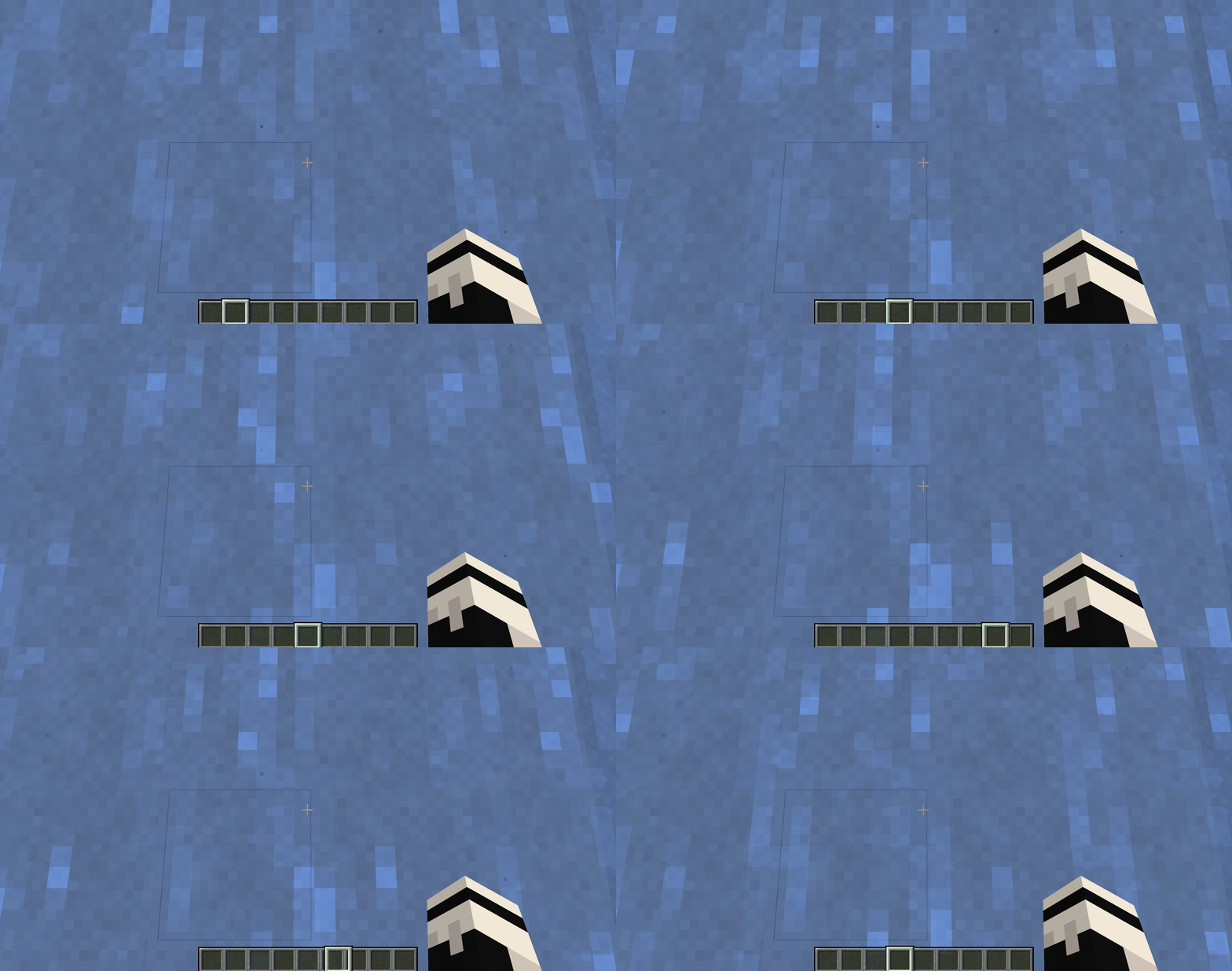
Smooth switching of hotbar slots via the mouse wheel
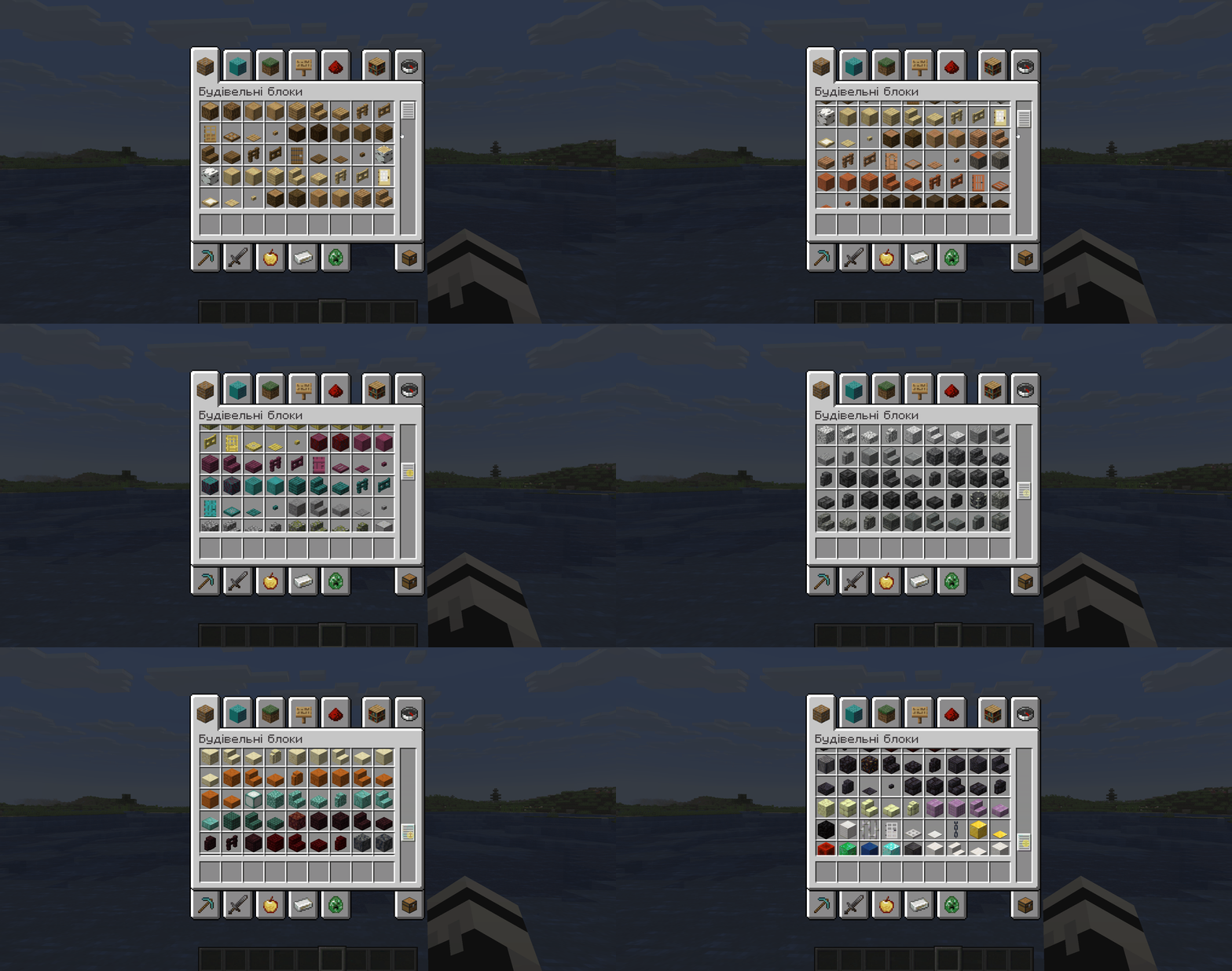
Moving through the Creative Screen tab with a gradual shift of the item grid
Config
The logic of the parameters is the same in all sections: the smoothness value is specified in percentages (0 — animation is disabled, transitions are instant; the higher the number, the slower and softer the movement), speed — in pixels per wheel scroll. Below are the parameters from all blocks of the smoothscroll.json file.
Hotbar
Parameter | What it does |
| Smoothness of changing the active slot. 0 — instant transition, like in vanilla. Higher values (up to 100) — slower switching animation. |
| Whether the selection rolls over from the last slot to the first and vice versa. |
| Exactly which element moves when switching. |
Chat
Parameter | What it does |
| Smoothness of scrolling the message history. 0 returns the vanilla behavior with line jumps. |
| Smoothness of the chat window appearance when pressing T. 0 — the window pops up instantly, without unfolding. |
| Scrolling speed in pixels per wheel scroll. 0 leaves the vanilla value; higher numbers — lines fly by faster per wheel turn. |
| Smoothness of the suggestion list that pops up above the input field (player nicknames, available commands). |
| Scrolling speed of that same suggestion list in pixels per scroll. |
Creative Screen
Parameter | What it does |
| Smoothness of scrolling the item grid in the tab. 0 — instant transition without animation. |
| Scrolling speed in pixels per wheel scroll. |
| Compatibility mode with resource packs that redraw the inventory GUI. Enable |
Entry List
Parameter | What it does |
| Smoothness of scrolling in the world, server, resource pack, and other lists. |
| Scrolling speed of the entries in pixels per scroll. |
Text Input Field
Parameter | What it does |
| Smoothness of scrolling multi-line text in books, signs, and the command block. |
| Scrolling speed in pixels per wheel scroll. |
| The margin in pixels maintained between the text cursor and the edge of the visible area. Thanks to the margin, the cursor doesn't "bump" right against the boundary when typing. |
| Custom cursor movement logic instead of vanilla. |
Misc
Parameter | What it does |
| Technical flag for developers: shows the boundaries of the clipping areas that the mod manages during scrolling. There is no sense in enabling it in normal gameplay. |
Conclusion
Smooth Scrolling reworks one visual detail of vanilla: sharp jumps when scrolling in the UI. Instead of an instant transition, the client shows intermediate frames, with a separate smoothness slider and speed slider for each type. It is suitable for client modpacks for survival, minigames, and creative, where the player often works with server lists, chat history, or large text input fields.
Installation
A typical installation takes about 5 minutes. The flow is the same; only the loader and the matching build differ.
- 1Install a mod loader (Forge, Fabric or NeoForge) that matches your Minecraft version.
- 2Download the mod file (.jar) built for that same version.
- 3Place the .jar into your .minecraft/mods folder.
- 4Launch Minecraft with the modded profile and check the mod loads in-game.
 Installing Mods in Minecraft: A Guide for Forge, FabricLearn how to install mods in Minecraft with this step-by-step guide for Forge and Fabric. Improve your game with new features, tools, and mechanics!Open the install guide










