

Visual Workbench — mod for 3D displaying items on the crafting table and keeping items when closing in Minecraft
Visual Workbench is a Minecraft mod that keeps items inside the crafting table and displays them as 3D models on top of the block.
Visual Workbench is a Minecraft mod that keeps items inside the crafting table and displays them as 3D models on top of the block.
Visual Workbench — mod for 3D displaying items on the crafting table and keeping items when closing in Minecraft
Minecraft version: 26.1.2
Mod version: 26.1.0
Dependencies: Fabric API, Forge Config API Port, Puzzles Lib
Visual Workbench solves one specific problem: items placed in a crafting table disappear from it every time you exit the menu. The mod leaves them in place — and not only in the slots, but also as 3D models displayed right on top of the block. The recipe is saved between inventory closings and between sessions.
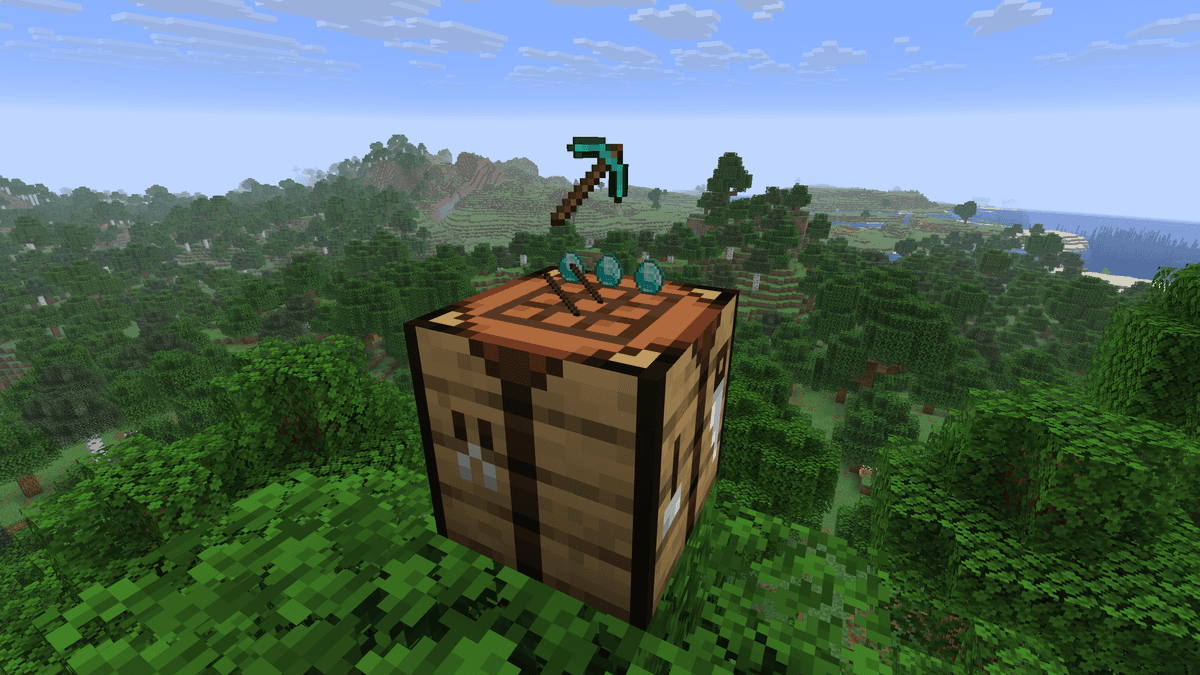
Demonstration of the mod's operation
Basic mechanics
When laying out ingredients in the crafting table and closing the inventory, the items remain in the grid. The next time you open the crafting table, everything will be in its place. If you break the crafting table, the contents of all slots will drop on the ground as separate items, just like with a chest.
The saved recipe is tied to a specific block in a specific position in the world. In multiplayer, other players see the contents and can take items or add their own — the crafting table acts as a shared container.
Item rendering
On top of the crafting table, the mod renders miniature models of the ingredients laid out in a 3x3 grid. By default, the models are three-dimensional — each item is displayed with its standard 3D model. In the config, there is an option to switch to 2D rendering if 3D display interferes or causes conflicts with other mods.
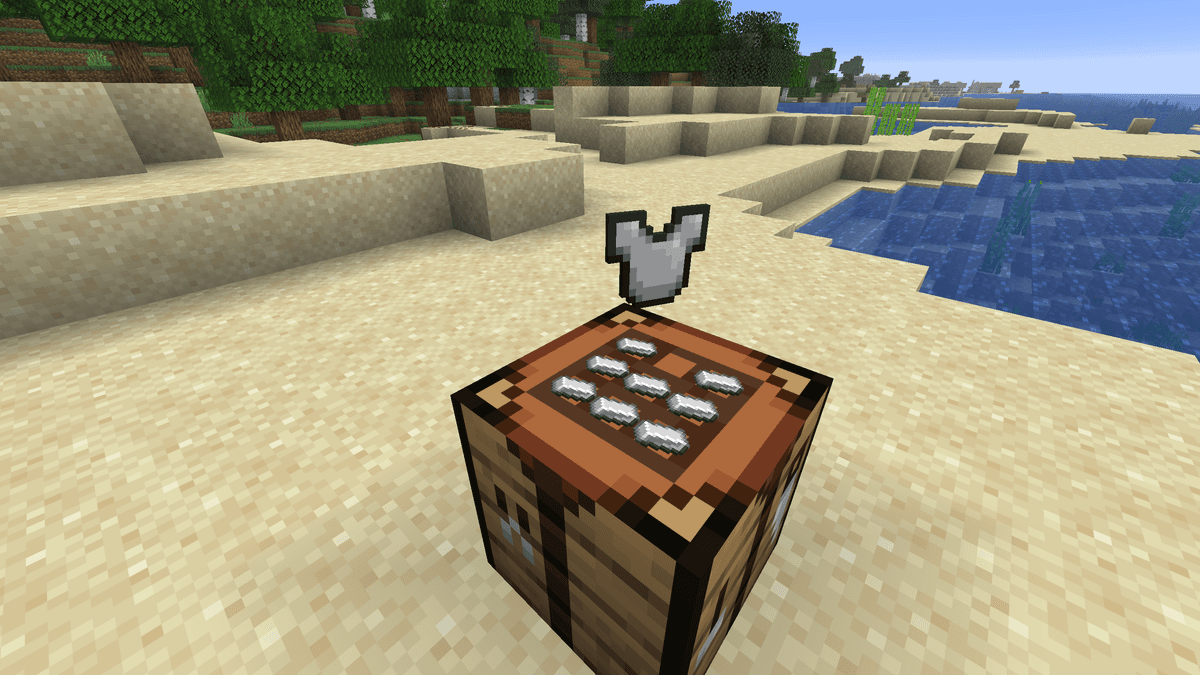
2D crafting display after changes in the config file
If the assembled recipe is correct, a model of the crafting result additionally appears above the grid of ingredients. This allows you to see the planned output without opening the inventory. The result display can be separately disabled in the config file.
Items on the crafting table by default rotate towards the nearest player — this is controlled by the parameter rotate_ingredients = "CLOSEST_PLAYER". With the value CRAFTING_PLAYER the models orient only to the one who last opened the crafting table. NEVER disables rotation completely — the items lie in a fixed position regardless of the player's position.
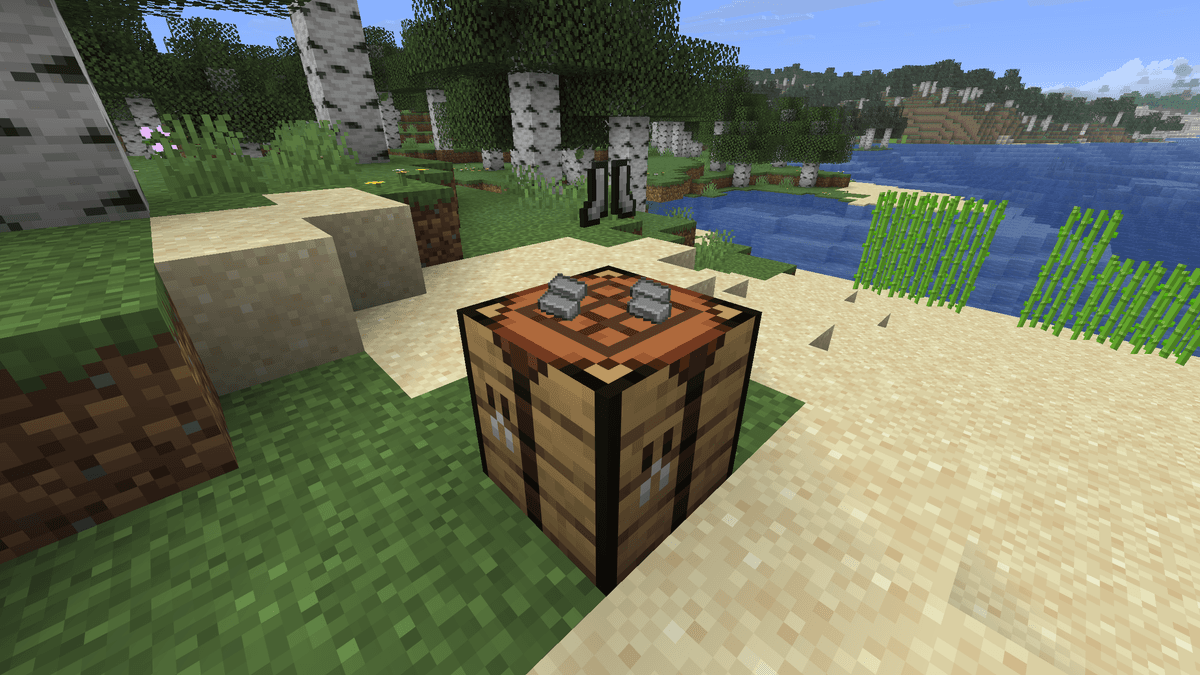
Demonstration of crafting rotating towards the player
Installation on an existing world
When you install the mod on a world where crafting tables are already placed, they remain vanilla blocks until their first use. Upon opening, the crafting table automatically converts to the mod's version and starts saving its contents. This is controlled by the parameter convert_vanilla_workbench_when_interacting in visualworkbench-server.toml — true by default.
With the value false old crafting tables are not converted and continue to work as usual. New crafting tables, placed after the mod is installed, immediately become the mod's version without any conversion.
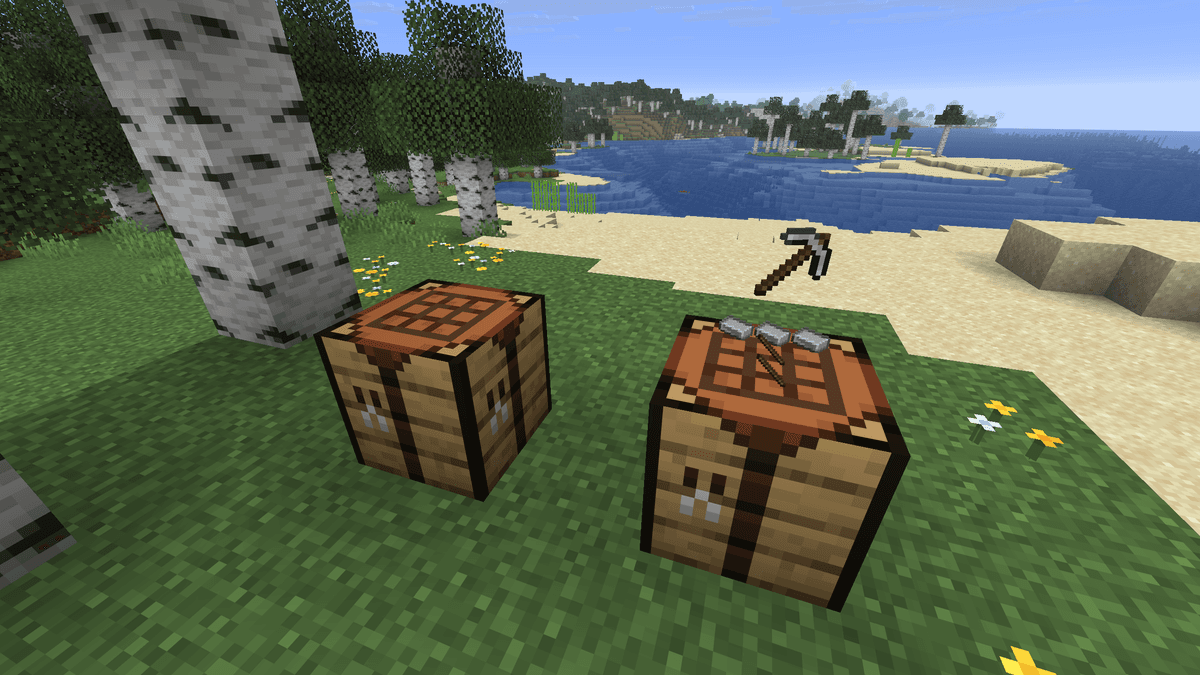
Comparison of vanilla and modded crafting table
Configuration
Configuration files are located at the path .minecraft/config/. On Fabric, the config is reloaded automatically after saving the file — game restart is not required.
visualworkbench-client.toml
Parameter | Description |
| Rotation of items on the crafting table towards the player: closest, the one crafting, or disabled |
| Display of the crafting result model above the crafting table |
| Ingredient render style: no display, flat on the surface, or in levitation mode |
visualworkbench-server.toml
Parameter | Description |
| Automatic conversion of a regular crafting table into the mod's version upon first use |
Important: the parameter convert_vanilla_workbench_when_interacting applies only to those crafting tables that were placed before the mod was installed. With false old blocks will remain vanilla and will not save their contents.
Conclusion
Visual Workbench adds recipe saving between closings and allows you to see the contents of the crafting table without opening the inventory. For a base with several specialized crafting tables, this removes unnecessary actions — you can see what lies where.
Installation
A typical installation takes about 5 minutes. The flow is the same; only the loader and the matching build differ.
- 1Install a mod loader (Forge, Fabric or NeoForge) that matches your Minecraft version.
- 2Download the mod file (.jar) built for that same version.
- 3Place the .jar into your .minecraft/mods folder.
- 4Launch Minecraft with the modded profile and check the mod loads in-game.
 Installing Mods in Minecraft: A Guide for Forge, FabricLearn how to install mods in Minecraft with this step-by-step guide for Forge and Fabric. Improve your game with new features, tools, and mechanics!Open the install guide










