
William Wythers' Overhauled Overworld — a mod for overhauling Overworld biomes in Minecraft
William Wythers' Overhauled Overworld is a world generation mod that breaks standard Minecraft biomes into thematic sub-variants and…
William Wythers' Overhauled Overworld is a world generation mod that breaks standard Minecraft biomes into thematic sub-variants and smooths out transitions.
William Wythers' Overhauled Overworld — a mod for overhauling Overworld biomes in Minecraft
Minecraft version the article was tested and written on: 1.21.1
Supported versions range: 1.20.1 – 1.21.11
Dependencies: Cristel Lib, Fabric API (for Fabric builds)
William Wythers' Overhauled Overworld is a world generation mod that breaks down standard Minecraft biomes into thematic sub-variants and smooths the transitions between them. Vanilla keeps each biome as a single uniform template: a forest looks the same everywhere, a plains remains a flat green carpet. The mod divides these biomes into sub-biomes with different surface terrain, vegetation, and tree density, and adds rare transitional areas on the borders of neighboring zones. The entire overhaul is built solely on vanilla blocks, so the world remains recognizable, and a server with the mod accepts players with a vanilla client.
How the mod changes generation
The main principle is not to add new blocks, but to rearrange and supplement existing ones. Each vanilla biome receives several sub-variants that differ in trees, undergrowth, surface shape, and small details. Instead of a monotonous forest, there are dense areas with tall trees, then open glades; the taiga breaks down into clearings, boreal, and autumn variants; the jungle gets both sparse and low-lying tropical forms. In arid zones, separate variants like desert basins appear, and in swamps — reed thickets on the border with the savanna.
A separate part of the work is transitions. Where two biomes meet, the mod forms mixed strips: a forest gradually transitions into rocky hills, a savanna borders a mangrove swamp. These zones are generated less frequently than the main sub-biomes, so they serve as landmarks during exploration.
The overhauled generation is applied only to new chunks. The already generated part of the world retains its old form, so it makes sense to install the mod on a new world or explore new territories with it.
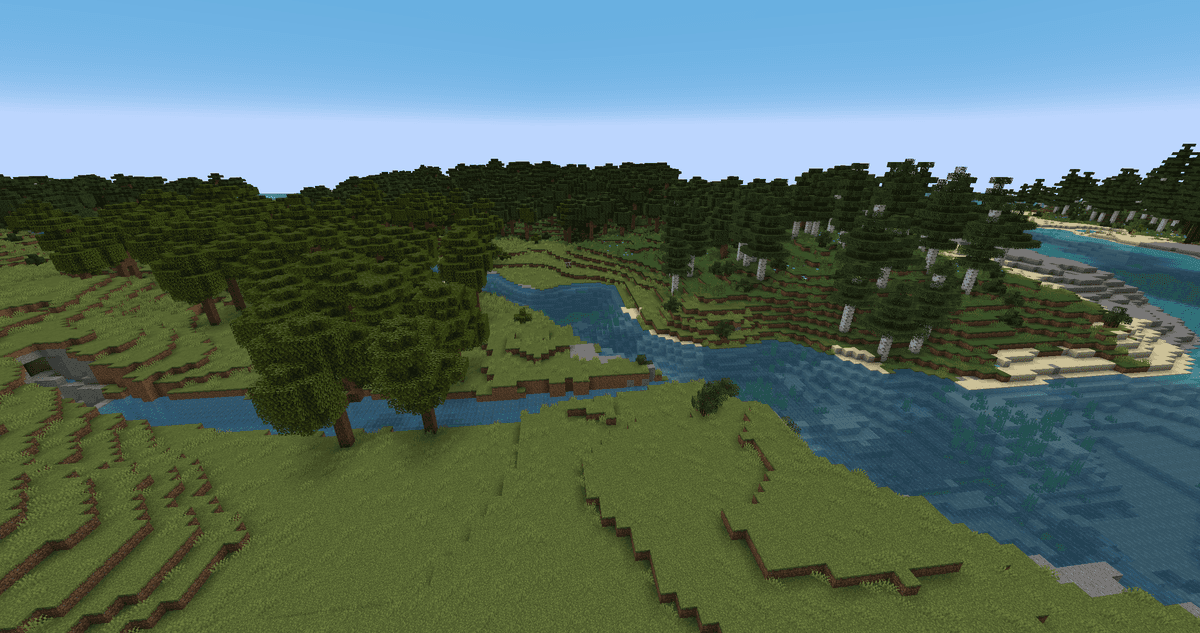
Smooth transition between biomes
Recommended world type
The mod is designed for the "Large Biomes" world type. When creating a world, this mode is turned on manually; on a server, level-type=LARGE_BIOMES is responsible for it, and in the wwoo.json5 file there is a forceLargeBiomes parameter that forcibly enables the required mode. It is not recommended to use standard vanilla world presets with the mod — the generation breaks in them.
Setup order: first select "Large Biomes" (or set forceLargeBiomes), and only then create the world. You will not be able to change the world type after generation.
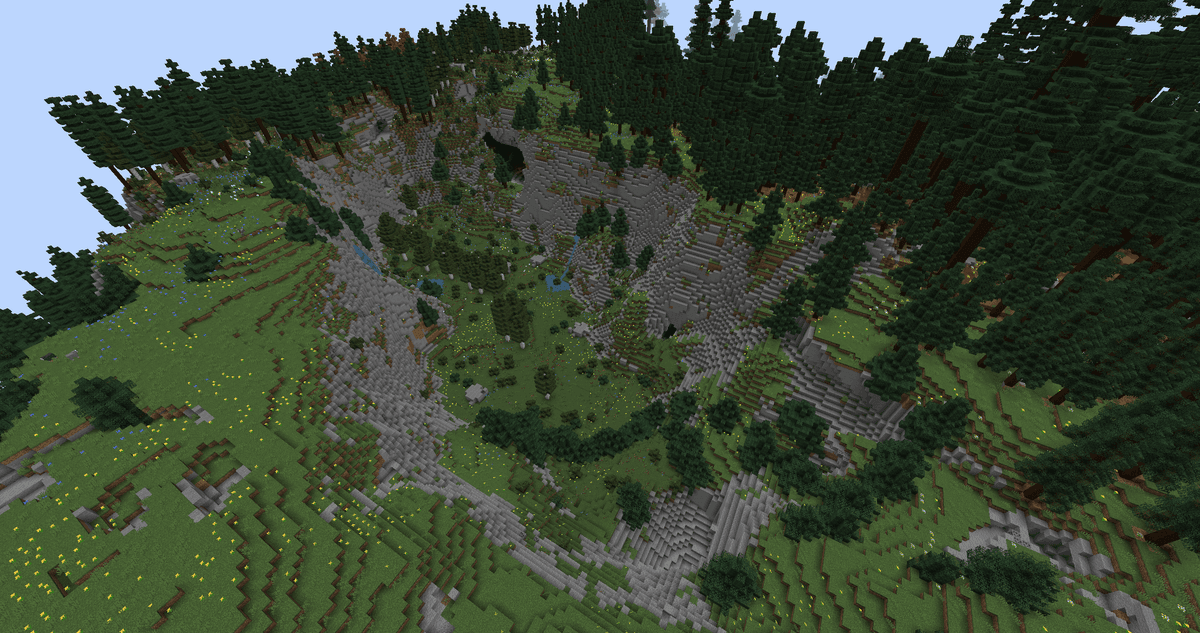
Large quarry in a forest biome
Ores and stone in the terrain
The mod removes underground deposits of diorite, andesite, granite, as well as gravel and dirt, which in vanilla occur as solid veins inside stone. The removeOres parameter is responsible for this. Because of this, cliffs and slopes remain a pure gray color, without inclusions.
Instead, these rock types are moved to their own sub-biomes, where they are visible on the surface and easier to mine:
Rock type | Where to look |
Diorite | Flower Forest |
Granite | Sunflower Plains, Birch Forest |
Andesite | Meadow, Cherry Grove |
Lava on the surface has also been overhauled. Open lava lakes and springs have been removed from most biomes and remain only in volcanic ones — Stony Peaks and Windswept Hills. Rocky cliffs and screes are more common in the highlands.
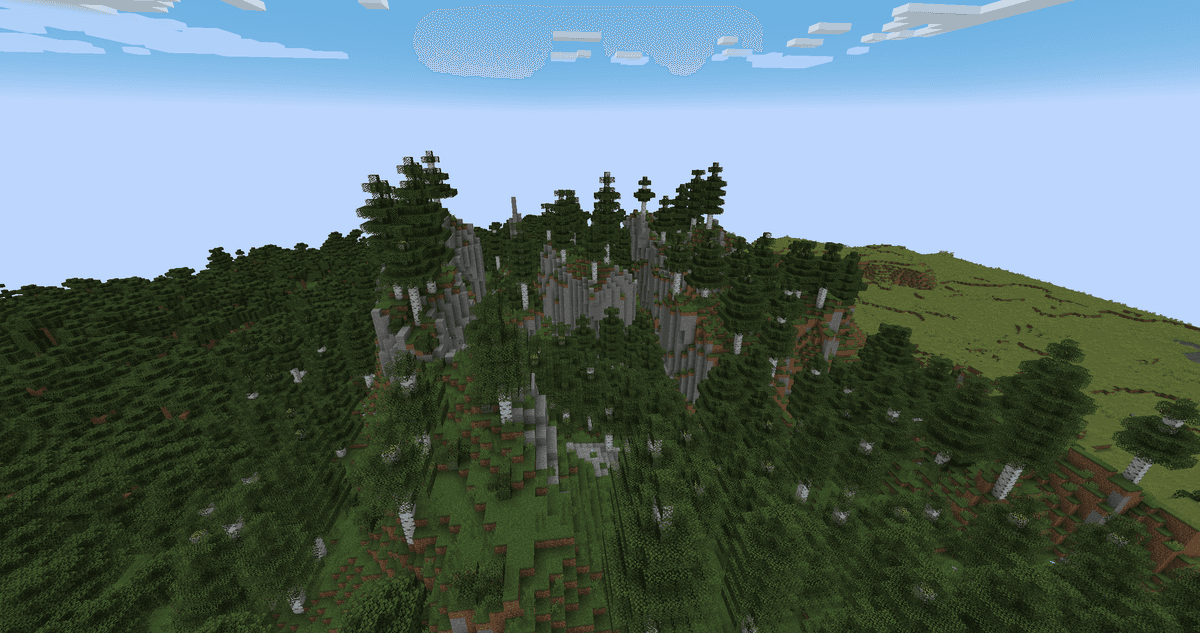
Tall stone pillars in a birch forest
Optional add-ons
Three add-ons that were previously installed separately are included in the mod from version 2.6.0 and can be enabled in the config:
Navigable Rivers — overhauls rivers to be wider and more navigable, suitable for traveling by boat.
Cliffs and Coves — adds shape to coastlines: flat coves, rocky cliffs, and stone backwaters instead of straight sandy strips.
Towering Tepuis — adds table mountains (tepuis) in mountainous zones on the border with the jungle.
By default, all three are disabled. To add any of them to the world, you need to switch the corresponding value to true in the configuration file.
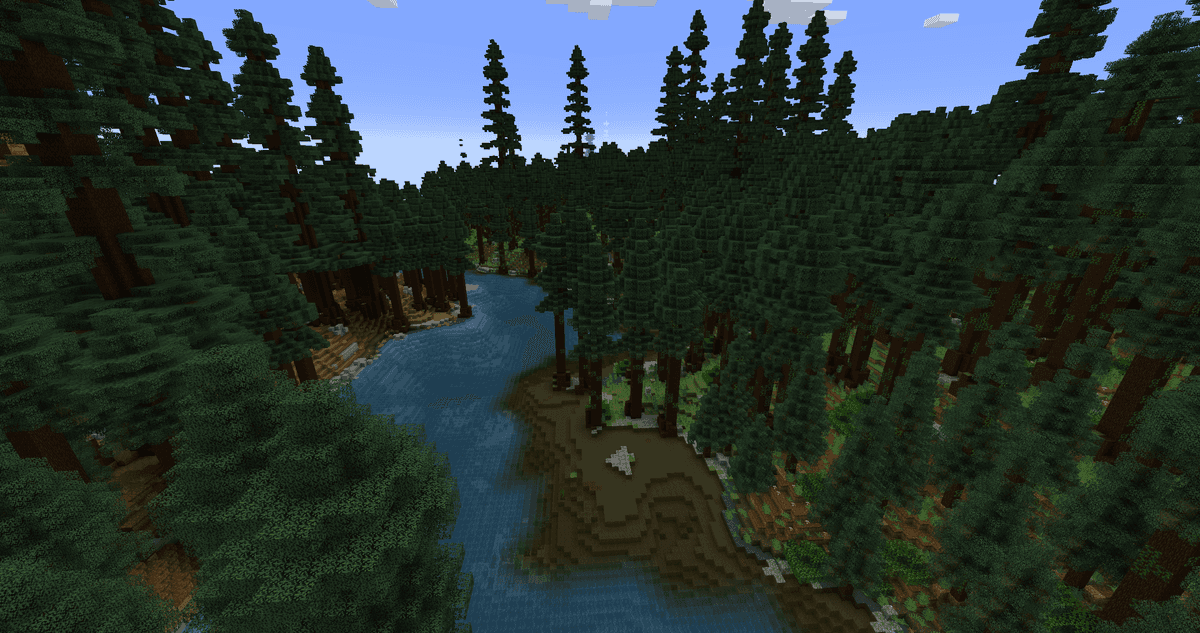
A river located between two different biomes
Configuration
The add-ons config is stored in the config.json5 file. The values are edited manually; for an on-screen settings menu, you will need the Cloth Config library (on Fabric — along with Mod Menu). Separately, in banned_biomes.json5, you can disable specific sub-biomes if one of them is not needed.
Parameter | What it does |
|
|
|
|
|
|
|
|
Conclusion
William Wythers' Overhauled Overworld solves one problem — it makes the vanilla Overworld more diverse without changing the essence of the game and without adding blocks. Sub-biomes, clean cliffs, and rock types moved to separate zones give a reason to explore the map, and working only with vanilla blocks relieves servers of a major headache: players can join with a regular client. Overhauled Overworld is suitable for long-term survival and exploration, as well as for servers where it is important for players to join without mods.
Installation
A typical installation takes about 5 minutes. The flow is the same; only the loader and the matching build differ.
- 1Install a mod loader (Forge, Fabric or NeoForge) that matches your Minecraft version.
- 2Download the mod file (.jar) built for that same version.
- 3Place the .jar into your .minecraft/mods folder.
- 4Launch Minecraft with the modded profile and check the mod loads in-game.
 Installing Mods in Minecraft: A Guide for Forge, FabricLearn how to install mods in Minecraft with this step-by-step guide for Forge and Fabric. Improve your game with new features, tools, and mechanics!Open the install guide










