

Xaero's Zoomout Mod: Increasing the World Map Zoom in Minecraft
Description of extending map zoom up to 760,000 blocks and CPU load analysis
Description of extending map zoom up to 760,000 blocks and CPU load analysis
Dependencies:
Loader: Fabric / Forge / NeoForge / Quilt
Minecraft version: 1.19.x – 26.1.x
Required mods: Xaero's World Map (required)
The Xaero's Zoomout modification changes the zoom limits of the full-screen map in the popular Xaero's World Map add-on, lowering the minimum zoom coefficient from the vanilla 0.0625x to 0.0025x. This allows you to zoom out the map 25 times further than provided by the base interface functionality. Thanks to this, the maximum width of the displayed area on the screen increases from 30,000 to approximately 760,000 in-game blocks. The modification works on the client side and is designed for quick analysis of large explored territories, finding distant bases, and planning long-distance travel routes.
Extending the Zoom Limits of Xaero's World Map
The original Xaero's World Map mod saves data about all the chunks you have visited into a special cache on the hard drive and draws them on the full-screen map. However, the base map zoom is limited: you cannot zoom out enough to see the entire map as a whole if your travels exceed a few tens of thousands of blocks from spawn.
The Xaero's Zoomout modification fixes this limitation by rewriting the zoom range constants via Mixin injection into the original map's code.
Zoom mechanics after installing the mod:
Base map limit restricts the zoom out to
0.0625. In this case, a square area with a width of about 30,000 blocks fits on the monitor screen.New zoom limit is set to
0.0025. The displayed area expands to 760,000 blocks.Zoom step change. The modification smoothly expands the mouse wheel scroll steps, adding new intermediate zoom levels between 0.0625x and 0.0025x so you can comfortably adjust the visible area.
This allows you to take in gigantic territories at a glance, assess the general shape of continents, the location of seas, biome borders, or points of interest (Waypoints) on the map without having to constantly move the map window with the mouse.
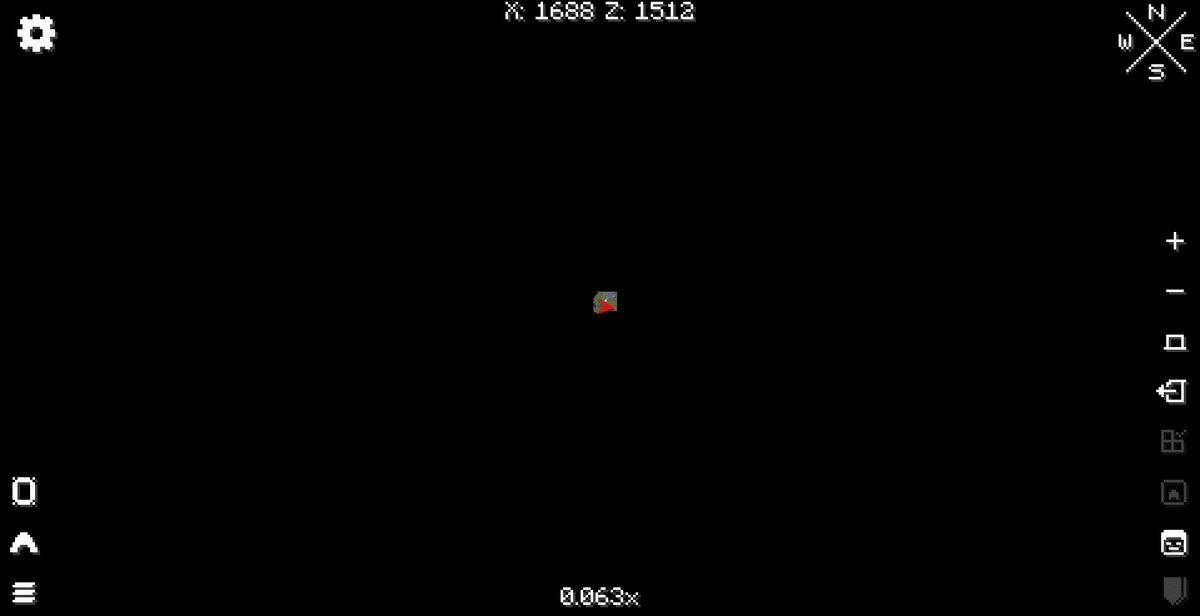
Without the mod
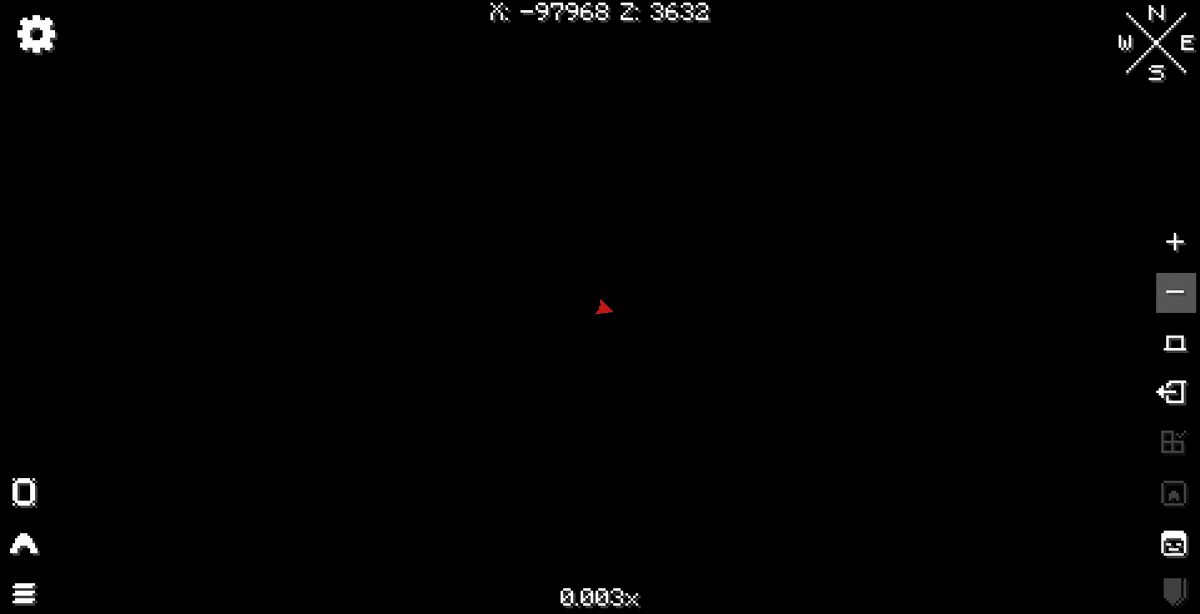
With the mod
System Load and Optimization
Since rendering such a colossal number of chunks on a single screen requires significant hardware resources, using the maximum zoom level creates a serious load on the computer.
Features of the renderer at 0.0025x zoom:
CPU Load. The processor must simultaneously read thousands of saved map cache files from the storage drive (HDD/SSD) and unpack them into RAM.
RAM Usage. To hold a detailed picture of a 760k block scale, the game starts actively consuming memory, which can cause freezes on computers with less than 8 GB of RAM.
FPS and delays (lag). During active zooming out to the minimum limit, the frame rate may temporarily drop, and the map interface may respond with delays while the loading of chunk textures from the cache is completed.
To reduce the negative impact on FPS, it is recommended to use the maximum zoom in short sessions: open the map, zoom out to assess the global position of objects, find the desired coordinate, and return the zoom to a more detailed view (for example, 0.1x) for everyday navigation.
alt: [Visualization of the map texture tile loading process at extreme zoom]
Controls and Configuration
The Xaero's Zoomout modification is designed on a "plug-and-play" principle. It does not have its own graphical settings menu, a dedicated hotkey, or TOML/JSON configuration files in the .minecraft/config/ folder.
Interaction with the mod occurs entirely through the standard Xaero's World Map interface:
You open the full-screen map using the designated in-game key (default is
M).Scroll the mouse wheel back to zoom out the camera.
The map continues to smoothly zoom out past the standard limit until it reaches the
0.0025xzoom value.
All the logic for displaying death points, player markers, territory claims, or mob radars adapts automatically to the new zoom level, although at maximum zoom out, small icons of mobs or players may be automatically hidden to prevent overwhelming the screen with graphical noise.
alt: [Full-screen view of the world map at 0.0025x zoom level with points of interest markers displayed]
Compatibility and Recommended Add-ons
The mod is compatible with most modern modpacks and works stably on the client side without needing synchronization with the server.
Compatibility features:
Required dependency. The modification will not start and will cause a game crash if the original Xaero's World Map file is missing from the mods folder.
Xaero's Minimap. The mod is fully compatible with the minimap by the same author. However, keep in mind that the super-zoom effect only applies to the large full-screen map of world markers and does not affect the round or square minimap window in the corner of the screen in any way.
Memory optimizers. Since loading large amounts of maps heavily loads the memory subsystem, it is recommended to install this mod along with Java garbage collection optimizers (for example, FerriteCore or Krypton), which reduces the likelihood of micro-freezes.
Conclusion
Xaero's Zoomout solves the problem of limited visibility of large territories on the Xaero's world map. Increasing the working view width from 30,000 to 760,000 blocks allows you to see your entire traveled path and distant bases on one screen.
Compared to the base capabilities of Xaero's World Map, the modification provides a significant advantage in large-scale travel planning, but it requires caution in use due to the increased load on the processor and hard drive. The main limitation of the mod is the potential decrease in frame rate (FPS) and the appearance of delays when processing thousands of cache files at the maximum zoom level. The mod will be perfect for you if you play on large survival servers (like anarchy servers, where bases are built hundreds of thousands of blocks from spawn), engage in global road or railway construction, or simply love exploring the world and want to have a complete picture of your travels on a single screen.
Installation
A typical installation takes about 5 minutes. The flow is the same; only the loader and the matching build differ.
- 1Install a mod loader (Forge, Fabric or NeoForge) that matches your Minecraft version.
- 2Download the mod file (.jar) built for that same version.
- 3Place the .jar into your .minecraft/mods folder.
- 4Launch Minecraft with the modded profile and check the mod loads in-game.
 Installing Mods in Minecraft: A Guide for Forge, FabricLearn how to install mods in Minecraft with this step-by-step guide for Forge and Fabric. Improve your game with new features, tools, and mechanics!Open the install guide










