SEUS PTGI — Shaders for Ray Tracing and Global Illumination in Minecraft
SEUS PTGI brings path-traced global illumination and reflections to Minecraft without an RTX card — visuals, performance, and compatibility…
SEUS PTGI brings path-traced global illumination and reflections to Minecraft without an RTX card — visuals, performance, and compatibility explained.
SEUS PTGI — Shaders for Ray Tracing and Global Illumination in Minecraft
SEUS PTGI is an experimental branch of the Sonic Ether's Unbelievable Shaders shaderpack for Minecraft, featuring its own software-based path tracing implementation that doesn't require an RTX-accelerated graphics card. PTGI stands for Path Traced Global Illumination — the pack's core technology, to which traced reflections have been added. Unlike typical shaders that only work with what's visible on screen, this pack also accounts for geometry outside the player's field of view, so light and reflections behave more physically accurate.
Visual Features
Lighting: path-traced global illumination. Light bounces off surfaces and carries their color further — a corner lit by a red block takes on a reddish tint.
Shadows: soft contact shadows tied to the sun's position; even grass casts its own shadow.
Colored light through transparent blocks: a ray passing through stained glass tints the shadow with that block's color.
Reflections: traced reflections on metal and water that show objects outside the frame, not just what's visible on screen.
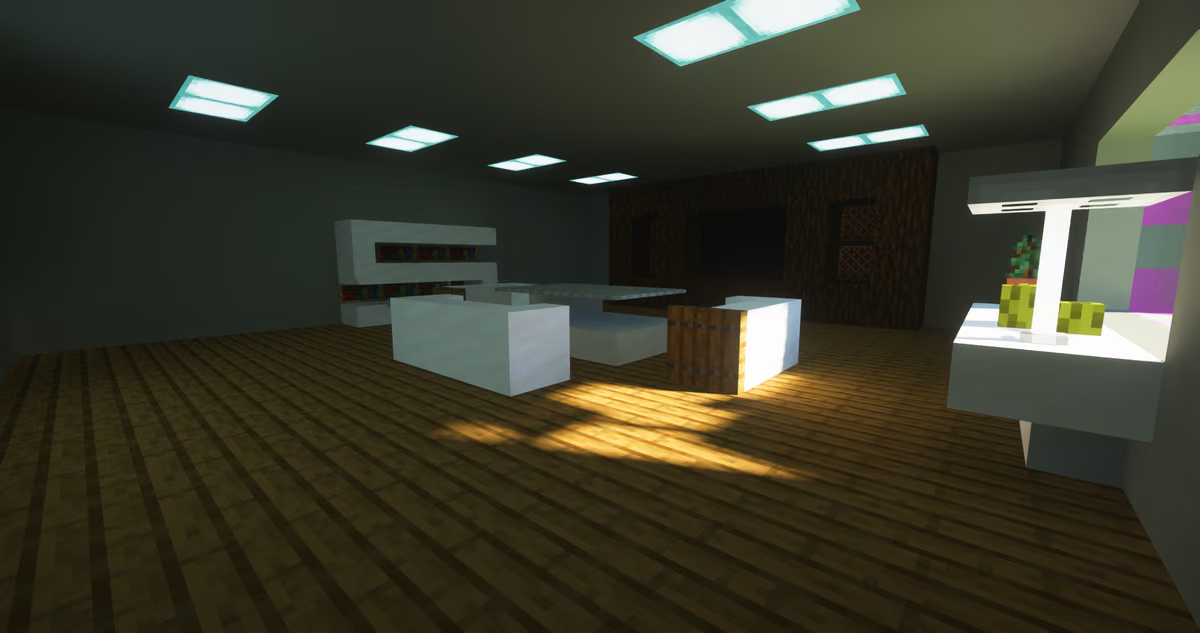
Interior of a room with shaders enabled
Performance
SEUS PTGI is one of the heavier shaderpacks and requires a powerful graphics card. The HRR branch uses Half-Resolution Rendering: effects are computed at half resolution on each axis (for example, for 1080p the internal resolution is 540p), after which the image is upscaled to full resolution with filtering and smoothing. This boosts FPS by roughly 1.5–2x compared to the older E-series branches.
HRR 3 is tuned for 1.18 world generation: the radius within which rays are traced and the default ray length have been increased, making the pack noticeably heavier than the previous HRR Test 2.1.
GPU compatibility: NVIDIA graphics cards are officially supported. AMD cards may work, but expect visual artifacts and possible crashes. Compatibility with Intel is not guaranteed.
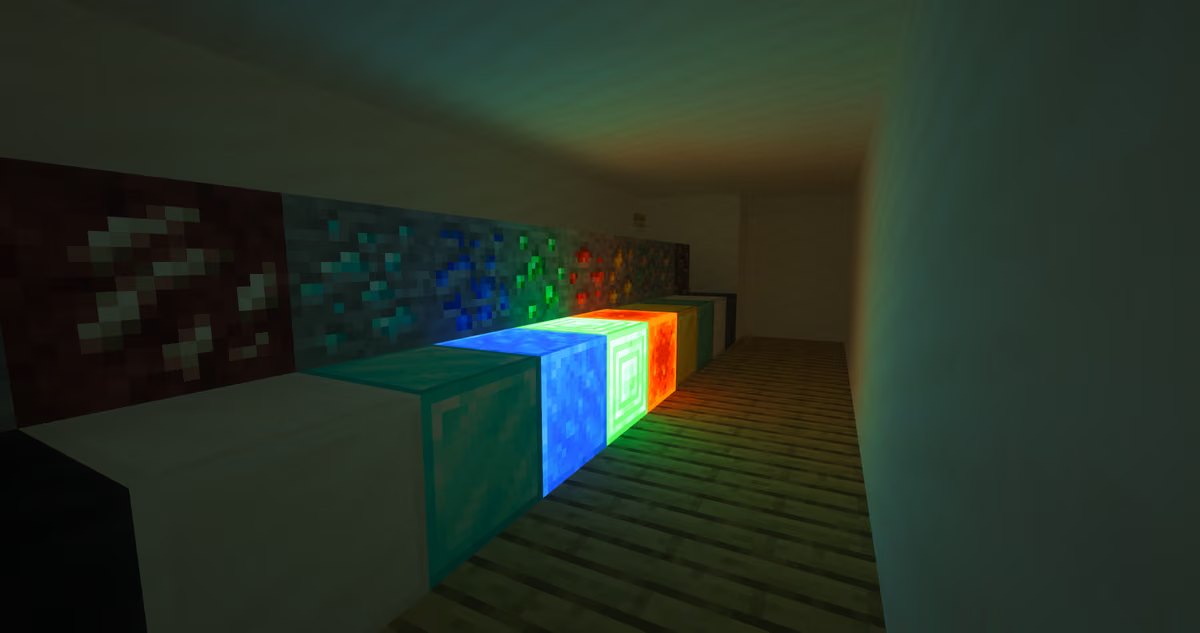
Soft lighting in a room
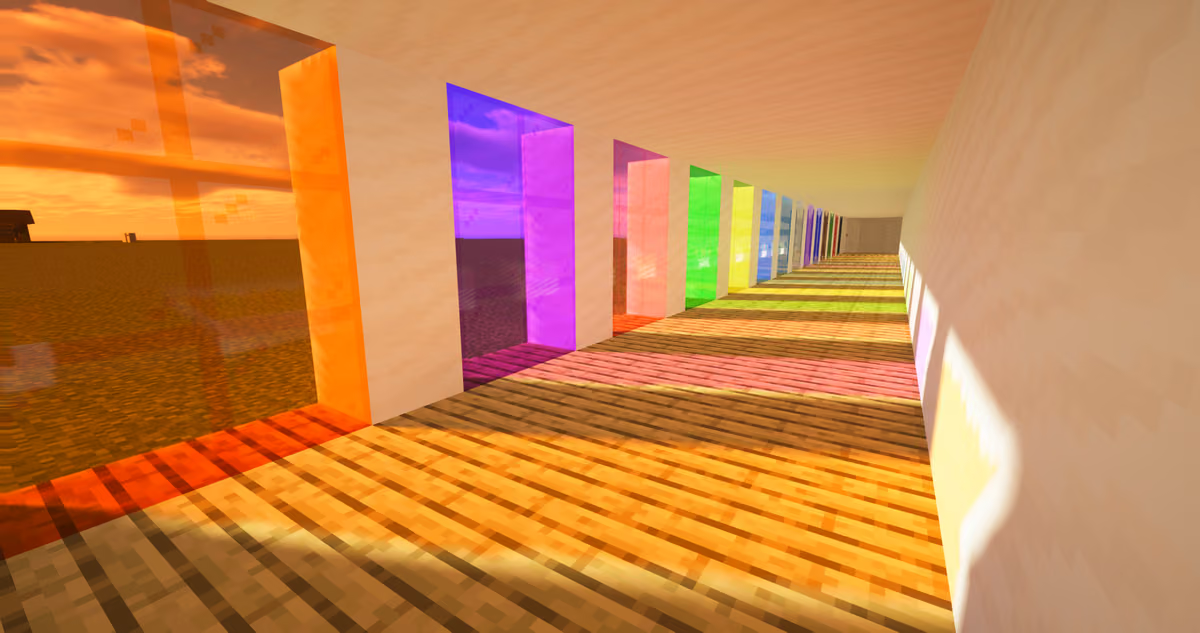
Dynamic room lighting using multicolored glass
Resource Pack Compatibility
The HRR branch supports resource packs with PBR maps and parallax occlusion mapping (POM): packs with a resolution of 64x and higher featuring PBR textures work well, adding volume and relief to surfaces. Packs with custom block models cause lighting artifacts, so it's best not to use them alongside this pack. The official version only runs through OptiFine; a community-modified build of the same pack exists for running it on Iris.
Limitations: froglights and other light sources added after 1.18 are not programmed to emit light; doors and trapdoors don't let light pass through their glass inserts, since the texture's alpha channel isn't factored into global illumination tracing; underwater in ravines and caves, noticeable light leaking and fog glow can occur.
Conclusion
SEUS PTGI delivers physically accurate traced scene lighting unavailable to rasterized shaderpacks: light carries color between surfaces, and reflections account for what's outside the frame. The trade-off is a heavy demand on your graphics card and a lack of recent updates — new light-emitting blocks aren't supported, and the official launch path only works through OptiFine. The pack is best suited for cinematic shots and screenshots, or for playing on a powerful PC for maximum visual quality, and less so for server or competitive gameplay where a stable framerate matters more.
Installation
A typical installation takes about 5 minutes. The flow is the same; only the loader and the matching build differ.
- 1Install a shader loader: OptiFine, or Iris + Sodium for better performance.
- 2Download the shader pack (.zip).
- 3Open Options -> Video Settings -> Shaders -> Shaders Folder and drop the .zip in.
- 4Click the shader pack in the list to enable it.
 How to Install Shaders in MinecraftFind out how to install shaders in Minecraft with a simple guide. Improve lighting, shadows, and reflections for better visuals.Open the install guide