

One Player Sleep — a plugin for quickly skipping the night in Minecraft
On a multiplayer server, the night is skipped only when a sufficient number of players are lying in bed. For large servers this isn't…
On a multiplayer server, the night is skipped only when a sufficient number of players are lying in bed. For large servers this isn't critical, but on private builds with two to five people the situation is different when: one wants to sleep while the rest are busy building or…
One Player Sleep — a plugin for quickly skipping the night in Minecraft
Plugin version: 1.4
On a multiplayer server, the night is skipped only when a sufficient number of players are lying in bed. For large servers this isn't critical, but on private builds with two to five people the situation is different when: one wants to sleep while the rest are busy building or simply aren't at their computers. One Player Sleep removes this condition — the night ends as soon as any single person lies down in bed.
How it works
The logic is simple: any player sleeps, and the time switches to morning for everyone. The other players do nothing — they keep going about their own business, building, farming. The plugin doesn't trigger a loading screen and doesn't interrupt their actions.
After installation there's nothing to configure: just drop the .jar into the /plugins folder, restart the server — and the mechanism is active. The plugin doesn't create its own config.yml and doesn't add entries to the plugins.yml of third-party permission systems.
The plugin handles the sleep event at the server level: when a player gets into bed, the check for the number of sleepers is bypassed and the time is immediately set to morning. The standard falling-asleep animation plays — the screen darkens, and the player "wakes up" in the morning just like in singleplayer.
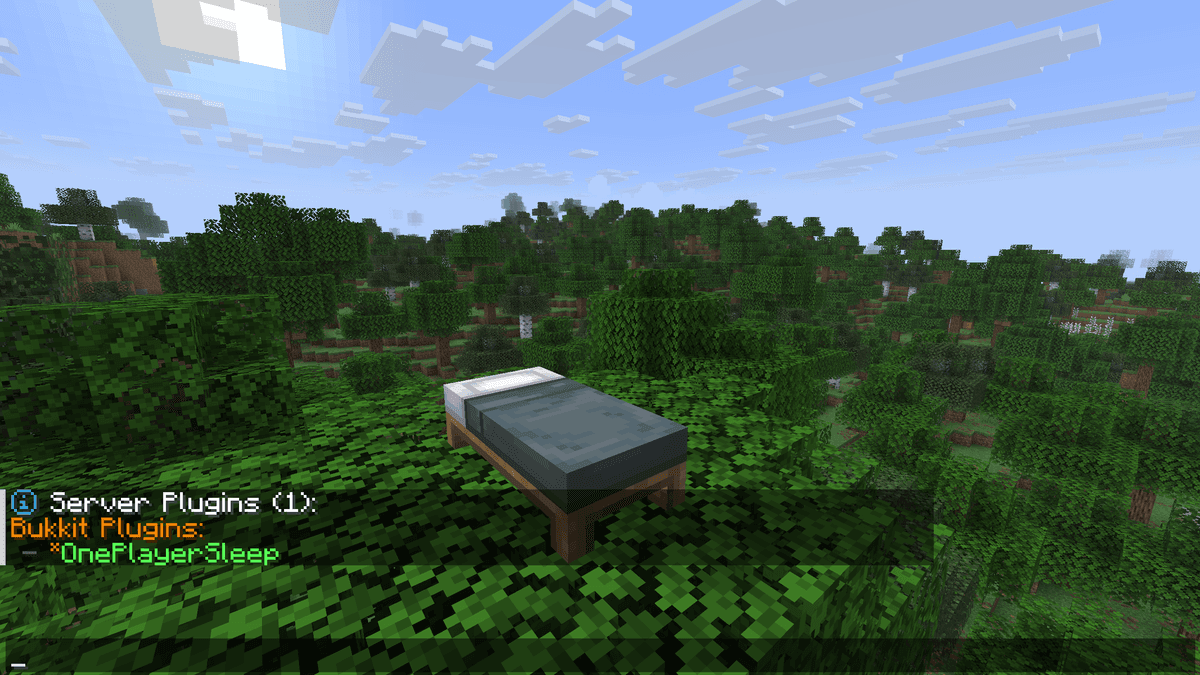
a message in chat that the plugin is active
Commands and permissions
One Player Sleep registers no commands and has no permission nodes. This means the behavior cannot be restricted for individual players — either everyone uses the mechanic, or the plugin has to be removed.
The only real configuration limitation: it's impossible to set the percentage of players who must sleep, to stop time when no one is online, or to block sleep for a particular group through the permission system.
The vanilla alternative
With the release of Minecraft 1.17, a new game rule appeared in the game. By default it's set to 100 (all players must sleep), but a single command changes the behavior to be equivalent to the plugin: /gamerule playersSleepingPercentage
At a value of 1, the night is skipped from the first sleeping player — without plugins, without dependencies, with native support for any official updates.
At 0, the server ignores the total number of players online — one in bed is enough. Negative values are interpreted by Minecraft the same way as 0.
On servers running version 1.17 and newer, One Player Sleep duplicates the built-in solution. The plugin retains practical value exclusively for builds on versions before 1.17, where playersSleepingPercentage doesn't yet exist.
Conclusion
No settings, no permissions, no commands. For the administrator of a small private server on an old version before 1.17 — it's the minimal solution for comfortable play.
On servers running version 1.17 and higher, the plugin isn't needed. /gamerule playersSleepingPercentage 1 — a vanilla command that does the same thing without third-party dependencies and is guaranteed to be supported in all future updates.
Installation
A typical installation takes about 5 minutes. The flow is the same; only the loader and the matching build differ.
- 1Stop your Minecraft server.
- 2Drop the plugin .jar into the server /plugins folder.
- 3Start the server once so the plugin generates its config files.
- 4Edit /plugins/<name>/config.yml as needed, then run /reload confirm or restart.
 How to Install a Plugin on a Minecraft ServerLearn how to install a plugin on a Minecraft server. Follow this guide to add new features, improve gameplay, and customize your server easily.Open the install guide