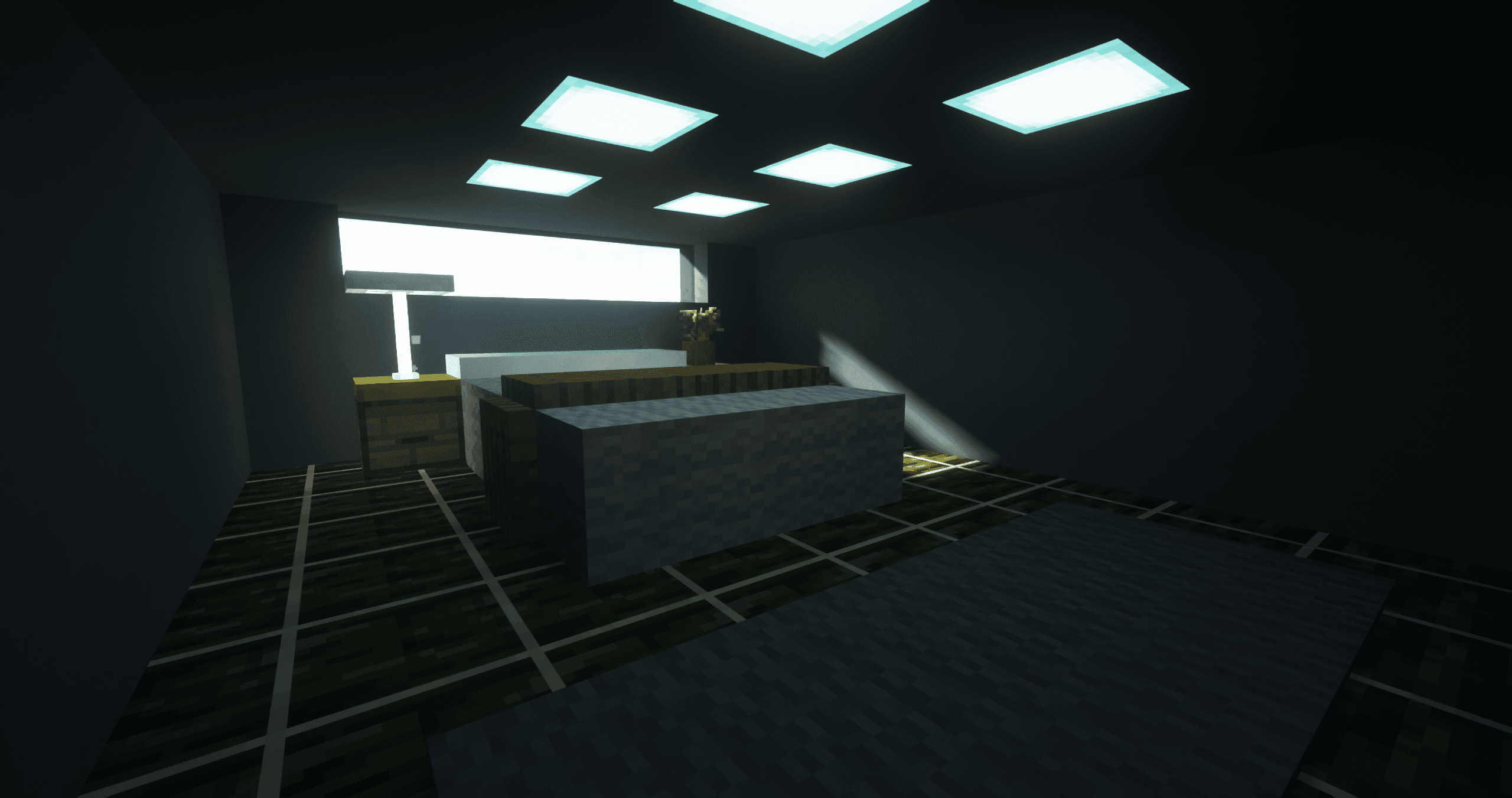
Body Camera Shader: A Realistic Body Camera Effect for Minecraft
Explore Body Camera Shader for Minecraft. Improve lighting, reflections, and realism. Works with OptiFine, Forge, and Fabric. Perfect for…
5.0Kviews2 min
Explore Body Camera Shader for Minecraft. Improve lighting, reflections, and realism. Works with OptiFine, Forge, and Fabric. Perfect for immersive gameplay!
Main Features of Body Camera Shader
Graphic Effects
Body Camera Shader improves the following graphic aspects:
Lighting and Shadows: realistic light distribution, soft and dynamic shadows.
Reflections: supports reflections on surfaces like water and glass.
Realistic Water: detailed textures, reflections, transparency, and smooth waves.
Weather Effects: visualization of rain, fog, sun glares, changing based on time of day and weather.
Advantages
Deep Integration with Minecraft: Body Camera Shader seamlessly fits the game's style without disrupting its core aesthetics.
Optimization: the shader offers multiple settings for various performance levels—from low-end to high-end PCs.
Unique Camera Effects: a sense of presence achieved through enhanced visual elements.
Compatibility
Minecraft Versions: supports versions from 1.16.5 to 1.20.1 (current as of January 2025).
Platforms: works with Forge, NeoForge, and Fabric. Compatibility with popular mods like OptiFine and Iris is ensured.
Differences from Other Shaders
Focus on Camera: adds unique effects unavailable in standard shaders.
Flexible Settings: allows customization of individual parameters for a highly personalized experience.
Ease of Installation: perfect for both beginners and experienced players.
Comparison Table
Shader
Minecraft Version
Performance
Lighting Quality
Water Realism
Weather Effects
Mod Compatibility
Flexibility of Settings
Features
Body Camera Shader
1.16.5–1.20.1
Mid-range and High-end PCs
Dynamic
Realistic
Supported
Excellent
High
Camera Effects
SEUS PTGI
1.14–1.20.1
High-end PCs Only
High
Ultra-Realistic
Supported
Good
Limited
Ray Tracing
Sildur's Vibrant
1.7.10–1.20.1
Low-end and Mid-range PCs
Vivid
Moderate
Supported
Excellent
High
Suitable for All PCs
Frequently Asked Questions (FAQ)
Why isn’t the shader working?
Check the compatibility of your Minecraft version and the platform you are using (Forge/Fabric).
Ensure OptiFine or Iris is installed.
Verify your graphics settings—performance parameters may need to be increased.
The shader is slowing down the game. What should I do?
Lower the graphics settings in the "Shader Settings" section.
Disable additional effects such as shadows or complex reflections.
Ensure your graphics card drivers are up to date.
Is Body Camera Shader suitable for servers?
Yes, the shader works well on servers, but its performance will depend on your PC configuration.

 How to Install Shaders in MinecraftFind out how to install shaders in Minecraft with a simple guide. Improve lighting, shadows, and reflections for better visuals.Open the install guide