Continuum Shaders – Shaders for Minecraft
A realistic shader pack for Minecraft Java Edition with physically-based lighting, volumetric clouds, and cinematic water — built for…
A realistic shader pack for Minecraft Java Edition with physically-based lighting, volumetric clouds, and cinematic water — built for screenshots and showcases.
Continuum Shaders – Shaders for Minecraft
Continuum Shaders is a series of realistic shaders for Minecraft Java Edition from the Continuum Graphics studio. The current main build, Continuum 2.1, delivers a cinematic image with physically-based lighting and effects on par with major game engines. It's a tool better suited to screenshots, videos, and showcasing builds than to everyday play on a weak PC.
Visual Features
Continuum 2.1 renders the scene in two stages: first the lighting using real measured brightness values, then tone mapping into the final look. Light behaves predictably — bright sun, soft shadows, atmospheric scattering in the air.
Lighting: physically-based sky, ambient light, and volumetric rays through clouds and foliage.
Shadows: soft contact shadows at the base of objects.
Water: screen-space reflections (SSR), refraction, and waves.
Clouds: three-dimensional and volumetric rather than flat layers.
Weather: fog, rain, puddles, and ripples on the water turn on automatically.
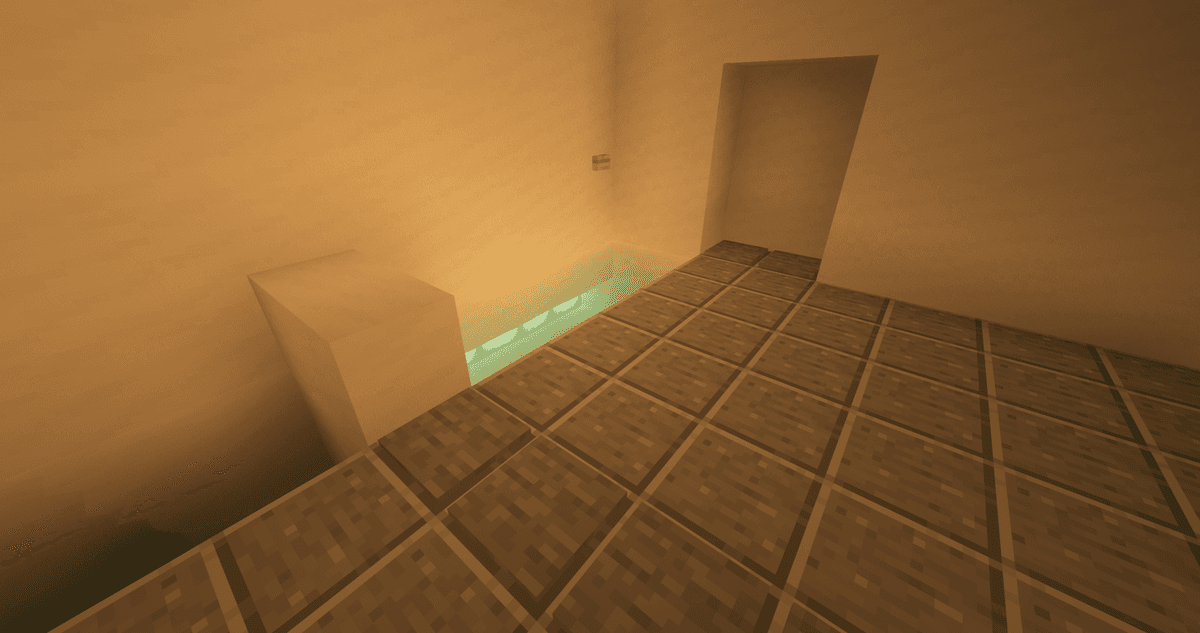
Soft lighting from lamps
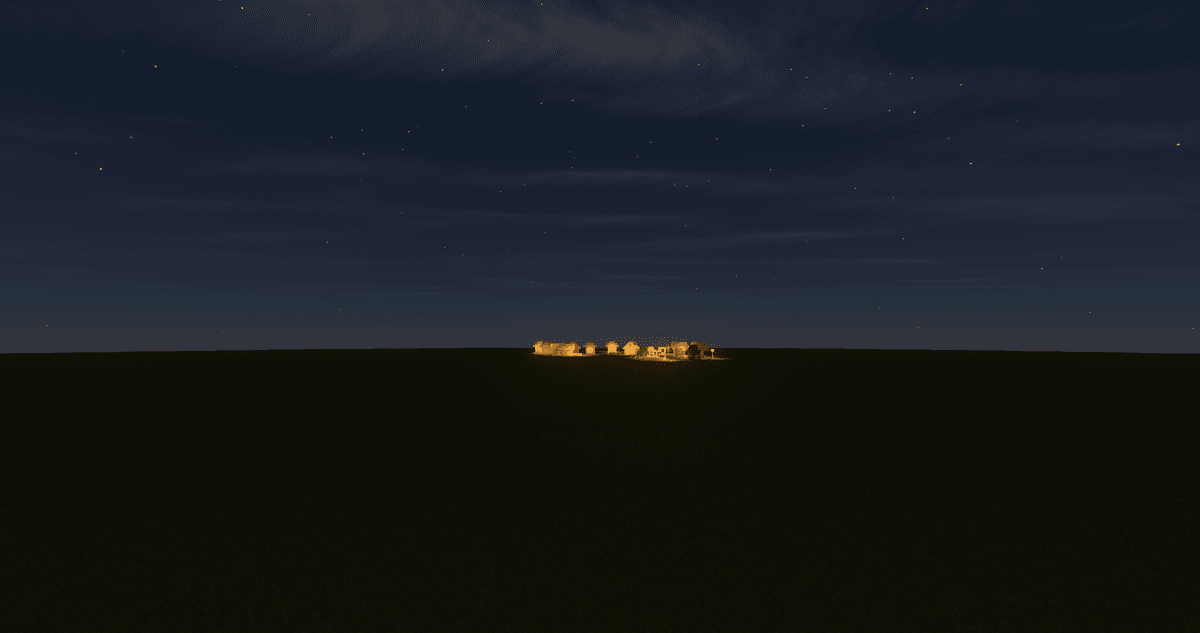
Night sky and a lit-up village in the distance
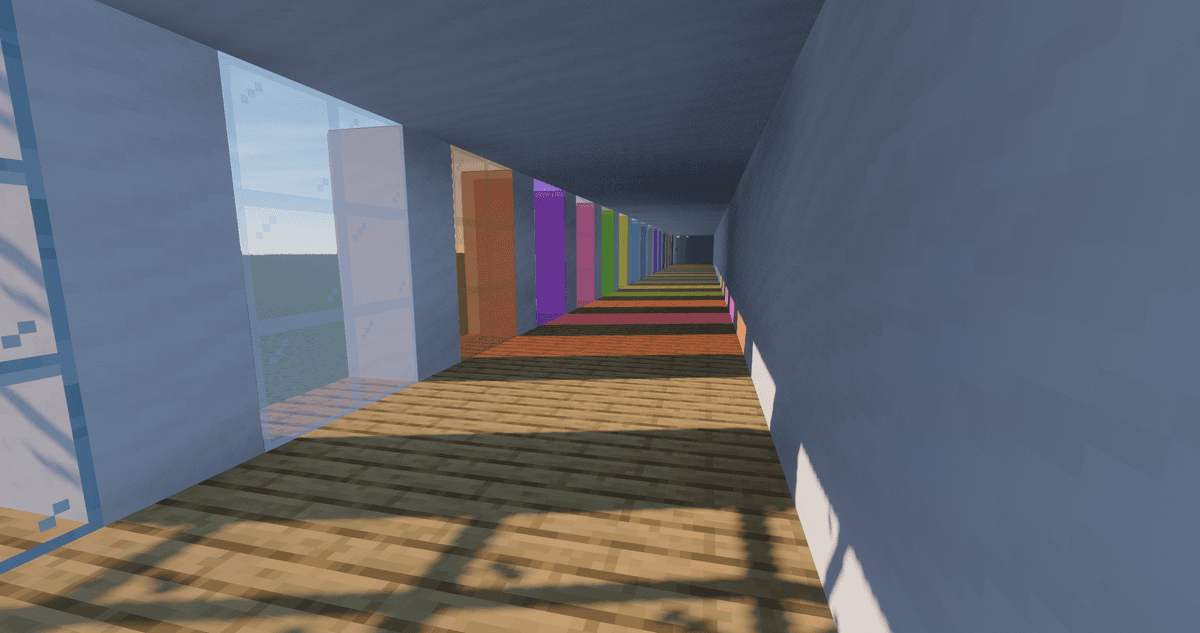
Colored light through glass
Continuum 2.1 and Continuum Legacy
The series has two current builds on a shared foundation, but with different goals.
Continuum 2.1 is the realistic direction: precise light, natural shadows, calm water. It's the default choice for a believable image.
Continuum Legacy is a stylized variant that emphasizes dramatic atmosphere. The differences are visible right away: clouds hang lower and look painterly, the sun is bigger, daytime fog is thicker, and the classic "flat" rays from the old Continuum 1.3 have been brought back for volumetric rays. The water is also more expressive — stronger waves, brighter light reflections on the bottom of bodies of water, and richer color.
The set of settings is the same and detailed in both builds: wave height, fog density, built-in camera parameters, and color profiles (LUT) can all be tuned to taste. Legacy is still developing within early access and is moving toward a free release.
Performance
The pack is built for powerful hardware. The heaviest load comes from volumetric effects, reflections, and shadow quality, so FPS depends on your GPU and render distance. Raising the frame rate without changing the style is helped by a lower render resolution, simplified shadows, and turning off some effects.
Resource Pack Compatibility
The pack reads PBR data in the LabPBR 1.3 format — the same one used by the Stratum studio's signature resource pack. Paired with such a pack, textures gain normal and specular maps plus the POM volumetric relief effect. For builds under OptiFine, you need to enable the Normal Maps and Specular Maps options in the shader selection menu.
Conclusion
Continuum Shaders delivers a controlled "photographic" image for screenshots, videos, and showcasing builds. Its strengths are the physical camera, LUT color grading, and volumetric lighting. The limitations are specific: the pack is heavy, runs only through OptiFine or Focal Engine (no Iris), doesn't run on Intel HD, and official support for new Minecraft versions lags because of its dependence on Focal Engine. It suits those who capture cinematic shots and are willing to trade FPS for quality.
Installation
A typical installation takes about 5 minutes. The flow is the same; only the loader and the matching build differ.
- 1Install a shader loader: OptiFine, or Iris + Sodium for better performance.
- 2Download the shader pack (.zip).
- 3Open Options -> Video Settings -> Shaders -> Shaders Folder and drop the .zip in.
- 4Click the shader pack in the list to enable it.
 How to Install Shaders in MinecraftFind out how to install shaders in Minecraft with a simple guide. Improve lighting, shadows, and reflections for better visuals.Open the install guide