

Compliance 32x — Minecraft resource pack for higher detail and clarity of vanilla textures
Compliance 32x is a Minecraft resource pack that doubles the resolution of vanilla textures to 32x32, enhancing detail while maintaining…
Compliance 32x is a Minecraft resource pack that doubles the resolution of vanilla textures to 32x32, enhancing detail while maintaining the default style.
Compliance 32x — Minecraft resource pack for higher detail and clarity of vanilla textures
Minecraft version tested and article written on: 1.18.2
Supported version range: from Beta 1.7.3 and 1.4.6 to the current 1.21.x
Resolution: 32x
Compliance 32x is a resource pack for Minecraft that doubles the resolution of standard graphics from 16×16 to 32×32 pixels, preserving the vanilla style. The pack does not redraw the game from scratch, but rather redraws existing textures in the same color scheme, making them clearer and more detailed. The main idea is to add more detail without departing from the familiar look of the world.
Artistic Style
The artistic direction is based on three principles: a limited palette, consistency between textures, and preserving the original silhouette of each block. Instead of a simple pixel upscale, the team redraws each element by hand, adding fine details and sharper borders where vanilla relies on flat color. Because of this, stone, wood, and ores look more distinct, yet remain instantly recognizable. The interface font has also been updated, redesigned with broader character support.
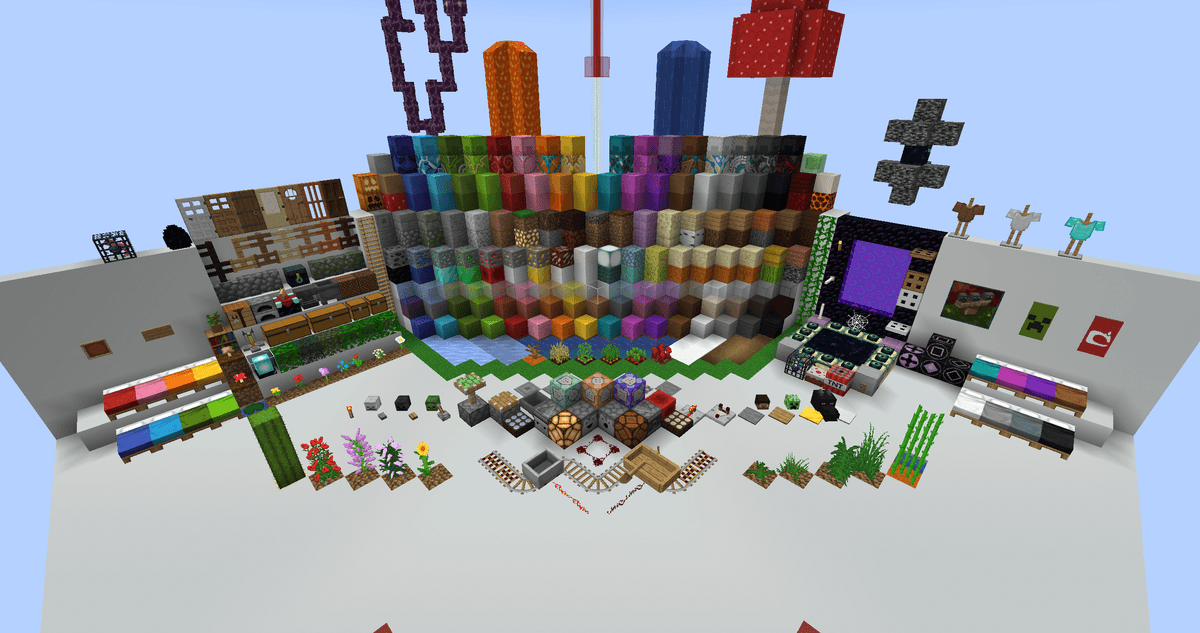
General view of blocks with the pack
What Has Been Redesigned
The pack covers almost all in-game graphics rather than separate groups of blocks:
Blocks: building (planks, bricks, stone), natural (dirt, leaves, ores), and decorative blocks have all received 32×32 versions.
Items: tools, armor, resources, and inventory icons.
Mobs: from passive (cat, turtle, axolotl, camel, sniffer) to hostile (creeper, skeleton, warden) — all with more detailed textures.
Interface: menus, inventory, and HUD in doubled resolution.
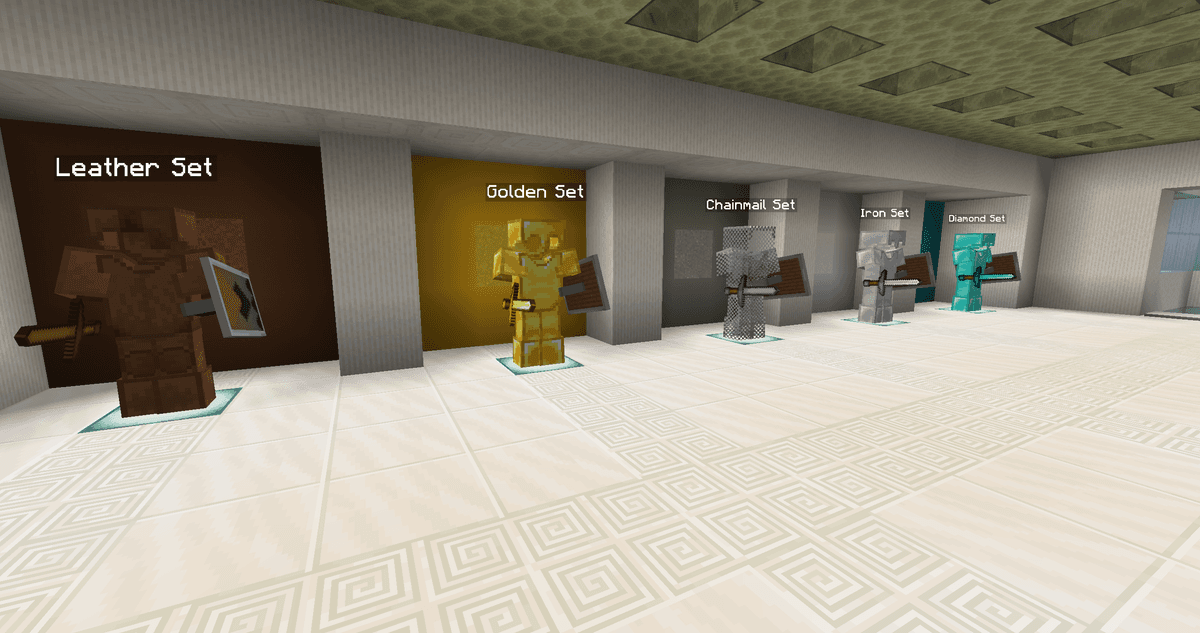
General view of armor
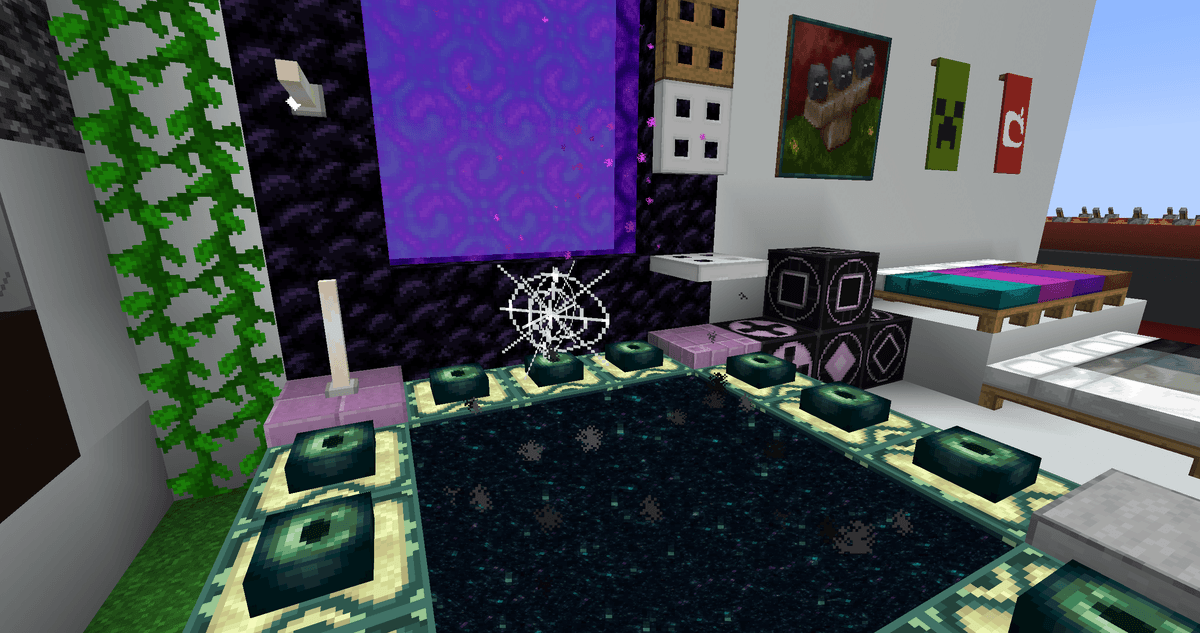
Modified portal textures
Technical Requirements
32x means more pixels per texture compared to the vanilla 16×16, but the memory load is significantly lower than that of heavy 64x or 128x packs. On a modern PC, the pack runs without any separate optimizations. For very old versions of the game (1.4.6, Beta 1.7.3), OptiFine or MCPatcher will be required — without them, some of the textures will not load.
History and Name
The project started in November 2020 as a fork of the Faithful pack at the time, which was being distributed for years without the original author's permission. The original Faithful was created by Vattic back in 2010. After re-establishing contact with him, on April 4, 2022, the team officially renamed Compliance to Faithful — only the name changed, while the author lineup and the textures themselves remained the same. Therefore, today the pack is downloaded under the name Faithful 32x, and that is what you should search for on the official website and in catalogs.
Compatibility
The pack is not a mod and does not alter mechanics — it works alongside any installed mods. Modern releases support textures from Fabric API and Fabric Mod Menu without any additional setup. The pack is available for Java Edition, Bedrock Edition, and Minecraft Dungeons; it is an open, community-driven project where anyone can submit their own textures via Discord, and the community votes on their inclusion.
Conclusion
Compliance 32x makes vanilla textures twice as detailed without breaking the familiar look of Minecraft. Compared to the 64x version of the same pack, it is lighter on system resources and closer to the original: 64x provides more fine details but departs further from the flat vanilla style. The limitation is obvious — it is a resolution increase, not realism or a complete overhaul of the game. The pack is suitable for those who want a cleaner image for survival or building while preserving the recognizable look of the world; it should be searched for under its current name, Faithful 32x.
Installation
A typical installation takes about 5 minutes. The flow is the same; only the loader and the matching build differ.
- 1Download the resource pack (.zip) — keep it zipped.
- 2In Minecraft open Options -> Resource Packs -> Open Pack Folder.
- 3Move the .zip into that resourcepacks folder.
- 4Select the pack so it moves to the right column, then click Done.
 How to Install a Texture Pack in MinecraftLearn how to install a texture pack in Minecraft with a simple step-by-step guide. Personalize your game with ease.Open the install guide