Photon — a Shader for Semi-Realistic Graphics in Minecraft
Photon is a semi-realistic Minecraft shader pack with a reworked sky, volumetric clouds, soft shadows, colored lighting, and quality…
Photon is a semi-realistic Minecraft shader pack with a reworked sky, volumetric clouds, soft shadows, colored lighting, and quality profiles for every PC.
Photon — a Shader for Semi-Realistic Graphics in Minecraft
Shader loader: Iris or OptiFine. Some features — in particular colored lighting — only work on Iris.
Minecraft versions (Java Edition): 1.16.5 — 26.1.2
Photon is a shader pack for Minecraft focused primarily on comfortable gameplay rather than just flashy screenshots. Its author describes the pack as semi-realistic: the picture becomes noticeably more lively thanks to a reworked sky, volumetric clouds, soft shadows, and more natural water, but without excessive stylization that would make it harder to navigate the world. Because of this, Photon is equally suitable for building, cave exploration, or survival.
What Photon Brings to the Game
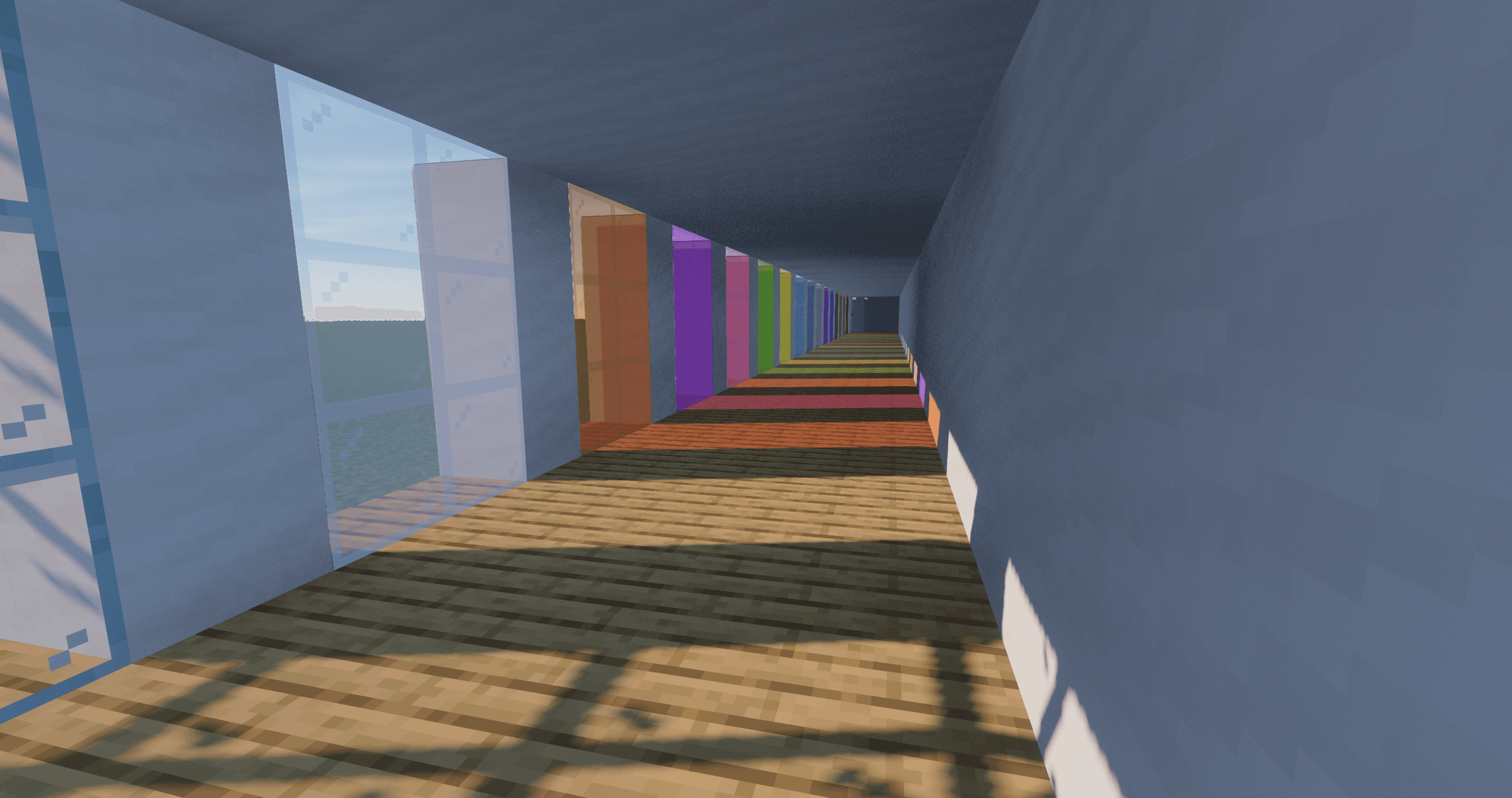
The core of the pack is a completely reworked sky, lighting, and water. The sky changes depending on the time of day and weather: every day the weather system creates a different look, and multi-layered clouds of different types add depth to the scene. Along with this, the light behaves differently — Photon adds soft shadows with variable penumbra width and detailed shading in corners and crevices, which makes the geometry feel more voluminous.
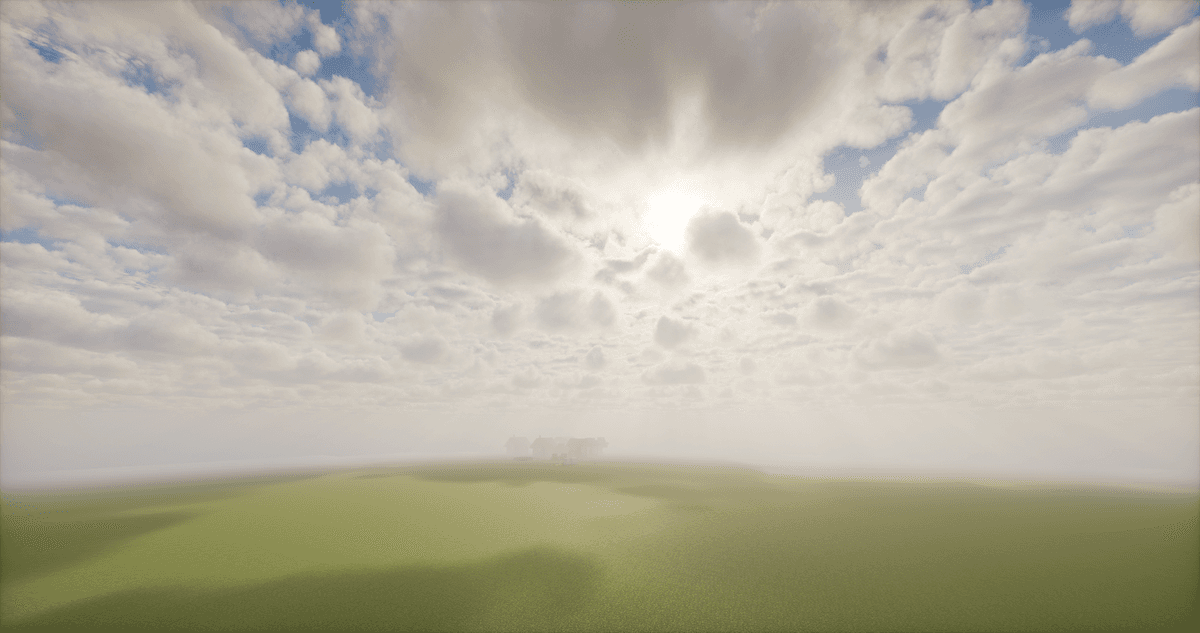
The updated sky with volumetric clouds that cast shadows on the ground
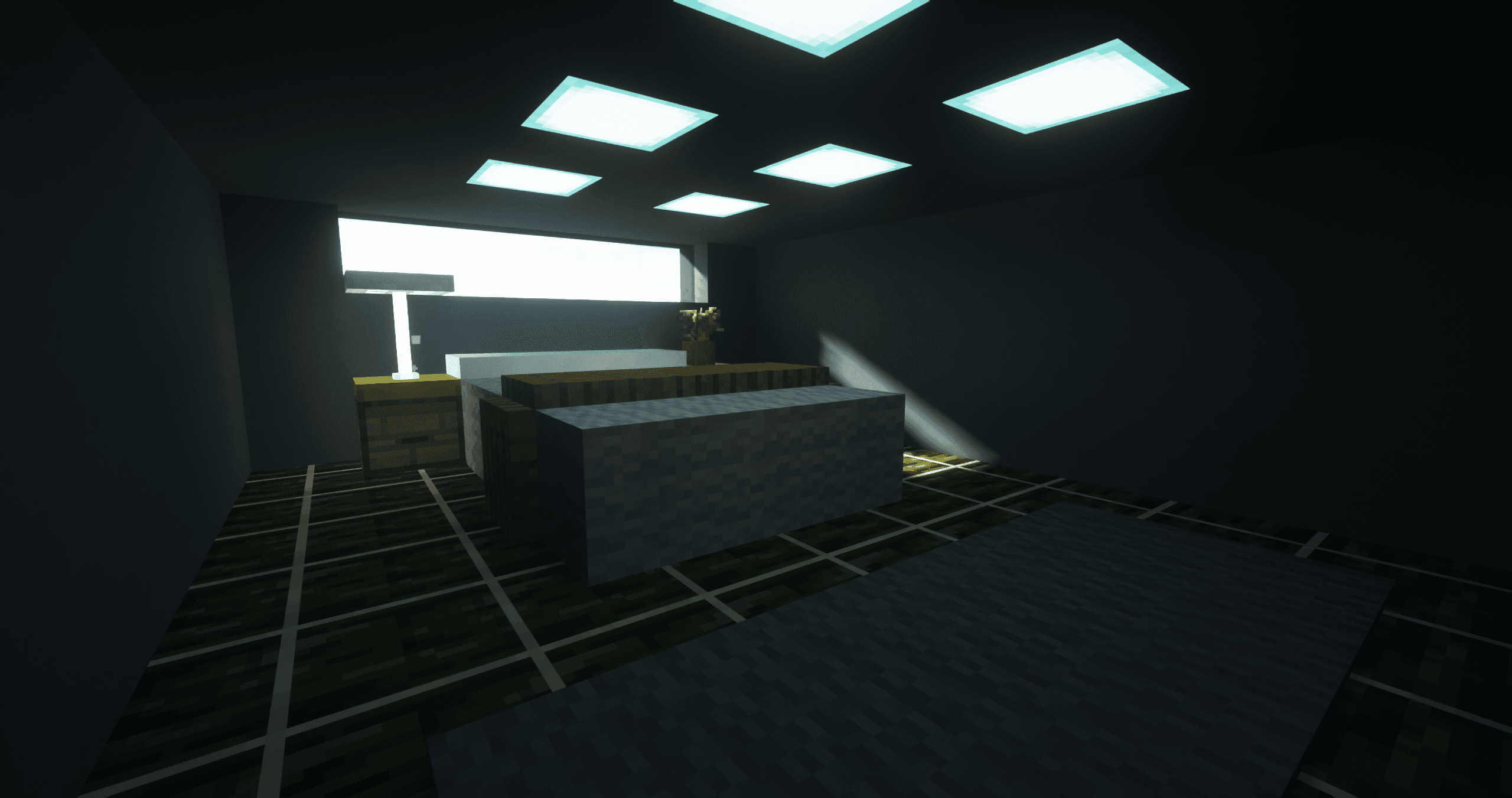
Colored lighting deserves special attention: on the Ultra profile (Iris only) light sources tint the space around them — for example, lava gives off a warm orange glow that gradually fills the cave. This is complemented by volumetric fog, screen-space reflections on water and wet surfaces, as well as camera effects — glow from bright areas (bloom), depth of field, and motion blur.
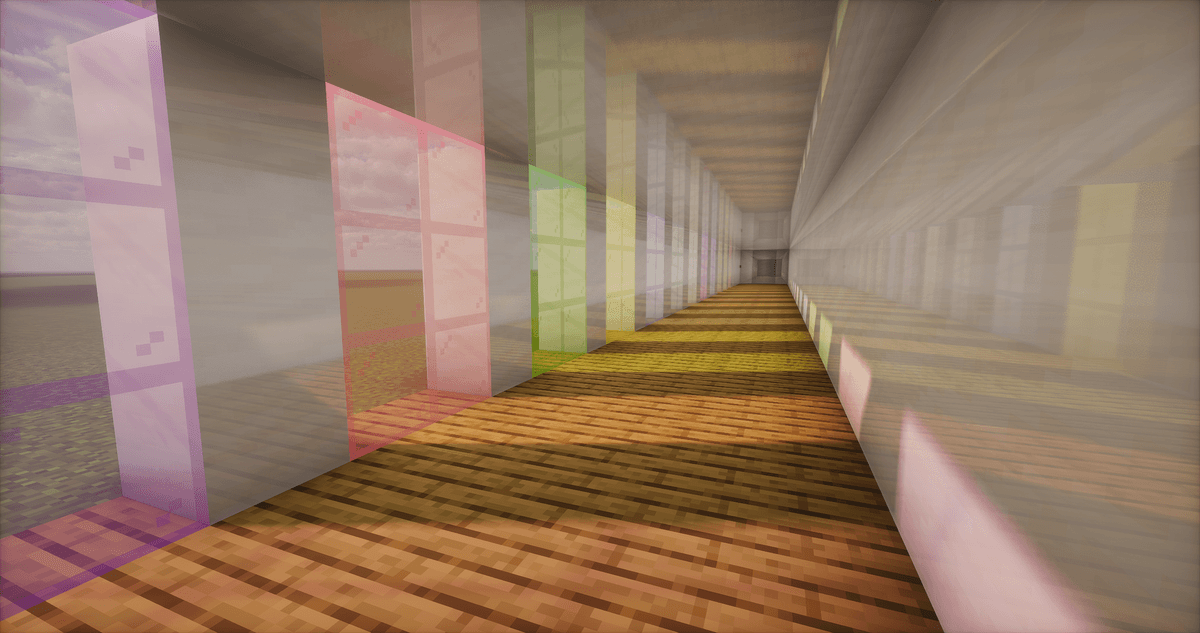
Demonstration of colored lighting
Quality Profiles and Performance
Photon comes with several quality profiles, so the pack can be tuned to your system — from weak PCs to powerful builds.
Parameter | What it changes |
Quality profile | Overall effect level: Low, Medium, High, Ultra. Colored lighting is enabled on Ultra and only works on Iris. |
Temporal upscaling | Renders the image at a lower resolution and then upscales it — noticeably boosts FPS on weaker devices at the cost of finer detail. |
The settings menu in Photon is detailed: almost every effect can be turned on, off, or fine-tuned individually, so the player decides the balance between visuals and performance.
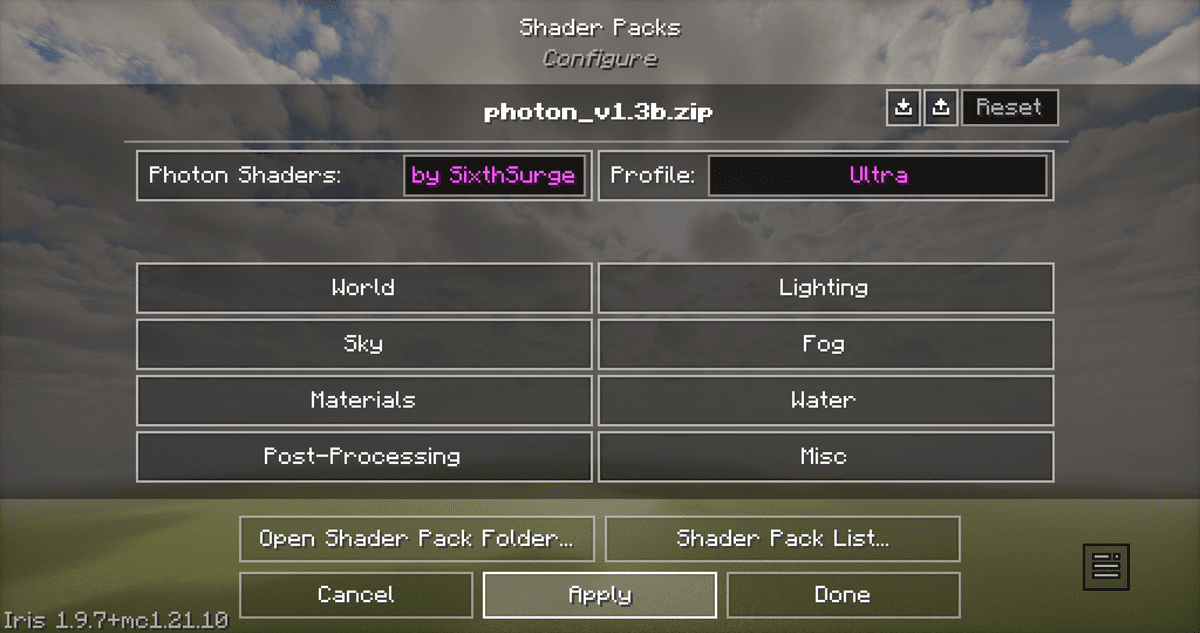
The shader's settings menu
Conclusion
Photon lets you make the world of Minecraft visually rich and atmospheric while keeping it suitable for regular play. The reworked sky, weather, soft shadows, volumetric fog, and colored lighting together create a cohesive, "living" picture, while the flexible menu and quality profiles let you tailor the load to your graphics card. If you need a balance between an appealing picture and stable FPS during building, exploration, and survival, Photon covers this scenario well.
Installation
A typical installation takes about 5 minutes. The flow is the same; only the loader and the matching build differ.
- 1Install a shader loader: OptiFine, or Iris + Sodium for better performance.
- 2Download the shader pack (.zip).
- 3Open Options → Video Settings → Shaders → Shaders Folder and drop the .zip in.
- 4Click the shader pack in the list to enable it.
 How to Install Shaders in MinecraftFind out how to install shaders in Minecraft with a simple guide. Improve lighting, shadows, and reflections for better visuals.Open the install guide