
How to Enable Cheats in an Existing Minecraft World
Turn on commands in a world created without cheats: World Options in Java 26.2+, Open to LAN in older versions, level.dat for a permanent…
If a Minecraft world was created with commands turned off, commands such as /gamemode or /give fail with "Unknown or incomplete command". You can still turn cheats on in that world without starting over. How you do it depends on the edition and version: Java 26.2 and newer have a toggle in World Options, older Java versions use a temporary switch on the Open to LAN screen, and any Java version can be changed permanently by editing level.dat. Bedrock has its own toggle in the world settings, with one important catch.
Which method to use
Java 26.2 and newer: World Options, Allow Commands. Permanent, nothing extra needed.
Java up to 26.1: Open to LAN for the current session, or
level.datfor a permanent change.Bedrock Edition: the Cheats toggle in the world settings. It permanently disables achievements for that world.
Servers and Realms: the owner grants operator status; there is no per-player cheats switch.
Java 26.2 and newer: World Options
Since Java 26.2 the world host can turn commands on or off at any time from inside the world. This changes the world's own setting, so commands stay enabled the next time you load it.
Load the world and press
Escto open the game menu.Click World Options... (in 26.3 and newer it sits where the Open to LAN button used to be).
In the General section, set Allow Commands to ON.
Close the screen and type your command in chat.
Allow Commands is not available in Hardcore worlds. The Multiplayer section of the same screen has a separate Command Access option: it controls whether players who join over LAN can use commands and does not affect the host.
Java up to 26.1: temporarily via Open to LAN
In older versions the pause menu has no cheats toggle, but opening the world to LAN lets you allow commands for the current session. The world file is not changed, which makes this a quick option when you only need commands once: to switch game mode, teleport out of a bad spot or fix something with a /gamerule.
Load the world and press
Esc.Click Open to LAN.
Set Allow Commands to ON. Before 1.20.5 this button was called Allow Cheats.
Click Start LAN World.
The chat shows "Local game hosted on port" followed by the port number, and commands work from that moment on.
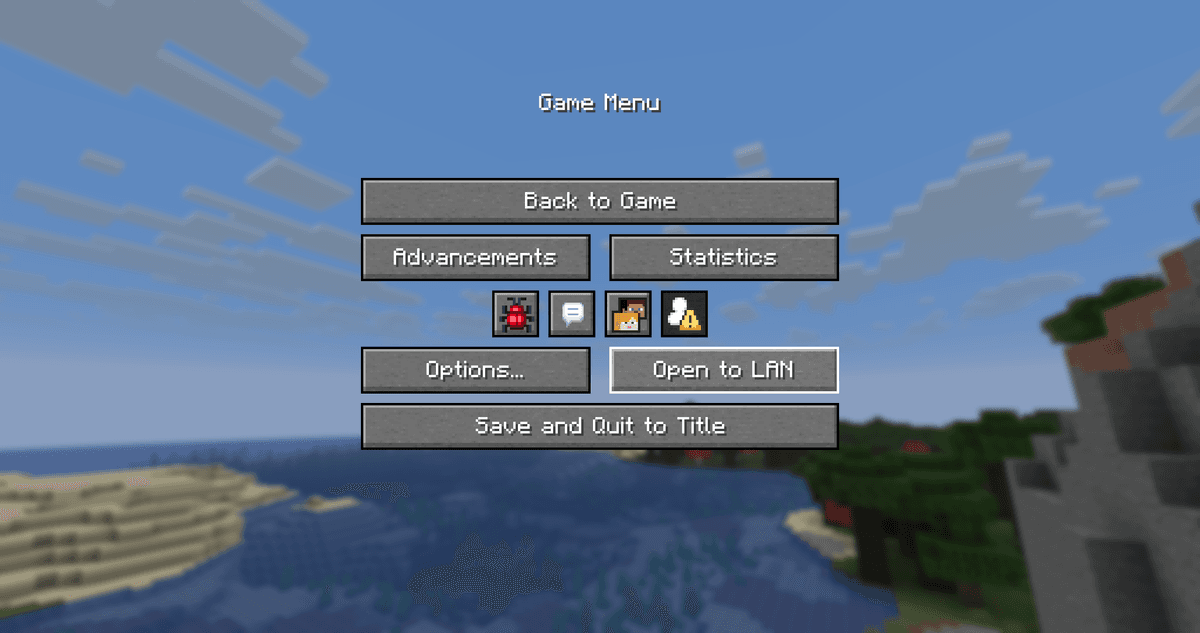
Pause menu with the Open to LAN button selected
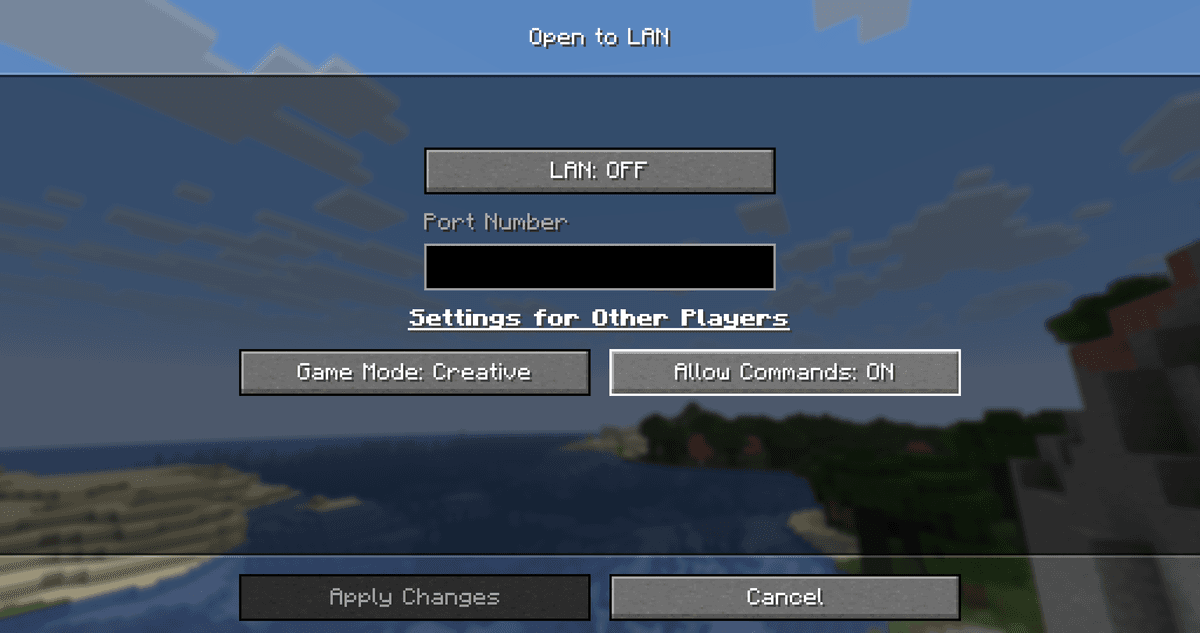
LAN settings with cheats switched on (older Java versions)
This only lasts until you leave the world. After reloading, commands are off again and you have to repeat the steps. Anything you already changed with commands (game mode, time, weather, game rules, items) stays saved in the world. While the world is open to LAN the game no longer pauses, so get somewhere safe before opening the game menu.
From Java 26.2 onwards the game mode and command options on the Open to LAN screen apply only to other players, so this trick no longer works for the host. Use World Options instead.
Any Java version: permanently via level.dat
Whether commands are allowed is stored in each world's level.dat file. Changing one value there turns cheats on for good. This works in every Java version, including those where Open to LAN is the only in-game option.
Close Minecraft completely.
Back up the whole world folder.
Open the saves folder:
%appdata%\.minecraft\saveson Windows,~/Library/Application Support/minecraft/saveson macOS,~/.minecraft/saveson Linux. Then open the folder named after your world.Open
level.datin an NBT editor such as NBTExplorer.Go to
Dataand findallowCommands.Change its value from
0to1.Save the file and close the editor.
The next time you load the world, commands work straight away and the host has full operator access.
Do not skip the backup: a damaged level.dat can make the world impossible to load, and without a copy the progress is lost.
Bedrock Edition
Bedrock lets you turn cheats on in an existing world directly from the settings.
On the world list, click the edit (pencil) button next to the world, or open Settings from the pause menu while in the world.
Open the Cheats tab.
Turn the Cheats toggle on and confirm.
Turning cheats on in Bedrock permanently disables achievements for that world, even if you turn cheats off again later. Switching the world's game mode to Creative has the same effect. Cheats cannot be enabled in Hardcore worlds. If you care about achievements, copy the world first and enable cheats in the copy.
Servers and Realms
On a multiplayer server there is no cheats switch: commands depend on the player's permission level. The server owner runs op PlayerName in the server console to make someone an operator, and deop PlayerName removes it. On Java Realms the owner is always an operator and can promote other players in the Realm's configuration screen. On Bedrock Realms, cheats are toggled in the Cheats tab of the Realm's world settings, just like in a local world.
What cheats give you
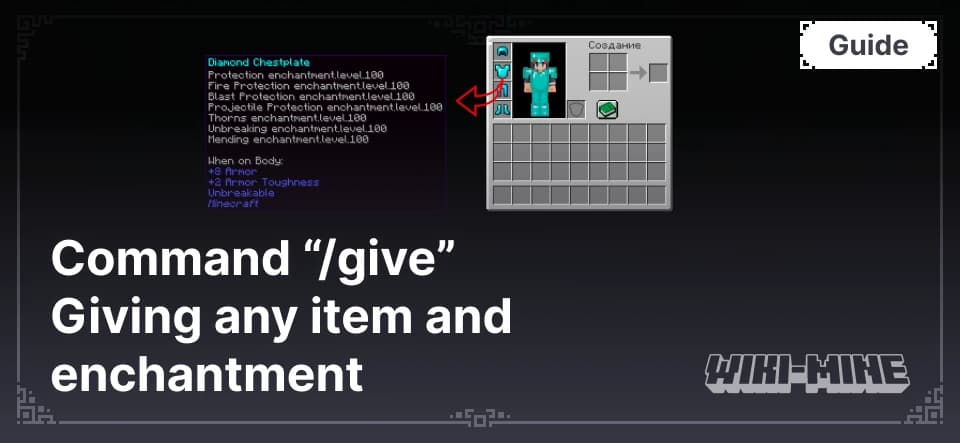
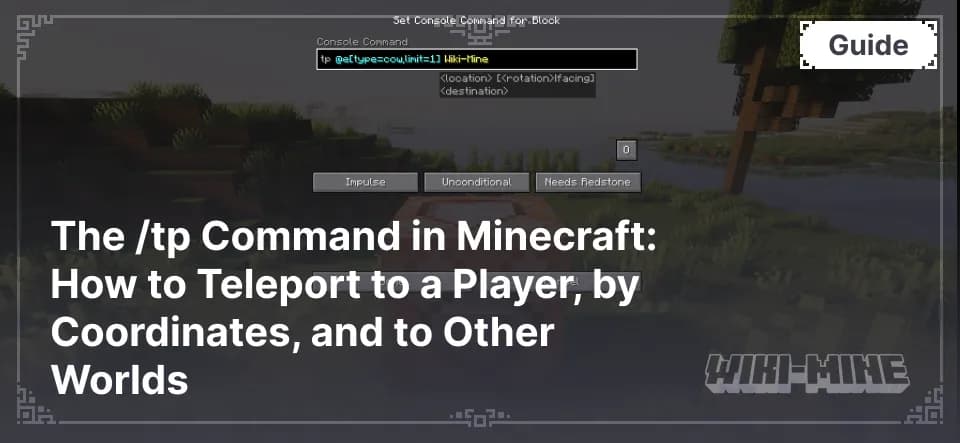
With cheats on you can use operator commands: /gamemode to switch game mode, /give to get items, /tp to teleport, /time set and /weather to control time and weather, and /gamerule for world rules, for example to keep your inventory on death. Unlike Bedrock, Java does not block advancements when cheats are on: you keep earning them as usual.
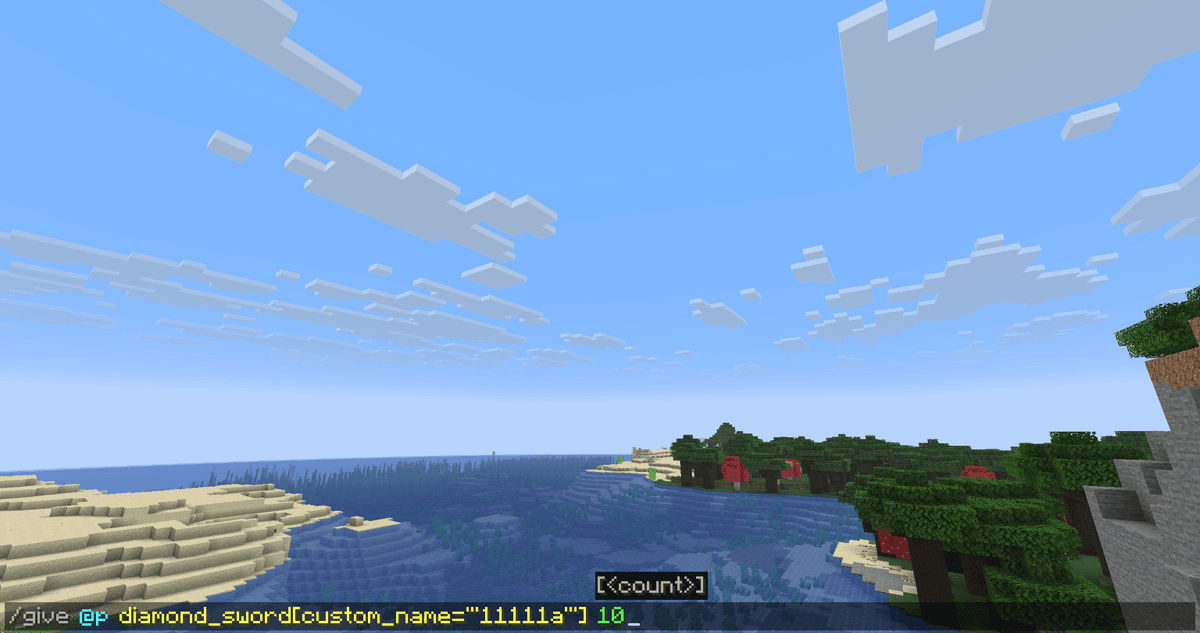
A /give command for 10 named diamond swords typed into chat
Common problems
"Unknown or incomplete command" for
/gamemodeor/give. In Java this is the usual sign that you have no permission to use the command: commands you are not allowed to use are hidden, so the game reports them as unknown rather than as a permission error. Check that commands are actually enabled.Commands still fail after Open to LAN. Most often the command switch was left OFF before clicking Start LAN World. In Java 26.2 and newer, the LAN options do not affect the host at all; use World Options.
/helpand/listwork. That does not mean cheats are on: these commands, along with/msgand/trigger, are available to every player.The option is grayed out. Hardcore worlds do not allow turning commands on through the menu in either edition.
Leave a comment
Links will be stripped
No comments yet. Be the first to share your thoughts.