
Minecraft commands: a list of guides with examples
All command guides on the site in one list: what each command does, which guide covers it, and ready-to-type examples for Java Edition.
Commands are short text instructions typed in the chat that change the game directly: they give items, change the time and weather, teleport players and switch game modes. They only work in a world with cheats allowed or on a server where you have operator rights; if your world was created without cheats, see how to enable cheats in an existing world.
Most commands exist in both Java and Bedrock Edition, but the syntax is not always the same. The examples on this page use Java syntax; the guides point out Bedrock differences where they matter.
How to enter a command
Press
Tto open the chat, type the command and press Enter. Pressing/instead opens the chat with the slash already typed.In Java Edition, press
Tabwhile typing: the game completes command names, selectors and item or block IDs and shows the arguments it expects.The chat accepts up to 256 characters. Longer commands, such as items with many components, go into a command block, which also runs a command on a redstone signal.
Getting started
Enabling cheats: turn on cheats in a Java world created without them, for one session via Open to LAN or permanently by editing level.dat.
Command block: get a command block with /give, place it and set it up, plus other ways to obtain one.
Items and player
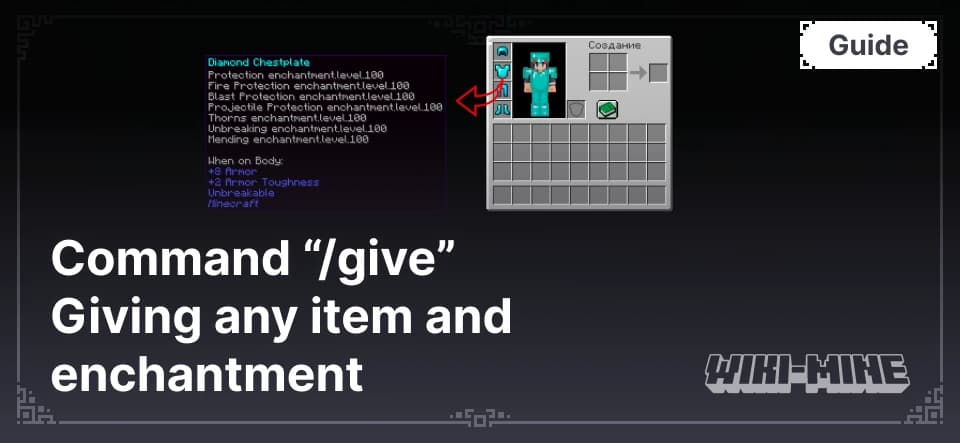
/give: get any item with the current item component syntax (Java 1.20.5+) for enchantments, names, lore and unbreakable gear, god items, legacy NBT for older versions and Bedrock.
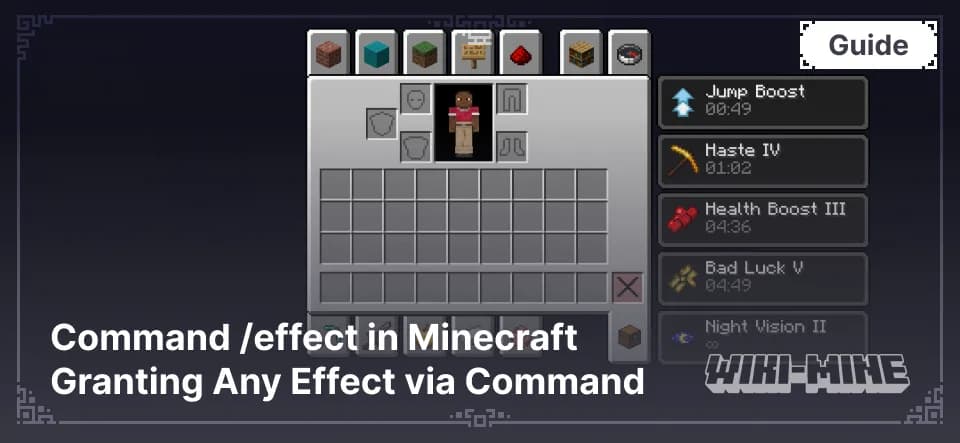
/effect: apply any effect with a chosen duration and level, remove effects with /effect clear, and the full list of effect IDs.
/xp: add levels or experience points, for example 1000 levels at once, remove them with negative values, and the Java and Bedrock syntax.
/gamemode: switch to Creative and other modes, use F3 + F4 in Java, change another player's mode, and why /gamemode c works in Bedrock but not in Java.
keepInventory: the game rule that keeps your items and experience after death: how to turn it on and off and what to do when the command fails.
World and time
/time: skip the night with /time set day, stop the day-night cycle, set exact values from 0 to 24000 and check the current time.
/weather: stop rain with /weather clear, keep it off for good, start a thunderstorm, and the difference between Java seconds and Bedrock ticks.
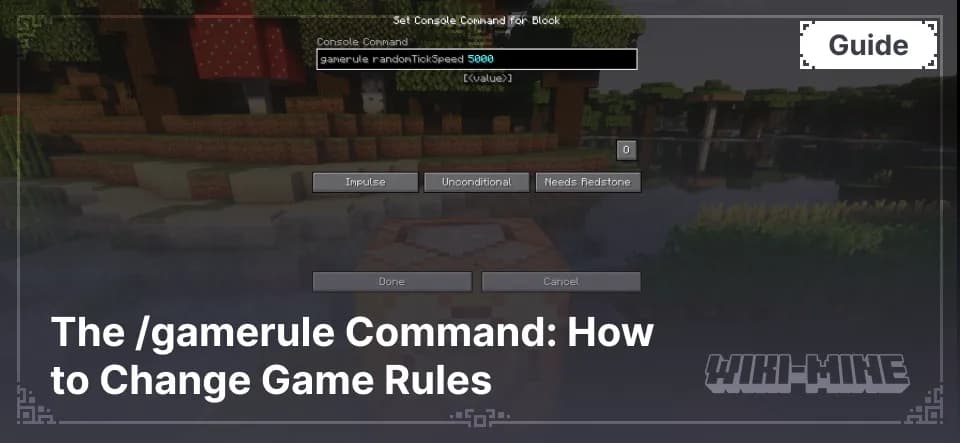
/gamerule: the /gamerule syntax, true/false and number values, and a table of the main rules with their default values.
/locate: find the nearest biome, structure or point of interest, the syntax before and after 1.19, and how to teleport to the result.
/fill: fill an area with blocks between two corners, use relative ~ coordinates and the replace, keep, outline, hollow and destroy modes, plus fixes for common errors.
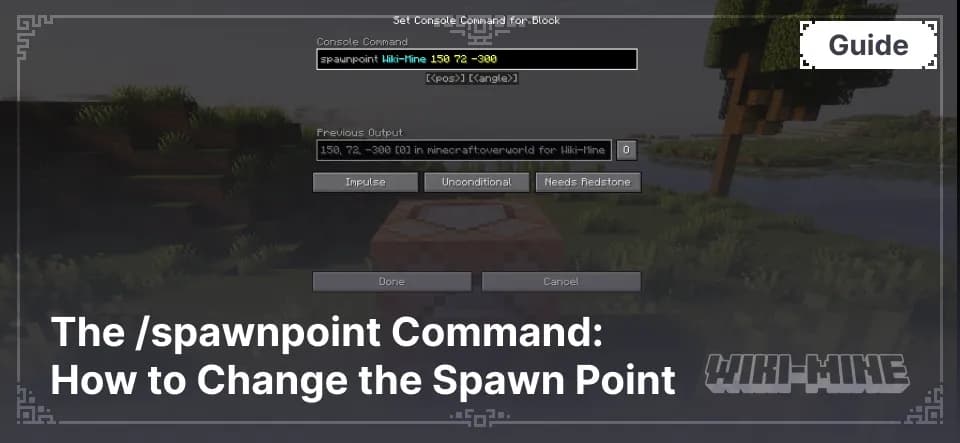
/spawnpoint: set your own or another player's respawn point, use coordinates and selectors, and how it differs from /setworldspawn.
Teleport and entities
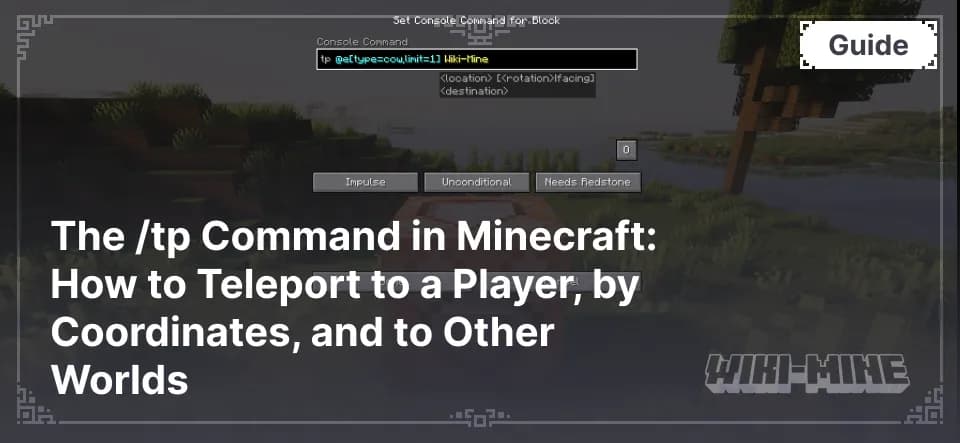
/tp: teleport to a player or to exact and relative coordinates, change the view direction, and move between dimensions with /execute.
/kill: remove mobs, dropped items and armor stands to reduce lag, limit the command by radius, and exclude players from it.
Quick reference: commands and examples
Command | What it does | Example |
| gives you 64 diamonds |
|
| night vision with no time limit |
|
| adds 30 levels |
|
| switches you to Creative mode |
|
| sets the time to morning |
|
| stops rain and thunder |
|
| keeps items and experience after death |
|
| shows the coordinates of the nearest plains village |
|
| shows the nearest cherry grove biome |
|
| builds a hollow 11 x 4 x 11 stone room around you |
|
| sets your respawn point where you stand |
|
| teleports you to x 100, y 64, z -200 |
|
| removes all dropped items |
|
Since Java Edition 1.21.11, game rules use snake_case names: keep_inventory instead of keepInventory, advance_time instead of doDaylightCycle. In older Java versions and in Bedrock, use the old names, for example /gamerule keepInventory true.

Leave a comment
Links will be stripped
No comments yet. Be the first to share your thoughts.