
How to Get a Command Block in Minecraft
Get a command block with /give @s minecraft:command_block, set it up in Creative mode, choose its type and mode, and enable command blocks…
A command block runs a command when it receives a redstone signal, which makes it the basis of most minigames, adventure maps and automatic contraptions. It cannot be crafted, found in chests or mined in Survival. The only way to get one is with a command or, in Java Edition, from a hidden Creative inventory tab, and both require cheats or operator status. The steps below work in singleplayer and on servers, with notes for Bedrock Edition at the end.
What you need
Cheats enabled in a singleplayer world, or operator status on a server. In Java Edition the operator needs permission level 2 or higher (the server default for
/opis 4).Creative mode. Only an operator in Creative can place, break or edit a command block. In Survival you can carry one, but you cannot place it or open its settings. A block that is already placed keeps working in any game mode. Switch with
/gamemode creative(see the /gamemode command).Your player name or a target selector such as
@s,@por@a.
If the world was created without cheats, you can turn them on for the current session: press Esc, choose Open to LAN, set Allow Cheats to ON and click Start LAN World. You do not need a real network, and the setting resets when you close the world. Other ways are covered in how to enable cheats in an existing world.
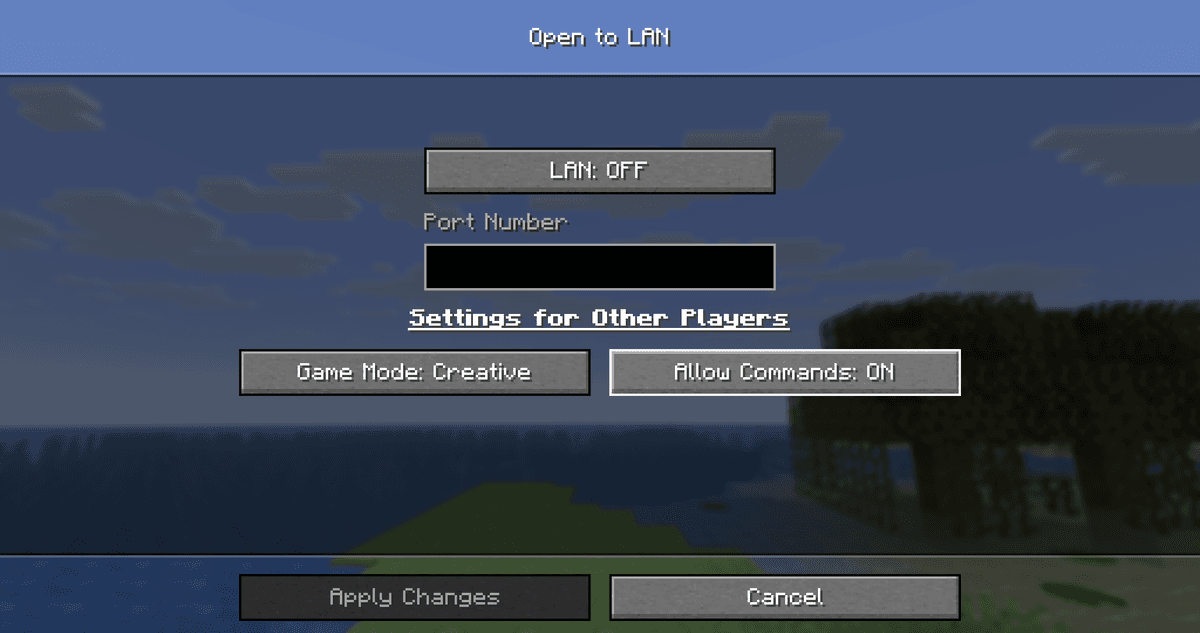
The Open to LAN screen with the Allow Cheats toggle
Step 1. Give yourself a command block
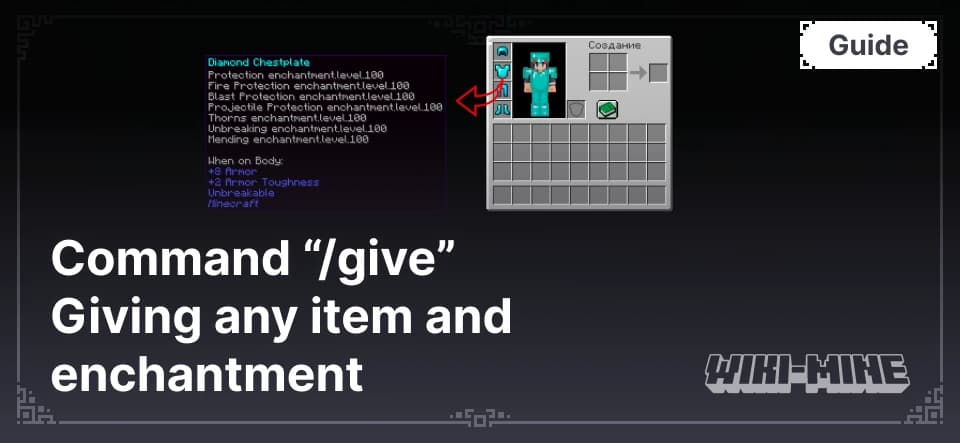
Press T or / to open chat and enter the /give command:
/give @s minecraft:command_block@s gives the block to you, the player running the command. You can use a player name or another selector instead: @p is the nearest player, @a is every player. The minecraft: prefix is optional. To get several blocks at once, add a count:
/give @s minecraft:command_block 3Press Enter and the block appears in your inventory. Type the ID exactly as shown, in lowercase: command_block.
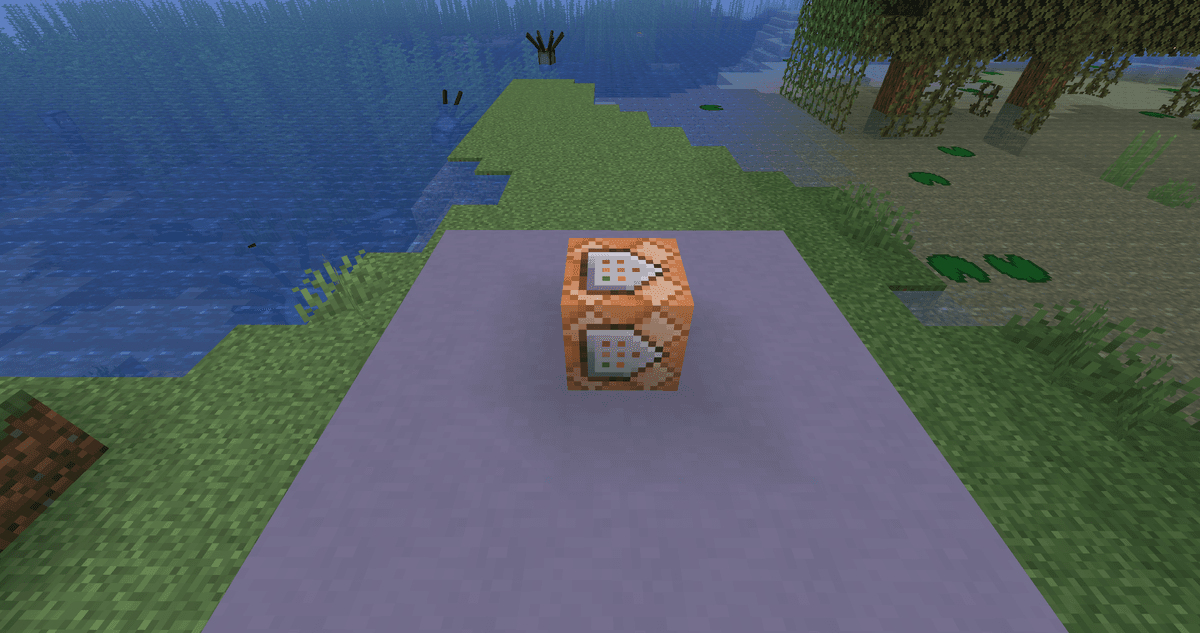
The command block in the hotbar after running the command
Step 2. Place and set up the block
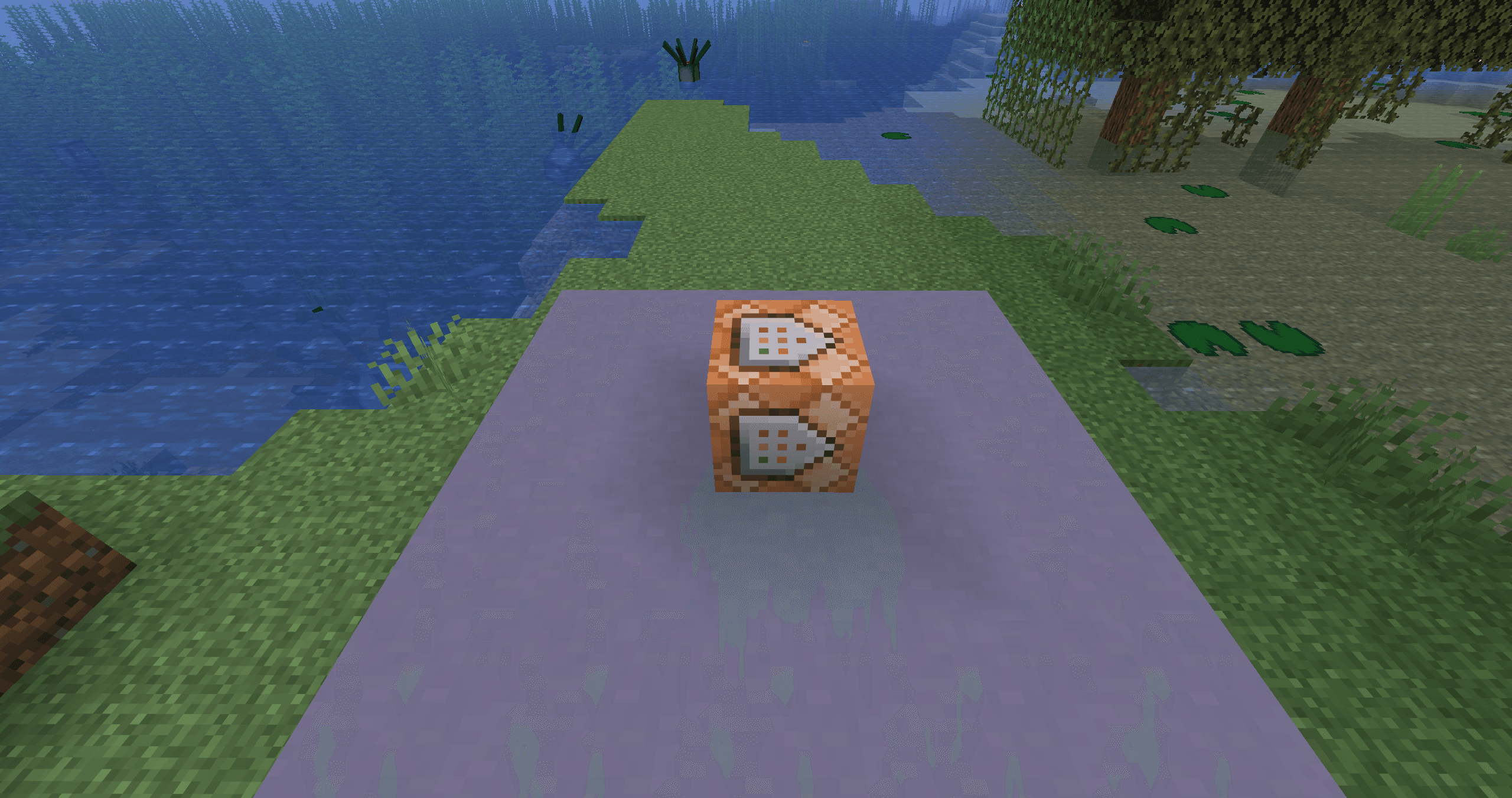
Hold the block and place it like any other block. The arrow on its sides shows which way it faces. This matters for chains: a command block activates the chain command block its arrow points into.
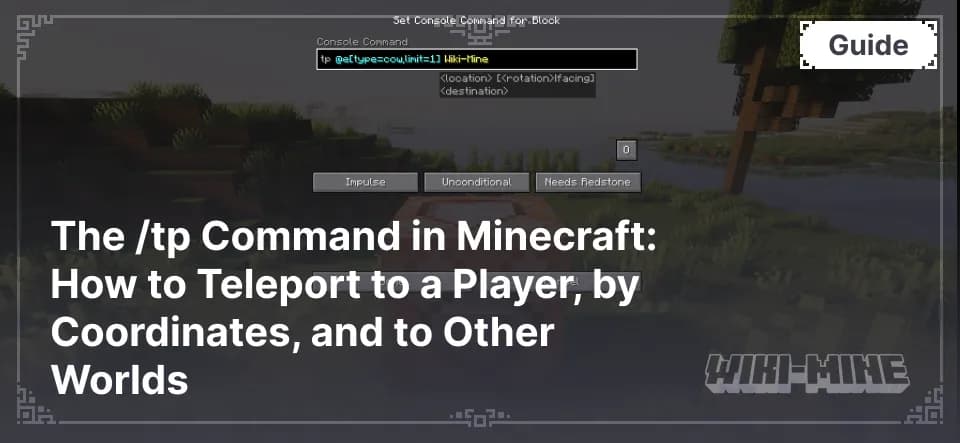
Look at the block and press the use key (right mouse button by default) to open its interface. Type a command in the Console Command field, for example /say Hello, then click Done or press Enter. Cancel or Esc closes the window without saving. The field holds up to 32,500 characters in Java Edition, much more than the chat box, and the leading slash is optional.
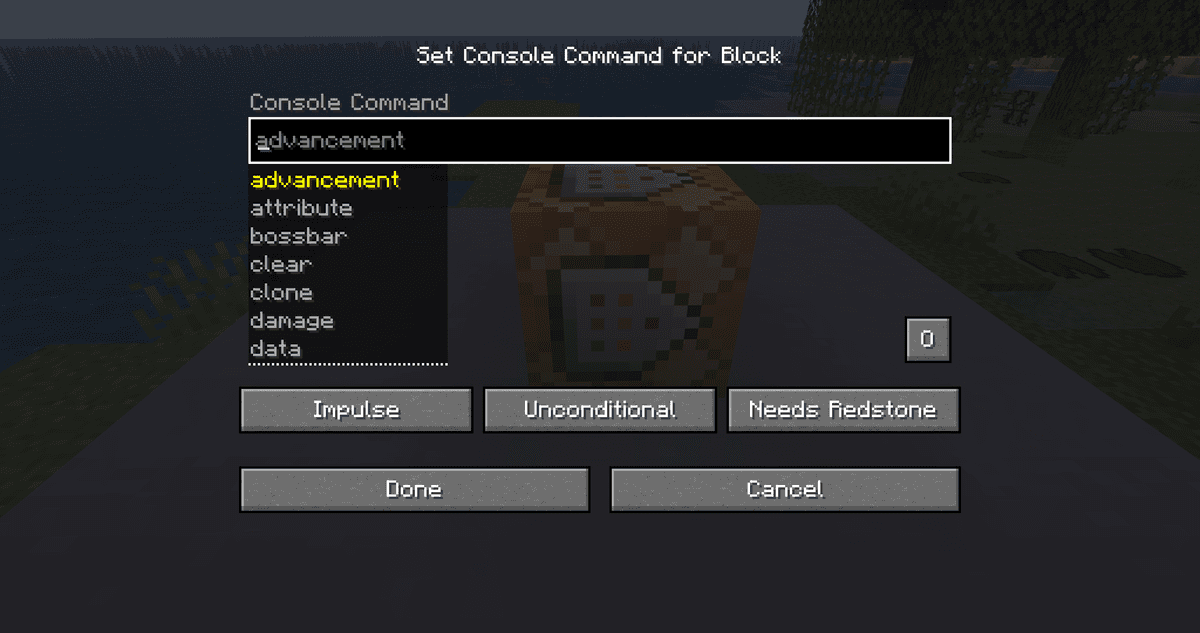
The command block interface
To run the command, power the block with redstone: a lever, a button, a pressure plate or a block of redstone next to it.
Block types and modes
The buttons below the command field switch the block's type and behavior:
Impulse (orange): runs the command once each time it is activated. This is the default type.
Chain (green): runs when the command block pointing into it has run. Use it to execute several commands in order.
Repeat (purple): runs the command every game tick, 20 times per second, for as long as it is active.
Unconditional / Conditional: a conditional block runs only if the block behind it (the one pointing into it) ran its command successfully. Unconditional is the default.
Needs Redstone / Always Active: whether the block waits for a redstone signal or counts as permanently powered. Impulse and repeat blocks default to Needs Redstone, chain blocks to Always Active.
You can also give yourself the other types directly: /give @s chain_command_block and /give @s repeating_command_block.
Other ways to get a command block
The /setblock command places the block straight into the world, skipping the inventory:
/setblock ~ ~ ~ minecraft:command_block~ ~ ~ means your current position. You can replace it with exact X Y Z coordinates.
The Operator Utilities tab (Java Edition). Go to Options → Controls and turn on Operator Items Tab. With cheats enabled, the Creative inventory gets an extra tab with command blocks, structure blocks and other technical items that you can drag straight to your hotbar.
Pick Block (Java Edition). Look at a placed command block and press the middle mouse button to copy it to your hotbar. Hold Ctrl while doing this to copy the command and settings inside it as well, which is handy for duplicating finished setups.
Command blocks on a server
On a dedicated server, command blocks can be disabled for the whole world, and then they do nothing even for operators. How to enable them depends on the server version:
Java 1.21.11 and newer (including 26.x): the game rule
command_blocks_work, which is on by default. If an admin turned it off, enable it again with/gamerule command_blocks_work true.Java 1.21.9 and 1.21.10: the same setting was the game rule
commandBlocksEnabled.Java 1.21.8 and older: the line
enable-command-block=trueinserver.properties. The default isfalse, so on older servers you have to change it and restart the server.
To get operator status, the server owner runs op <player> in the server console.
Bedrock Edition
The command is the same:
/give @s command_block. It requires Activate Cheats in the world settings.Command blocks are not in the Creative inventory, so a command is the only way to get one.
Command blocks can be turned off with the Command Blocks Enabled world option, or the game rule
commandblocksenabled.The interface looks different: the command goes into Command Input, and the type and modes are set with the Block Type, Condition and Redstone drop-down menus. On touch screens, tap the block to open it.
If /give fails or the block does nothing, the cause is almost always missing permissions: cheats are off, you are not an operator, or you are not in Creative mode when placing or editing the block. On a server, also check that command blocks are enabled as described above.
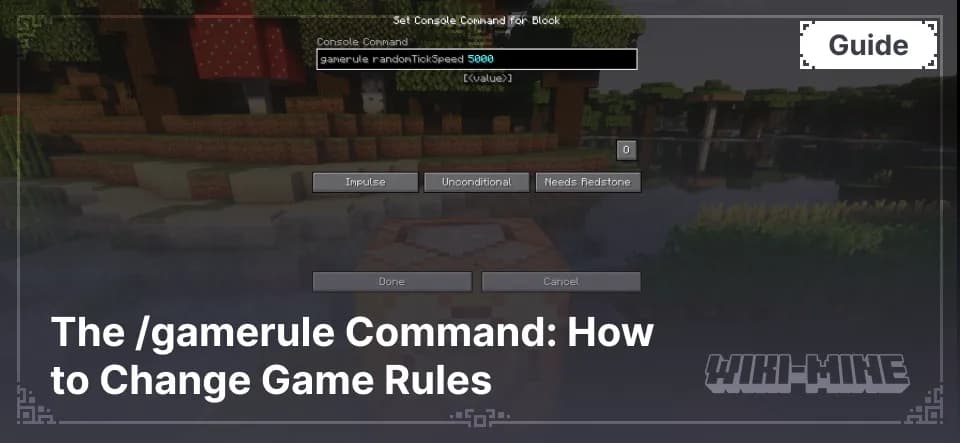
Command blocks post their results in chat for operators. To hide those messages, use the game rule /gamerule command_block_output false. Before Java 1.21.11 the rule was called commandBlockOutput; in Bedrock it is commandblockoutput.


Leave a comment
Links will be stripped
No comments yet. Be the first to share your thoughts.