
Keep Inventory in Minecraft: the /gamerule keep_inventory Command
How to keep your items and XP after death in Minecraft: the keep_inventory command for Java 1.21.11 and 26.x, the old keepInventory name…
Command reference:
Java Edition 1.21.11 and 26.x:
/gamerule keep_inventory true(the full IDminecraft:keep_inventoryalso works)Java Edition 1.4.2 to 1.21.10:
/gamerule keepInventory trueBedrock Edition:
/gamerule keepinventory trueTurn it off: the same command with
falseCheck the current value: the command without a value, e.g.
/gamerule keep_inventoryRequirements: commands (cheats) enabled in the world, or operator permissions on a server
Dying in Minecraft to a fall into lava, a creeper or a mob in the Nether usually means losing your diamond armor, rare tools and the experience you have built up. By default everything you carry drops on the ground where you died: items can burn in lava or fire, and they despawn after 5 minutes if the area stays loaded.
The keep_inventory game rule (called keepInventory before Java 1.21.11) changes that: with it turned on, you respawn with your whole inventory and all your experience levels. Below is the exact syntax for every current version of Java and Bedrock, how to turn on commands in a world that was created without them, and what to do when the command returns an error.
1. How to turn on keep inventory with a command
The command changes the keep_inventory game rule. A game rule is stored in the world itself, so it applies to every player and every dimension of that world. See the /gamerule guide for the other rules.
Steps in Java Edition
Open the chat with T (or press / to open it with the slash already typed).
Type the command for your version.
Java 1.21.11 and 26.x:
/gamerule keep_inventory trueJava 1.21.10 and older:
/gamerule keepInventory truePress Enter.
The chat confirms the change, for example "Gamerule keepInventory is now set to: true".
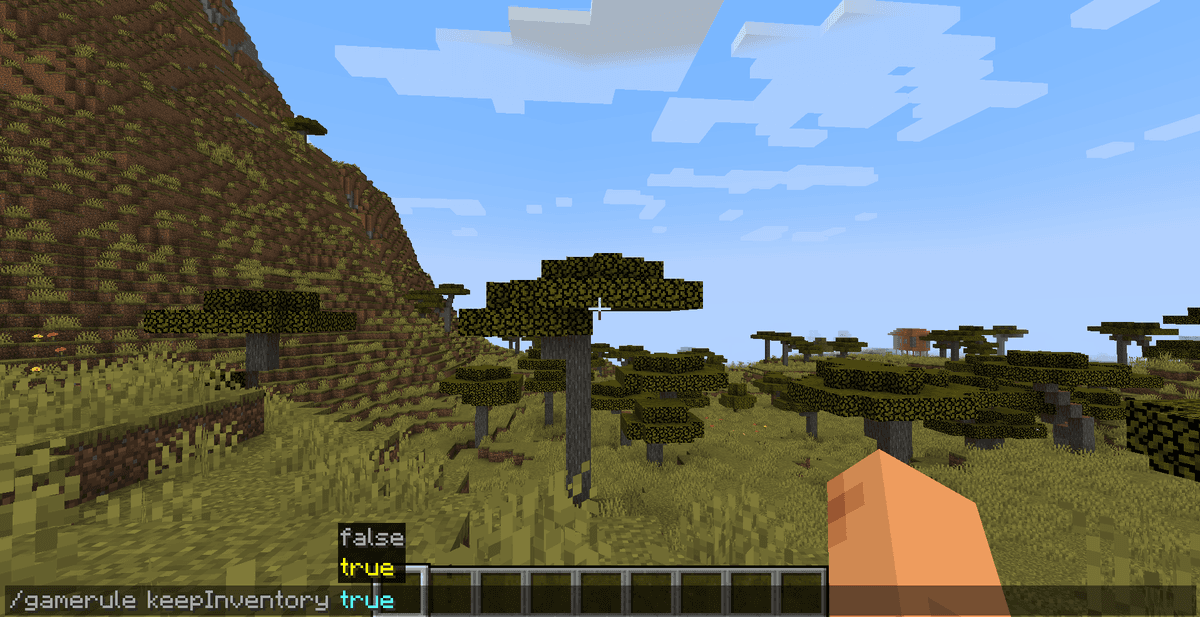
Autocomplete suggests the values true and false after the rule name
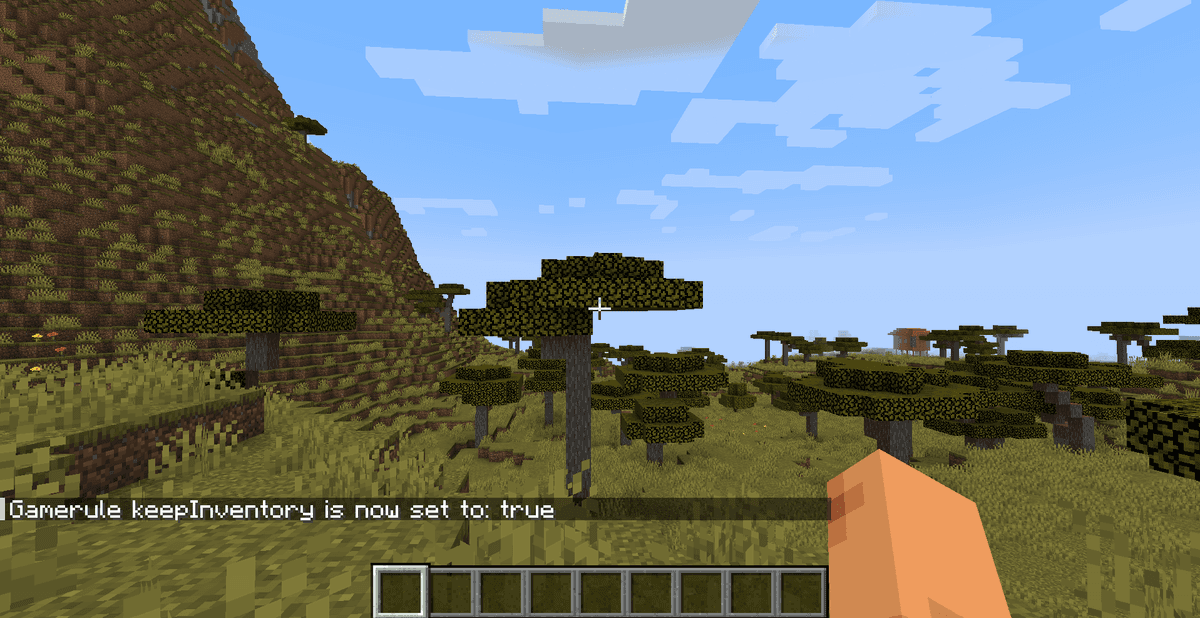
The confirmation message in chat after the command runs
From now on, whatever kills you (lava, falling, poison or mobs), you respawn at your spawn point with every item in your hotbar, inventory, armor slots and offhand, and with all your experience levels. Health and hunger are reset as usual, and status effects are removed.
In Java 1.21.11 (snapshot 25w44a) all game rules were renamed to snake_case resource IDs. On 1.21.11 and 26.x the old name keepInventory is no longer recognised and the command returns an error, so use keep_inventory. On 1.21.10 and older it is the other way round: only keepInventory works.
Bedrock Edition (Windows, consoles, mobile)
Bedrock never adopted the new names. The rule is still keepinventory, and Bedrock is not case-sensitive here, so keepInventory works too:
/gamerule keepinventory trueBedrock also has a toggle for it: open the world settings, go to the Cheats section and switch on Keep Inventory. Both ways turn on cheats in that world, which permanently disables achievements for it. Like in Java, Bedrock keeps your experience levels as well as your items.
2. How to turn on commands in an existing world (if the command does not work)
If the game answers "Unknown or incomplete command" or says you do not have permission, the world was created with commands (cheats) turned off. See how to enable cheats in an existing world for every method; in single-player Java the quickest one is the LAN trick.
Turning on commands via LAN (single-player, Java Edition)
Press Esc to open the game menu.
Click Open to LAN.
Set Allow Commands to ON (in older versions the button is called Allow Cheats).
Click Start LAN World.
Open the chat (T) and run
/gamerule keep_inventory true(or/gamerule keepInventory trueon 1.21.10 and older).
Commands enabled this way last only until you leave the world. The game rule itself is saved with the world: after reloading, keep inventory stays on, but to run other commands you have to open the world to LAN again.

The LAN World screen with Allow Commands set to ON
3. What changes when keep inventory is on
On death | Default ( | Keep inventory on ( |
Items in the inventory and hotbar | Scatter around the spot where you died | Stay in their slots |
Worn armor and elytra | Drop on the ground and burn if they land in lava or fire | Stay on the character |
Experience (XP) | All levels are lost; only 7 XP points per level are dropped as orbs, 100 points at most (enough for about level 7) | All levels are kept |
Items lost to lava | Anything that falls into lava burns, except netherite gear | Nothing is lost, the items respawn with you |
Items left on the ground | Despawn after 5 minutes in a loaded area | Nothing drops |
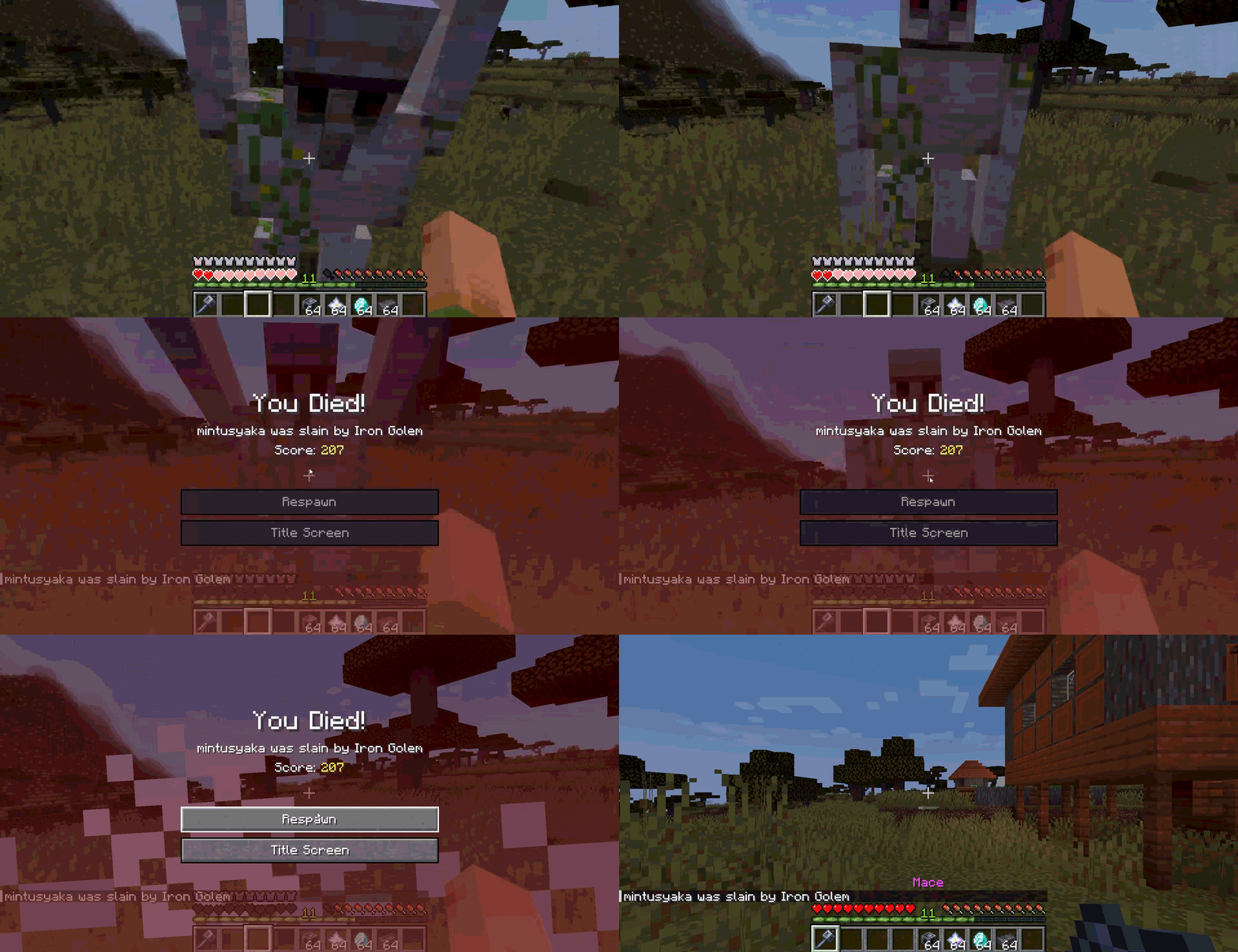
Killed by an iron golem: after respawning, the items and experience level are still there
4. Common errors and FAQ
Why does the command not work in Java Edition?
Check the rule name against your version. On Java 1.21.11 and 26.x only keep_inventory is accepted, and keepInventory returns an error. On 1.21.10 and older the name is keepInventory, and Java is case-sensitive: keepinventory with a lowercase i is rejected. If the game reports an unknown command or missing permission, commands are turned off in the world (see section 2).
Does keep inventory work on servers and Realms?
Yes. On a server, an operator runs the command once (or the server console runs it without the slash), and it applies to the whole world for all players. On Realms, the owner or an operator can run it the same way; on Bedrock Realms, cheats have to be on in the world settings first.
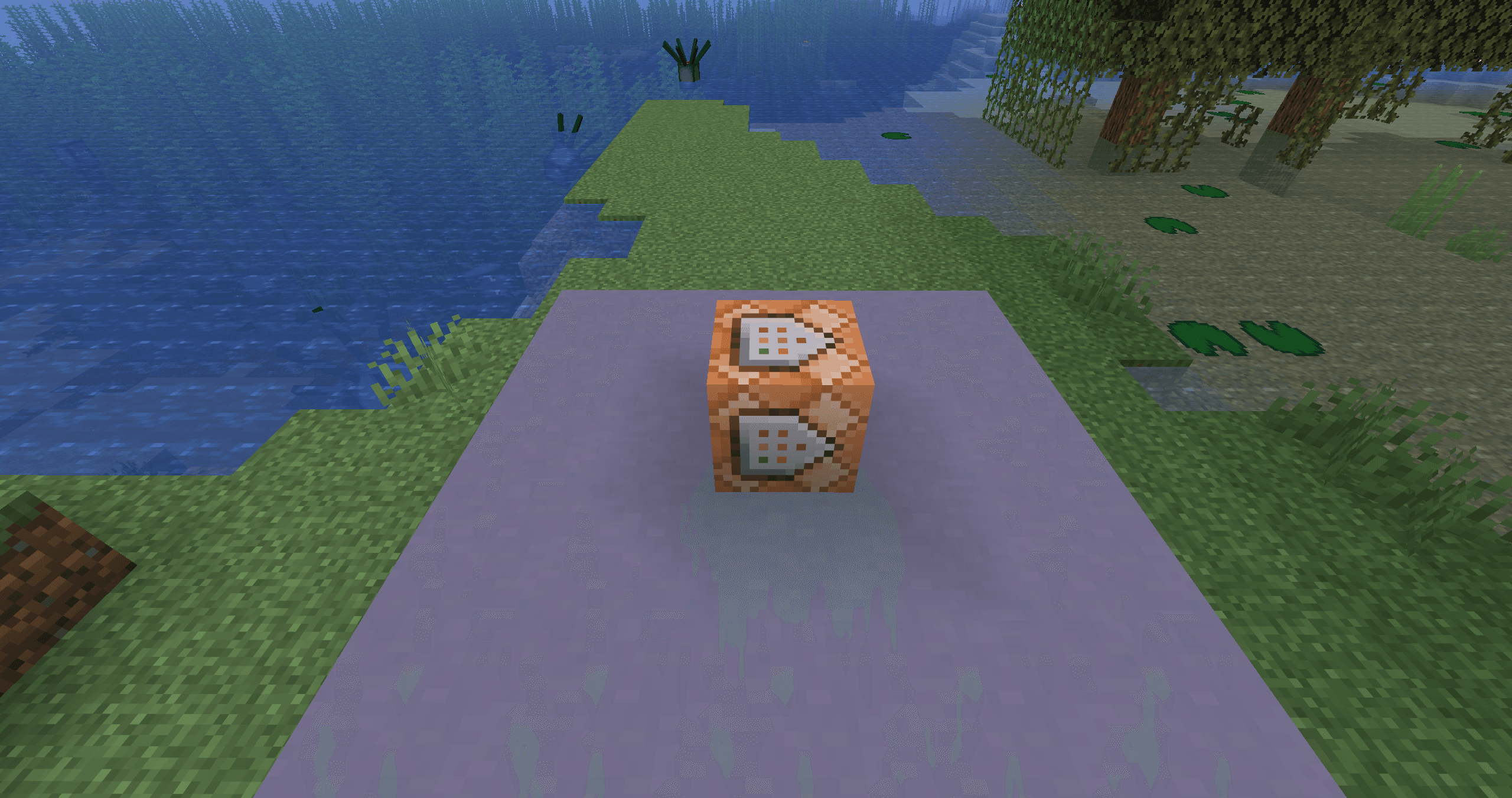
Can I turn it on with a command block?
Yes, a command block can run gamerule keep_inventory true like any other command, which is handy on adventure maps.
How do I turn keep inventory off again?
Set the rule back to its default:
/gamerule keep_inventory falseOn Java 1.21.10 and older use /gamerule keepInventory false, on Bedrock /gamerule keepinventory false.










Leave a comment
Links will be stripped
No comments yet. Be the first to share your thoughts.