BlueMap — Plugin for Generating an Interactive 3D World Map in the Browser for Minecraft
A complete guide to the BlueMap plugin for Minecraft, which creates an interactive 3D map of your world in the browser. Features, commands…
A complete guide to the BlueMap plugin for Minecraft, which creates an interactive 3D map of your world in the browser. Features, commands, and configuration.
BlueMap — Plugin for Generating an Interactive 3D World Map in the Browser for Minecraft
BlueMap is a Minecraft plugin that reads world files and builds a three-dimensional surface model accessible in a browser via a built-in web server. The standard client renders the world only around the player and does not provide an aerial or external view. The plugin generates a full map with the ability to rotate the camera, switch between perspective or isometric (flat) modes, and view structures simply by following a URL. It solves one main problem: external viewing of the server world without the need to log into the game.
How Rendering Works
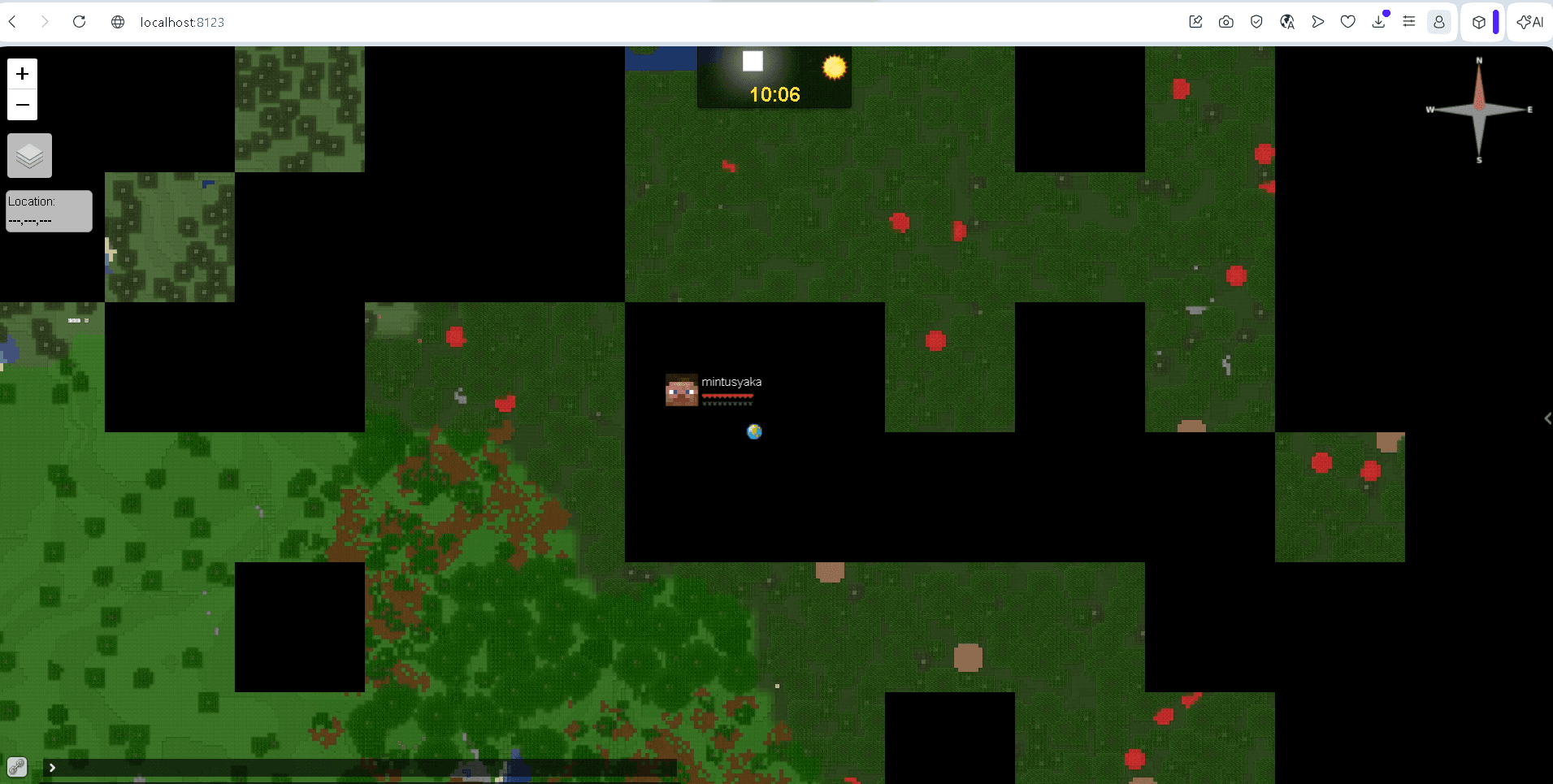
The plugin splits chunks into tiles and generates two layers of detail: hires models with full block geometry and a lowres map for distant viewing. The hires layer is active at close zoom, revealing specific blocks, textures, and elevations. At further zooms, a simplified layer featuring colored biome patches and landscapes is loaded.

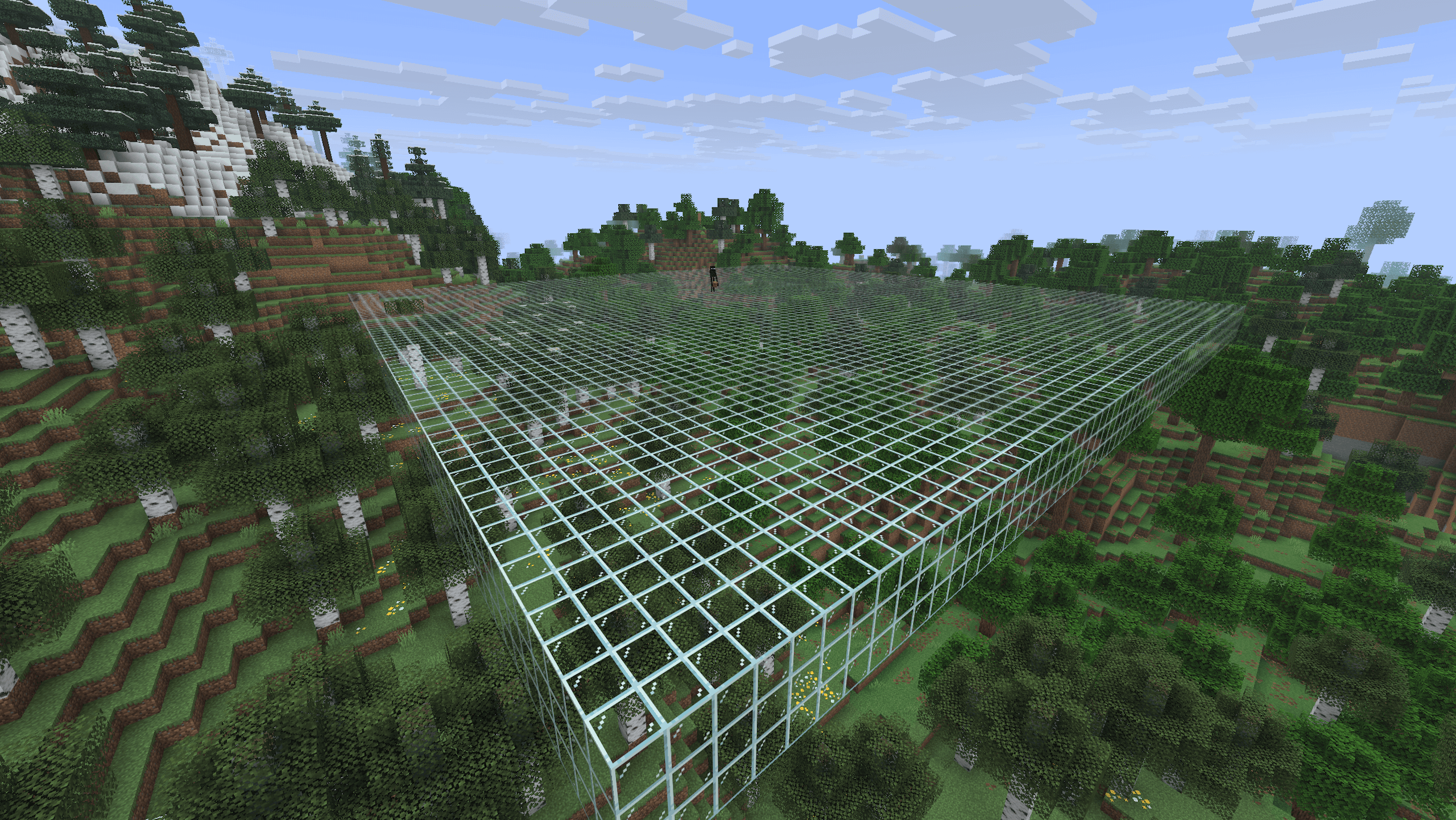
The rendering process in the web interface: tiles load gradually upon zooming.
Rendering is executed asynchronously in a separate thread pool. This means the main Minecraft server thread is not blocked — as long as the CPU has free cores, players will not experience lag from map generation. The plugin tracks world changes independently: BlueMap periodically checks mca files, detects modified chunks, and re-renders only those. Manual commands like /bluemap update are rarely needed, primarily serving diagnostic purposes.
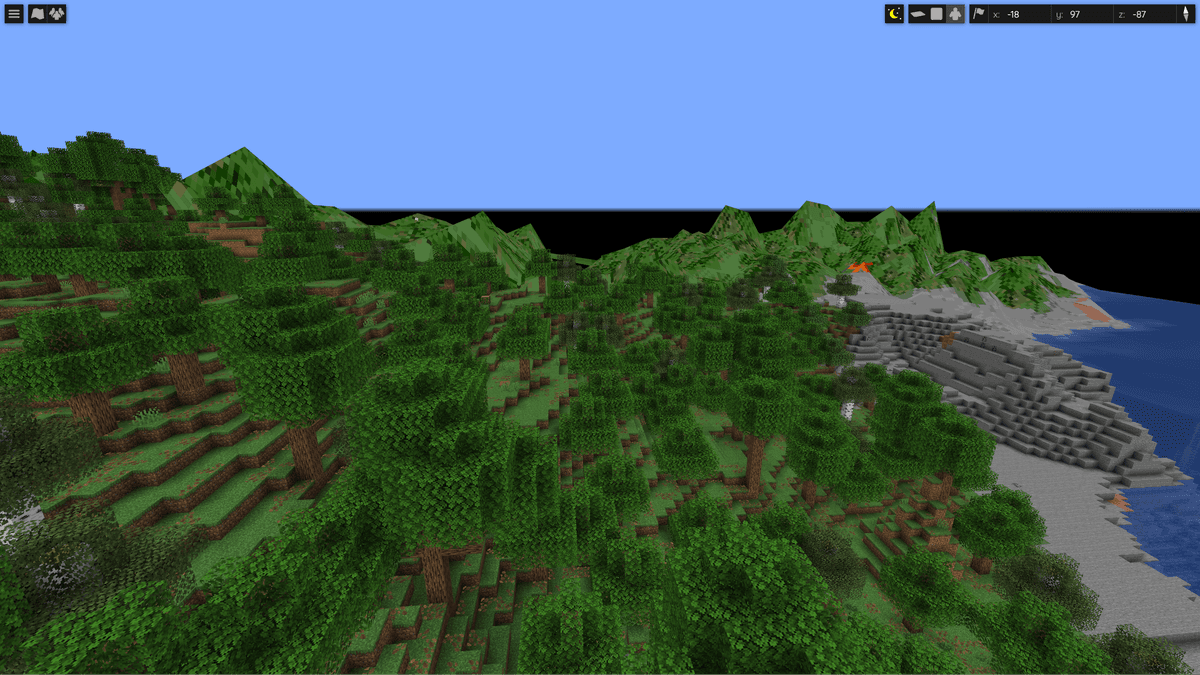
First-person rendering in the web interface
Commands
The plugin registers a single root command /bluemap with various subcommands. Most scenarios do not require any commands, as rendering happens automatically.
Command | What it does | |
| displays render status and queue | |
| reloads configs; | |
| pauses and resumes all rendering (persists after restart) | |
| freezes a specific map (disables updates) | |
| completely deletes map data; it will be re-rendered | |
| forces an update of changed chunks within the radius | |
| re-renders everything, even if there were no changes | |
| checks for common map issues at the specified point |
![CommandWhat it does/bluemapdisplays render status and queue/bluemap reload [light]reloads configs; light skips resource…](/_next/image?url=%2Fuploads%2Fplugins%2F16cc09ffd54440eeb379b53ec3b30596.png&w=1200&q=75)
Executing the /bluemap command
Configuration
The plugin folder contains four configuration files: core.conf, plugin.conf, webapp.conf, and webserver.conf. There are also three subfolders: maps/ (one .conf file per world), packs/ (resource packs for rendering), and storages/ (file.conf for the file system, sql.conf for an SQL database).
core.conf
The main file. A key parameter is accept-download, which must be set to true for the first launch. The render-thread-count parameter (default is 1) sets the number of render threads — a negative value signifies "number of CPU cores minus the absolute value". The metrics (true) setting controls the transmission of anonymous statistics.
plugin.conf
Parameters for player visibility on the map and rendering behavior:
Parameter | What it does |
| transmits the positions of online players to the web application |
| modes in which the player is not visible. Values: |
| hides players obscured by a vanish plugin |
| hides players with the Invisibility potion effect |
| hides sneaking players |
| sunlight threshold; |
| block light threshold |
| removes players currently in another world from the list |
| seconds between writing markers to storage; |
| seconds between writing player positions |
| downloads skins from Mojang when a player joins |
| the number of online players at which rendering stops; |
| minutes between full scans for missed changes |
webapp.conf
Web application settings. default-to-flat-view (false) determines the default viewing mode — perspective or isometric. The sliders hires-slider-default (100) and lowres-slider-default (2000) set the distance for detailed and simplified rendering in blocks. resolution-default (1) accepts the values 0.5, 1, or 2. The scripts and styles arrays integrate custom JS and CSS files.
webserver.conf
The built-in web server. enabled (true) — enables or disables it. port (8100) — the port. webroot ("bluemap/web") — the directory containing web application files (must match webroot in webapp.conf). The log section configures HTTP activity recording to a file.
Conclusion
BlueMap allows you to view your world externally as a fully-fledged 3D model with camera rotation and free flight. The plugin is highly suited for survival and RPG servers, where sharing coordinates and inspecting builds is crucial; however, it is largely unnecessary for minigame servers lacking a persistent world.
Installation
A typical installation takes about 5 minutes. The flow is the same; only the loader and the matching build differ.
- 1Stop your Minecraft server.
- 2Drop the plugin .jar into the server /plugins folder.
- 3Start the server once so the plugin generates its config files.
- 4Edit /plugins/<name>/config.yml as needed, then run /reload confirm or restart.
 How to Install a Plugin on a Minecraft ServerLearn how to install a plugin on a Minecraft server. Follow this guide to add new features, improve gameplay, and customize your server easily.Open the install guide