CrazyCrates — a plugin for adding custom cases and reward crates in Minecraft
CrazyCrates allows you to add reward crates to your Minecraft server with various animations, physical and virtual keys, and a weight-based…
CrazyCrates allows you to add reward crates to your Minecraft server with various animations, physical and virtual keys, and a weight-based chance system.
CrazyCrates — a plugin for adding custom cases and reward crates in Minecraft
CrazyCrates allows you to add crates to a Minecraft server. Each crate is a block in the world or a position in a menu that a player opens with a key to receive a random prize. The plugin provides 11 different types of animations, two types of keys — physical (items in the inventory) and virtual (stored in the database) — and a weight-based chance system instead of a percentage one. It is distributed for free.
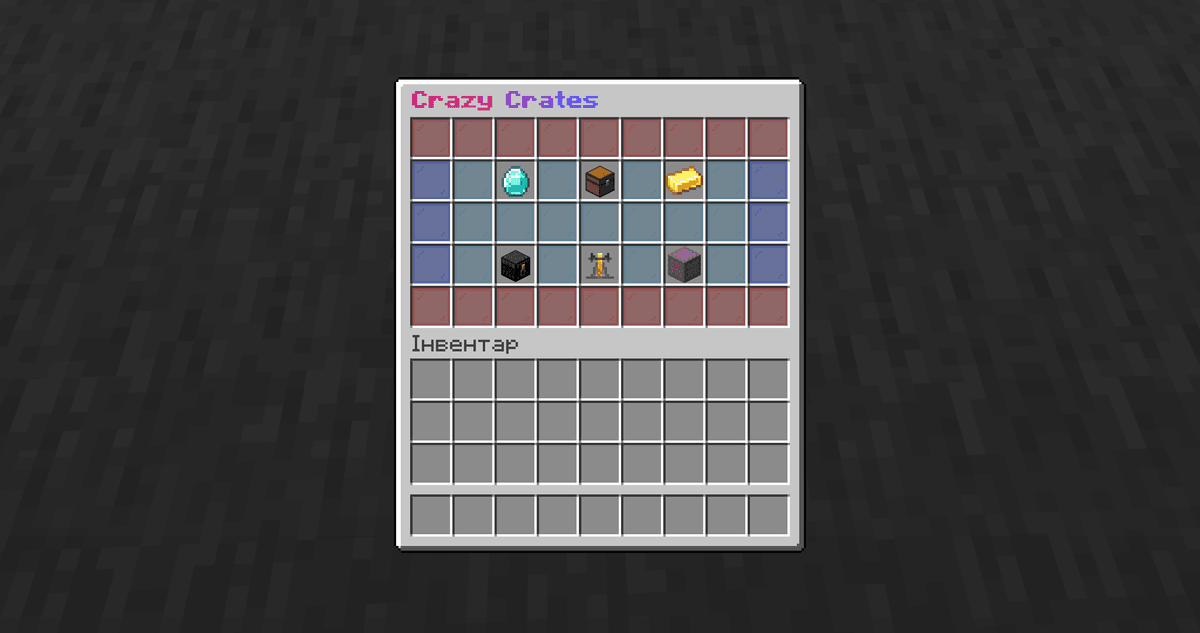
Main menu /crates with crates displayed as items in the inventory
Crate Types
Each crate on the server is a separate .yml file in the crates/ folder. The file has a CrateType parameter, which determines the opening animation.
On the first run, the plugin generates 6 ready-made examples that cover 5 confirmed types. You can open any of them for a test without a key using the command /crazycrates forceopen <file_name> <nickname>.
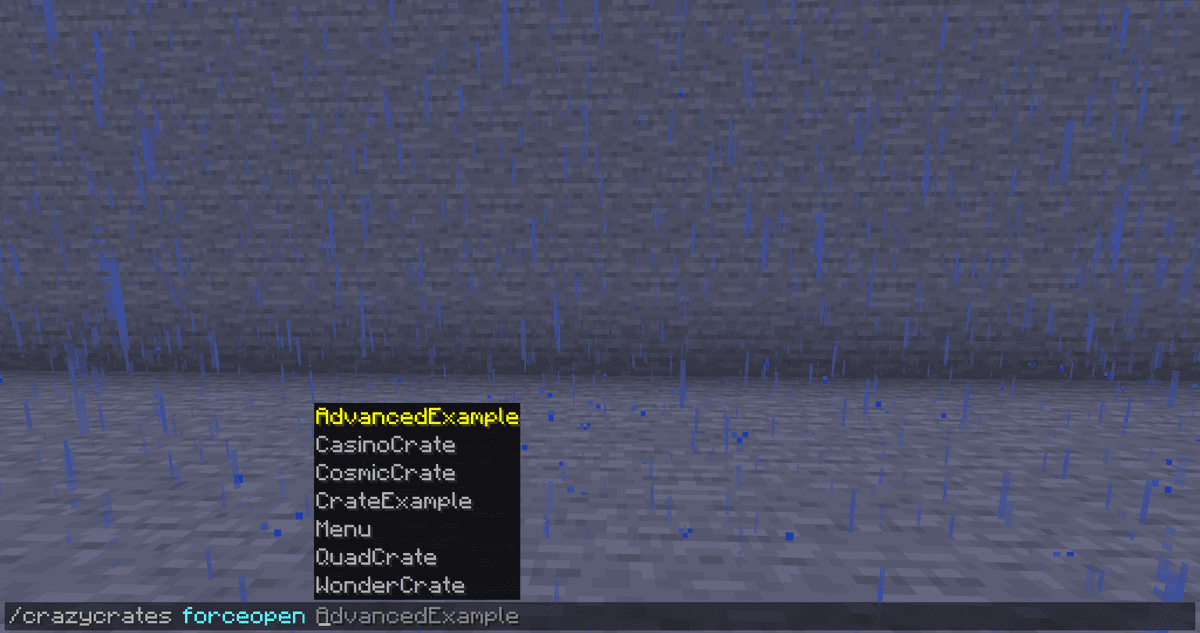
All available basic crates
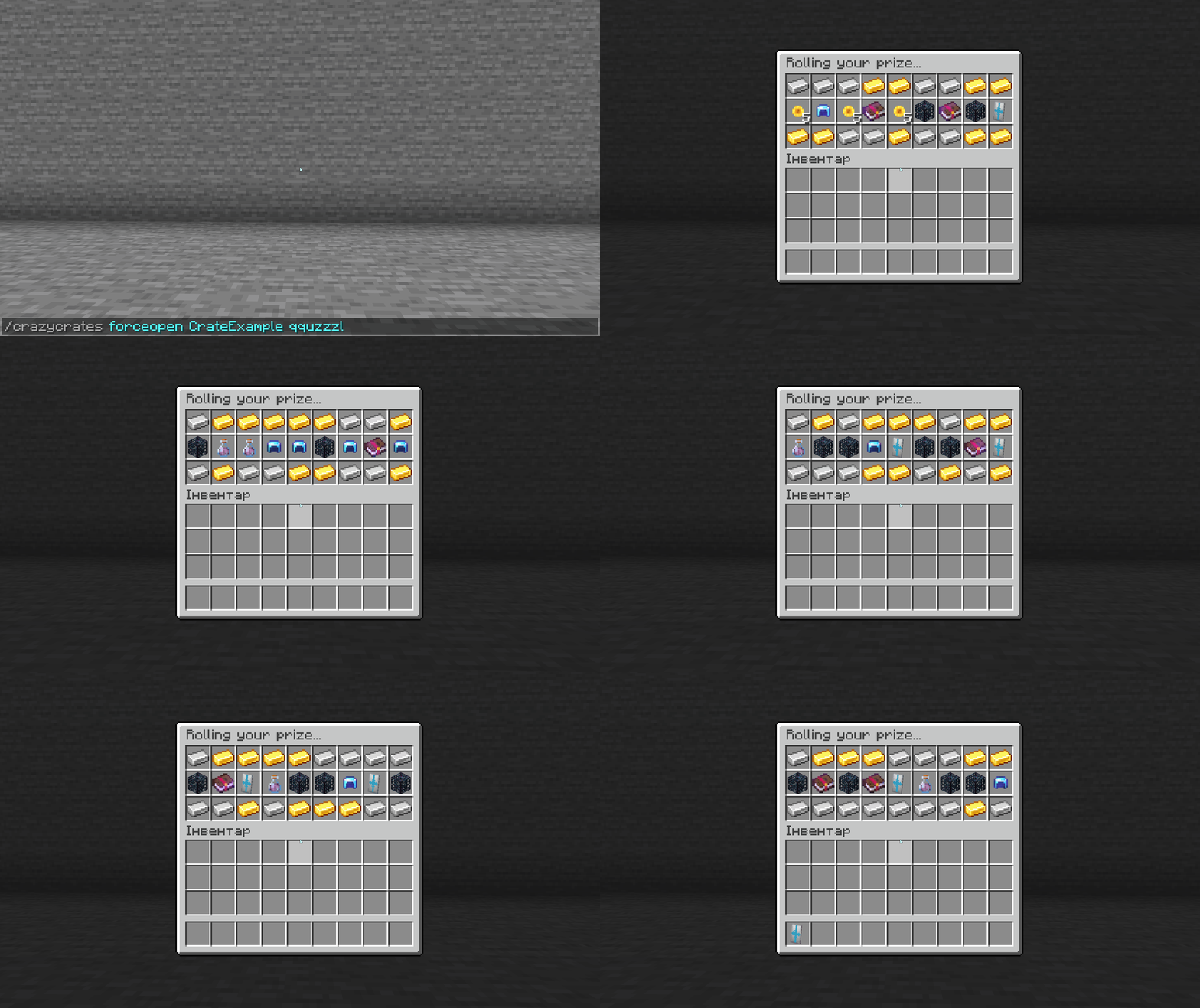
Scroll - a horizontal ribbon of items appears in the inventory, which scrolls, gradually slows down, and stops at the winning item in the middle. This type is used by two examples — CrateExample.yml and AdvancedExample.yml.
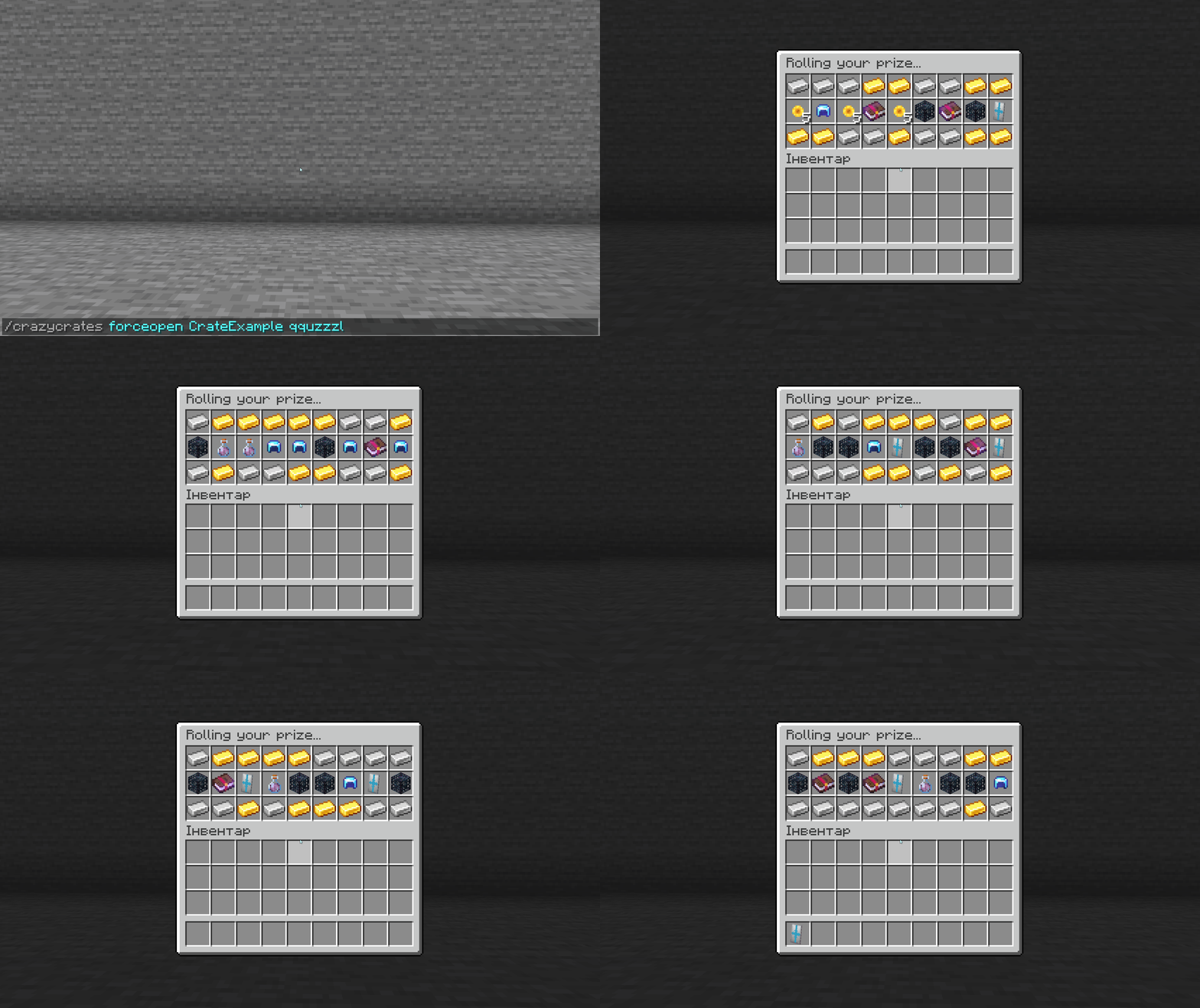
CrateExample execution — a horizontal ribbon of items scrolls and stops at the winning one
Cosmic — several prizes appear in the inventory to choose from. The player clicks on the one they want to take. If nothing is selected in 10 seconds, the plugin issues one prize automatically. Casino — a crate with tiers. First, the animation determines the tier, then inside it — the specific prize.
QuadCrate — upon opening, four physical crate blocks spawn around the player in the world. The player approaches each one and opens them one by one — each yields a separate prize.
Wonder — a window with a full inventory appears, from which items gradually disappear; the one that remains will be the prize.
Keys
Each crate uses its own key. A physical key is a regular item with a custom look, name, and lore, which the player holds in their inventory. A virtual key does not take up space — it is stored in the plugin's database and bound to the player's account.
By default, a physical crate block accepts both types. The behavior can be changed in config.yml separately for each combination.
If a player's inventory is full when receiving a key, the plugin either converts it into a virtual one or drops it on the ground — depending on the settings. Trying to open a crate without a key pushes the player back.
Administrators can give and take keys even from offline players, distribute a key to all online players at once through a single command, or give a random key from all available crates. Players with the appropriate permission can transfer their virtual keys to others.
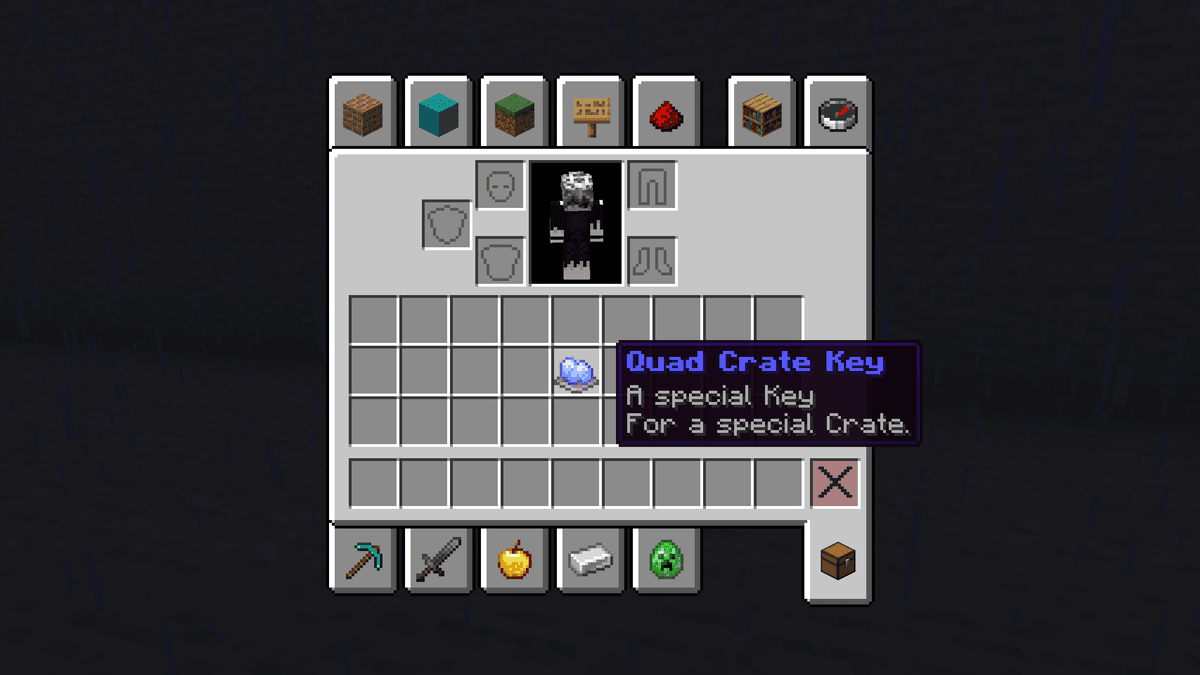
A physical key for a crate — an item with a custom description
Chance System
The probability of each prize is determined not by percentages, but by weight — the Weight parameter in the crate file. The higher the weight value, the more often the prize drops; the lower it is, the less often.
The maximum range is the sum of all weights in the crate. If three prizes have weights of 10, 15, and 25, the range is 50. The chance of the first is 20%, the second is 30%, and the third is 50%.
The advantage of this approach over percentages: there is no need to make sure the sum doesn't exceed 100. You can simply set relative values and add new prizes without recalculating the rest.
Commands
The main plugin command is /crazycrates, with aliases /crates and /cc. Players only have access to /keys (view their keys) and /crates (open the menu).
Admin commands:
/crazycrates giveand/crazycrates take— give or take a key from a specific player, including offline ones./crazycrates giveall— distribute a key to all online players simultaneously./crazycrates forceopen— open a crate for a player for free, without a key./crazycrates editor— crate placement mode in the world: point at a block and bind a crate to it./crazycrates debug— receive all crate prizes at once to test the settings./crazycrates mass-open— mass opening of a specified number of crates at once./crazycrates reload— reload all configurations without restarting the server./crazycrates migrate— import crates from other plugins or convert legacy file formats.
Permissions are divided into three wildcards: crazycrates.players.* for players, crazycrates.admin.* for admins, crazycrates.schematic.* for working with schematics. A player can be excluded from a mass /giveall distribution via a separate permission.
Configuration
All plugin files are located in the plugins/CrazyCrates/ folder. The main one is config.yml, where global server settings are configured. Crates are stored in the crates/ subfolder — each in a separate file. The examples/ folder contains examples from the developers, but you shouldn't edit them: it gets completely overwritten on every /crazycrates reload. All message texts are extracted to messages.yml and edited separately.
In config.yml, you should pay attention to a few things. Holograms above crates appear automatically if DecentHolograms, FancyHolograms, or CMI is installed on the server — the plugin will pick them up itself. If none are present, there simply won't be holograms. Messages to players can be directed either to the chat or the action bar — depending on how the server is set up. Logging of actions with keys and crates is enabled separately for the console and for the file; file logs are archived into a zip on restart.
Each crate is configured in its own file. Besides the animation type and the list of prizes, it defines the look of the physical key, the hologram text above the block, the size and design of the preview window, sounds during scrolling and upon completion, as well as the ability to reroll the prize if the result wasn't satisfactory.
Conclusion
CrazyCrates adds animation systems for both donation stores and in-game survival progression. The weight-based chance system is more convenient than percentage-based when actively editing — there is no need to recalculate the entire list every time.
For PvP and survival servers with a donation system, CrazyCrates is a convenient choice. For a simple server where one crate without animations is needed, QuickCrate and minimal configuration will suffice.
Installation
A typical installation takes about 5 minutes. The flow is the same; only the loader and the matching build differ.
- 1Stop your Minecraft server.
- 2Drop the plugin .jar into the server /plugins folder.
- 3Start the server once so the plugin generates its config files.
- 4Edit /plugins/<name>/config.yml as needed, then run /reload confirm or restart.
 How to Install a Plugin on a Minecraft ServerLearn how to install a plugin on a Minecraft server. Follow this guide to add new features, improve gameplay, and customize your server easily.Open the install guide