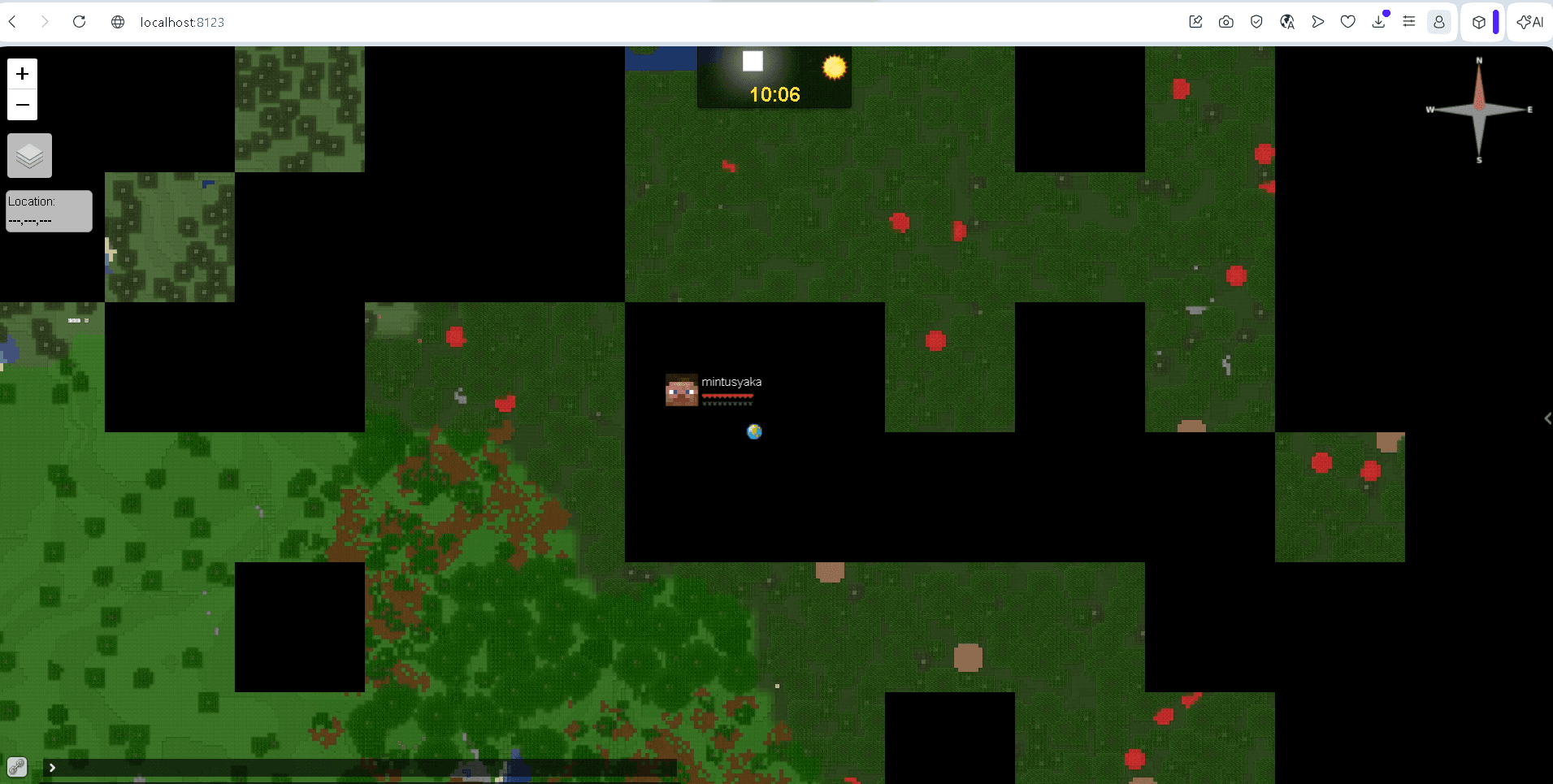
GriefPrevention — an anti-griefing protection plugin for Minecraft
GriefPrevention lets Minecraft survival players claim land with a golden shovel, control access via Access/Container/Build/Manage trust…
GriefPrevention lets Minecraft survival players claim land with a golden shovel, control access via Access/Container/Build/Manage trust levels, and manage claim blocks earned over playtime.
Dependencies:
Server type: Spigot, Paper, Purpur, Pufferfish, Bukkit
Minecraft version: 1.17.x – 1.21.x and newer
GriefPrevention allows players to claim territory without an administrator's involvement. The player highlights an area with a golden shovel, and the plugin blocks the breaking and placing of blocks, opening of chests, doors, and buttons within its boundaries for anyone the owner has not given permission to. The claimed area is limited by «claim blocks», which are accumulated during playtime. The plugin has been running since 2011 and is designed for survival servers where territorial conflicts need to be resolved without manual moderation.
Territory claiming
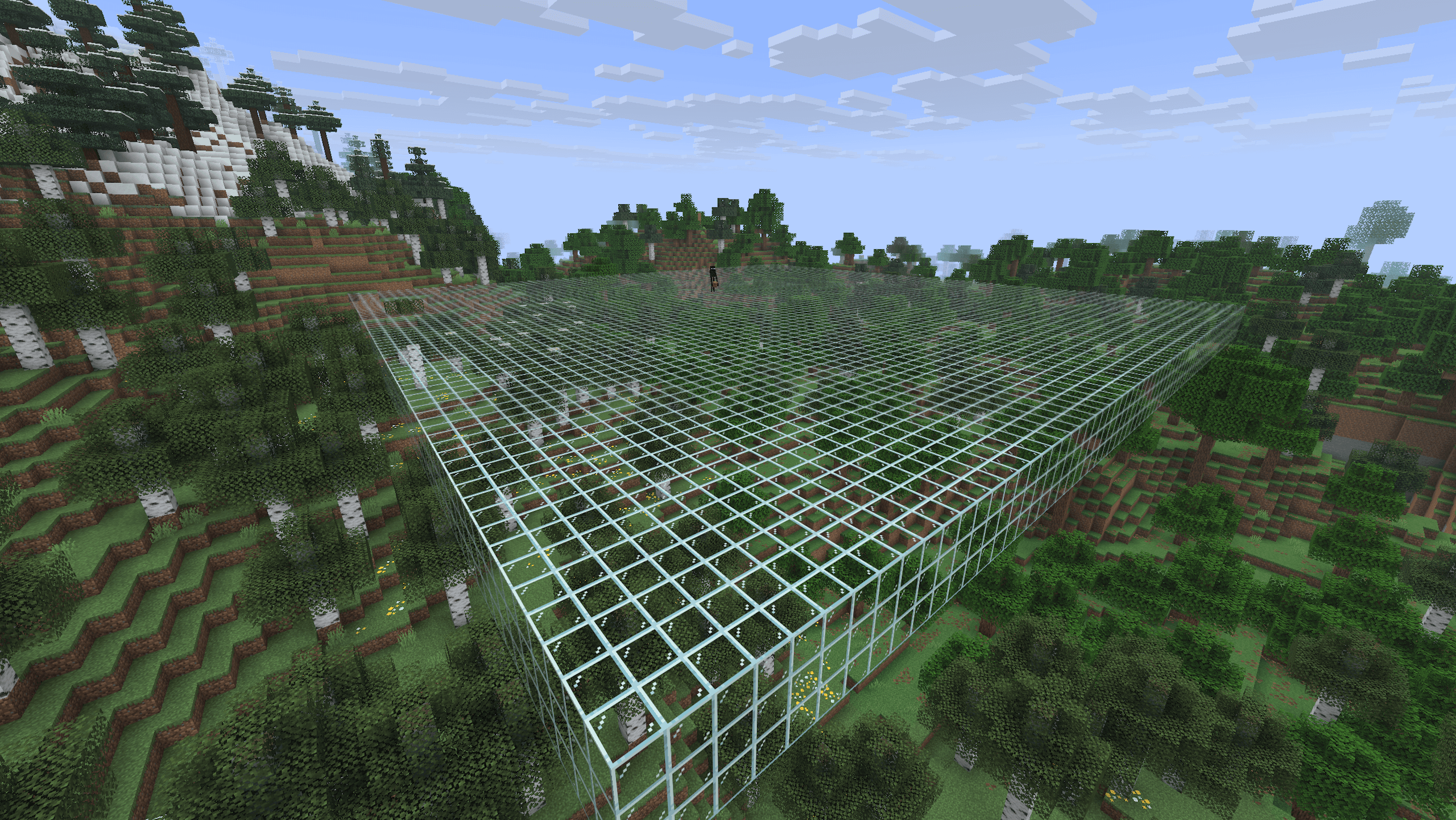
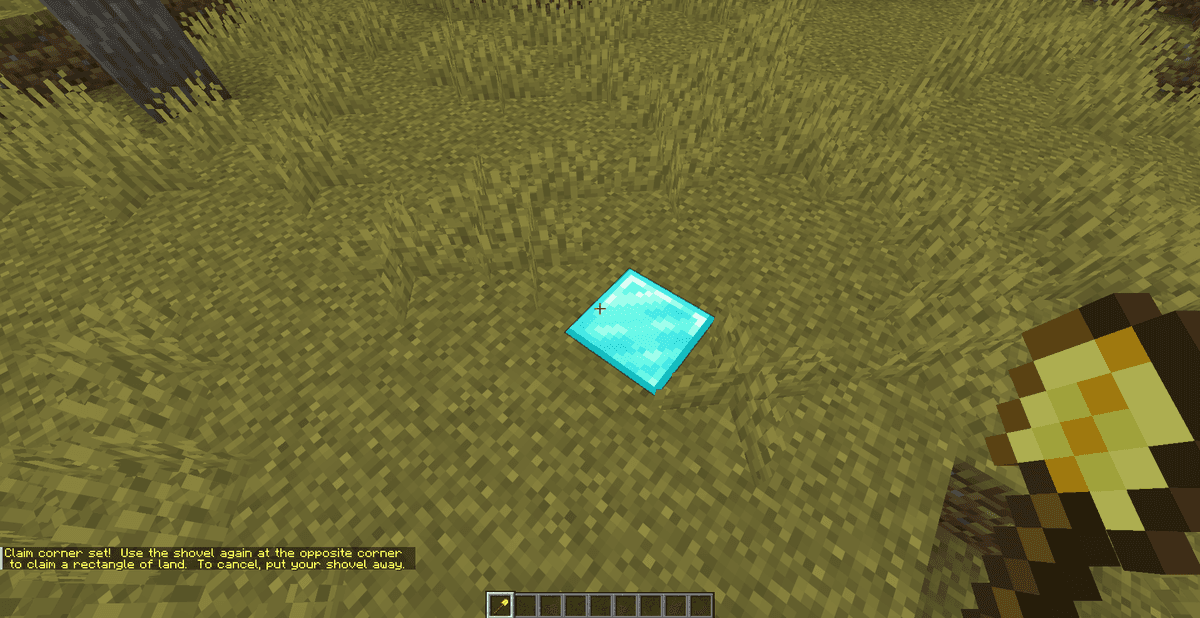
The main tool is a golden shovel. A player hits one corner block of the future plot with it, then the opposite one — the area between them becomes a claim. The size is calculated horizontally; the protection extends to the full height of the column above and below the selected area.
A stick is used to view the boundaries: hitting a block with it shows who owns the adjacent plot. The plugin automatically claims new players' chests in a small radius to protect their starter inventory until they create a full claim.
Claim blocks
The area of claimed plots is limited by the supply of claim blocks. The player receives a starter pool immediately and then accumulates blocks for every hour on the server up to a maximum set by the admin. One plot consumes blocks according to the area formula (length × width). An abandoned plot can be unclaimed with a command — the blocks are returned to the supply.
By default, the minimum width and area of a plot are limited by the config. The plugin will not allow creating an area that is too narrow or small so that players do not «carve» protective strips close to other people's buildings.
Trust levels
Access to another person's claim is granted through the trust system. Levels differ in the scope of rights:
Level | Command | What it allows |
|---|---|---|
Access |
| doors, buttons, levers, beds |
Container |
| chests, furnaces, dispensers + Access rights |
Build |
| placing and breaking blocks + Container rights |
Manage |
| granting and revoking trust from others |
Trust can be granted to a specific player, to everyone (public), or only for a single plot. Viewing granted rights is /trustlist, revoking is /untrust <nickname>.
Commands
Claim commands are available to players without separate permissions if griefprevention.claims is enabled. Admin commands require separate nodes.
Command | Description | Permission |
|---|---|---|
| list of player's plots | — |
| unclaim the plot under your feet | — |
| unclaim all plots | — |
| evacuation if stuck in someone else's claim | — |
| mode for dividing a plot into sub-plots | — |
| admin (server) claims mode |
|
| temporarily ignore claim protection |
|
| give bonus blocks to a player |
|
| delete someone else's plot |
|
Configuration
The main parameters are in config.yml, under the GriefPrevention.Claims section. Message texts are moved to a separate messages.yml and translated without editing the code.
GriefPrevention:\n Claims:\n InitialBlocks: 100 # starter block supply\n BlocksAccruedPerHour: 100 # accumulation per hour of play\n MaxAccruedBlocks: 80000 # supply ceiling\n AutomaticNewPlayerClaimsRadius: 4 # auto-claim of newcomer's chest\n MinimumWidth: 5 # minimum plot width\n MinimumArea: 100 # minimum area\nThe claiming mode is set separately for each world: in survival worlds, claiming is enabled, in creative or technical worlds, it can be disabled completely.
Integrations
With Vault installed, the plugin allows the sale and purchase of claim blocks for in-game currency — the player buys more area without waiting for it to accumulate during playtime. Access rights to commands are read by any permission plugin (LuckPerms and analogues) through standard Bukkit nodes.
Conclusion
GriefPrevention solves the basic task of a survival server — protecting buildings and chests without manual admin intervention. Its strength is self-service: players claim and distribute access themselves, the admin only sets the limits in the config. Unlike WorldGuard, which is focused on regions carved out by an administrator, here plots are created by the players themselves with a golden shovel. Limitations — claims are strictly rectangular, without complex polygons, and there is no built-in GUI: everything is controlled by commands and two items. For large RPG servers with complex zoning, WorldGuard is chosen more often, but for classic survival with claims, GriefPrevention is more practical.
Q&A
How to claim territory in GriefPrevention? Take a golden shovel and hit two opposite corners of the plot with it. The area between them will become a claim.
What are claim blocks? It is the area limit. A player gets a starter supply and accumulates new blocks for every hour on the server. The area of all plots cannot exceed the available supply.
How to let a friend build in my claim? The /trust <nickname> command gives full building access. For access only to chests use /containertrust, only for doors — /accesstrust.
Does GriefPrevention need dependent plugins? No, the plugin works independently. Vault is only needed for trading claim blocks for currency.
How does GriefPrevention differ from WorldGuard? In GriefPrevention, players create plots themselves with a golden shovel. In WorldGuard, an administrator carves regions with commands.
Installation
A typical installation takes about 5 minutes. The flow is the same; only the loader and the matching build differ.
- 1Stop your Minecraft server.
- 2Drop the plugin .jar into the server /plugins folder.
- 3Start the server once so the plugin generates its config files.
- 4Edit /plugins/<name>/config.yml as needed, then run /reload confirm or restart.
 How to Install a Plugin on a Minecraft ServerLearn how to install a plugin on a Minecraft server. Follow this guide to add new features, improve gameplay, and customize your server easily.Open the install guide